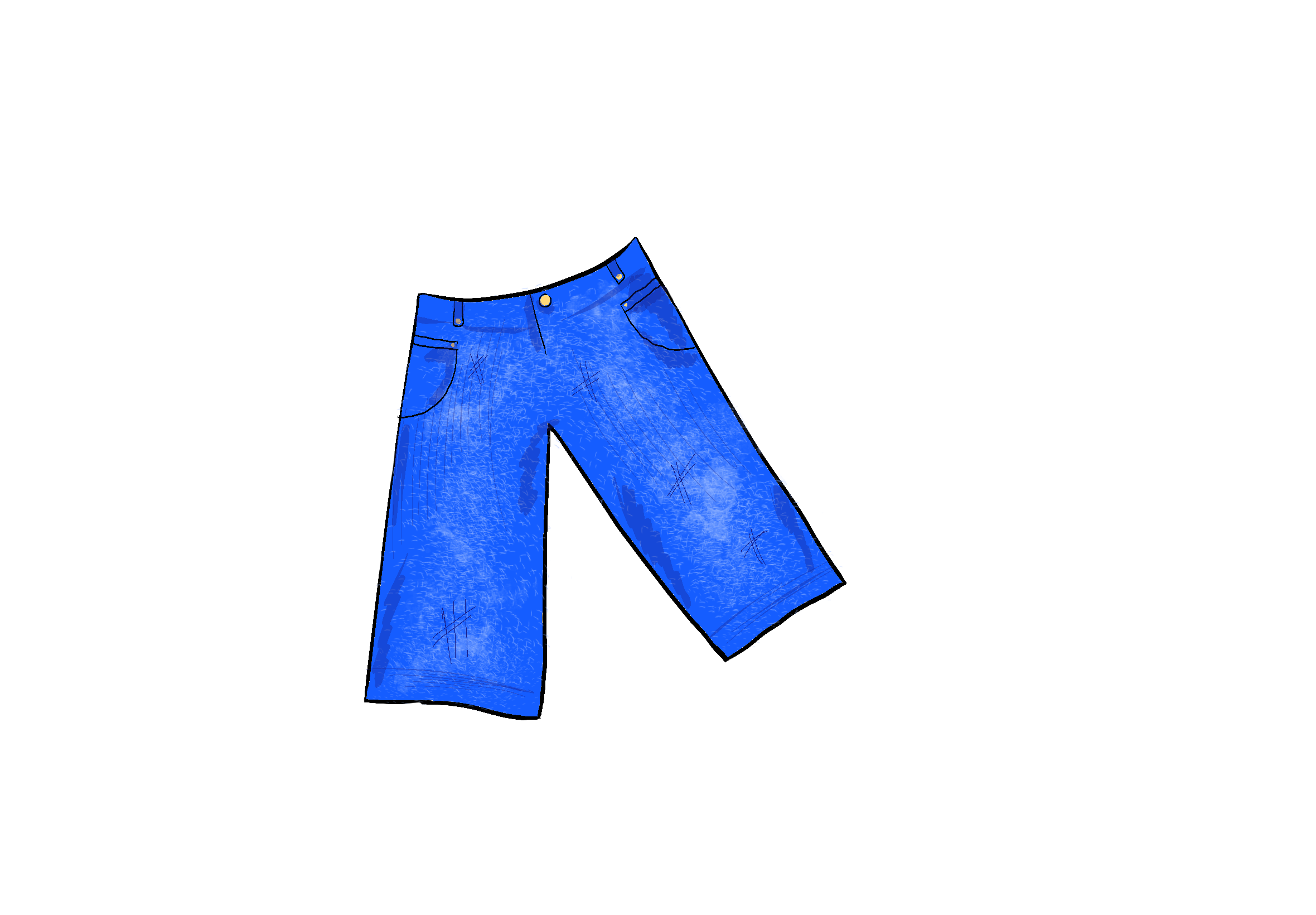
Concept
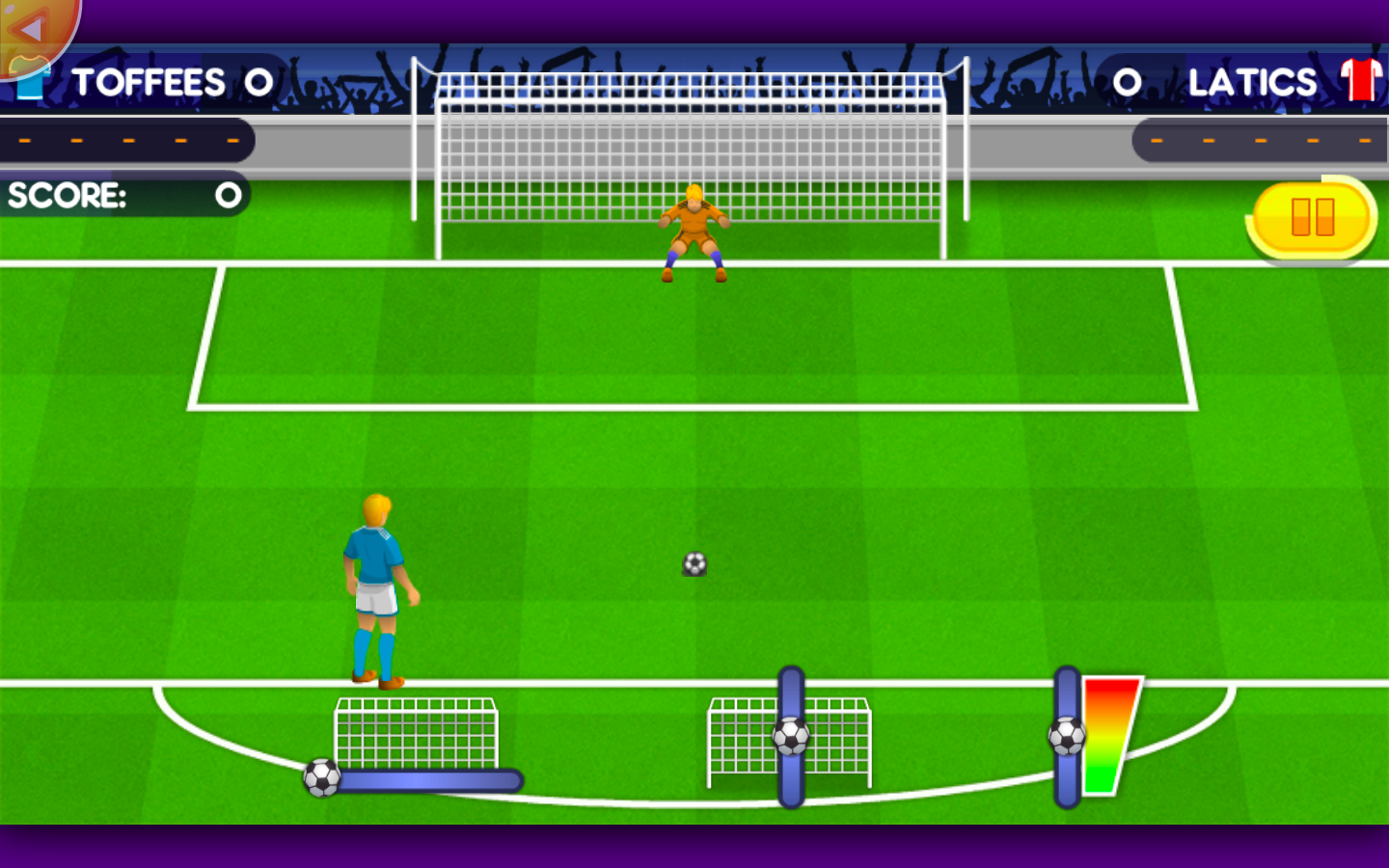
For my midterm, I wanted to make something that feels more like a complete game experience rather than just a small interaction or visual experiment. I’m interested in fighting games because of how intense and dramatic the characters in those games can be. The game characters have different strengths, the player has to react quickly and a lot of variables can influence the outcome of the game.
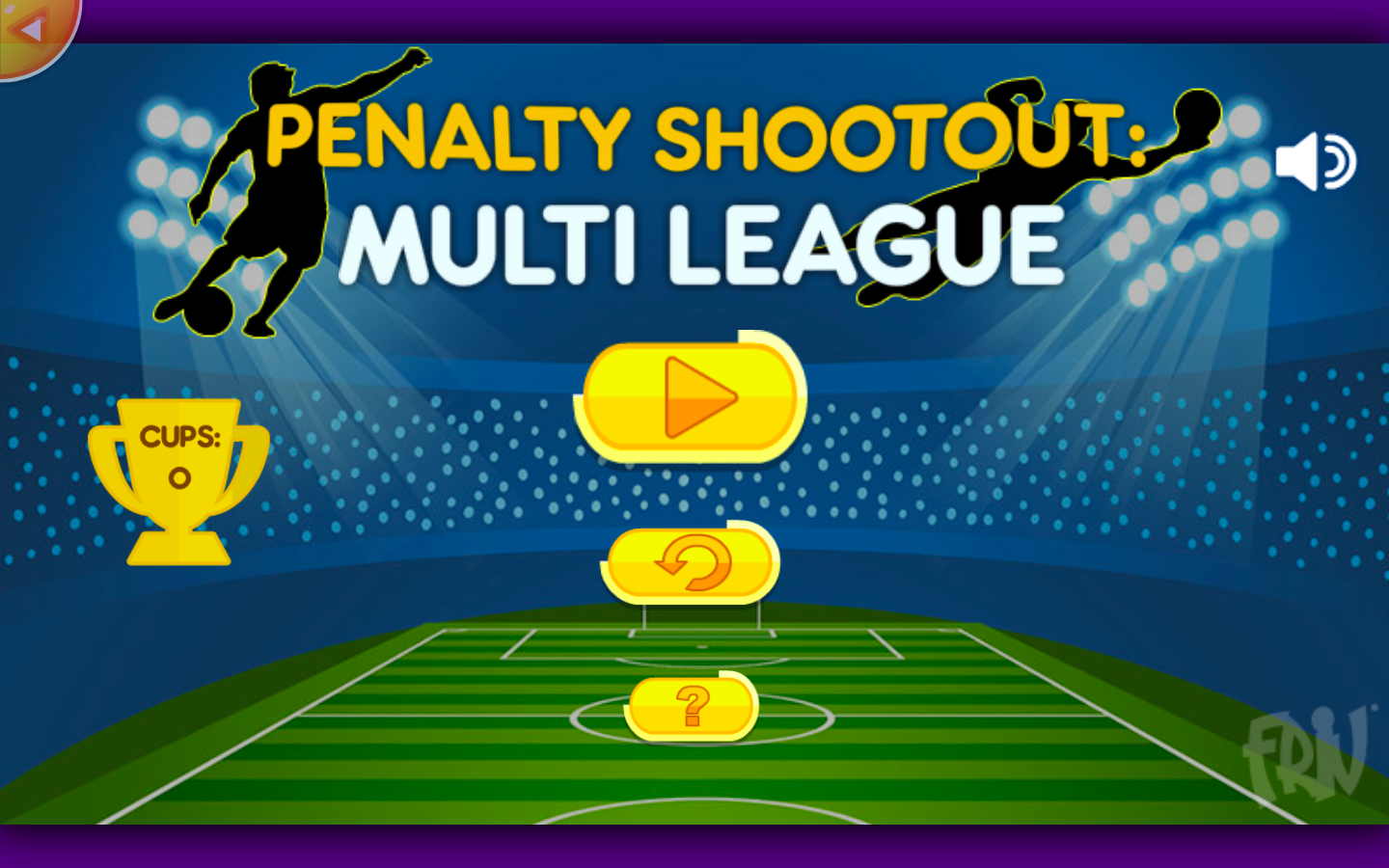
One game that influenced this direction is Super Smash Bros. I like how different characters can completely change how a match feels because of their movement, range, attacks and abilities Even though the basic goal stays the same, learning how a character works changes how you approach the fight. I want to take that idea of different play styles, but use my own class system and combat mechanics instead of recreating the game.
What I want the player to experience is a short but intense duel where they have to understand how their chosen class works, react to the enemy, and decide when to attack, defend, or use a special. I also want the fight to feel a little cinematic, with moments like special clashes, low-health sequences, and stronger visual effects when something important happens.
The player will choose between three classes: Knight, Rogue, and Mage.
The Knight will have high health and defense but slower movement and only close-range attacks. The Rogue will have lower health but move faster and attack at close and mid range. The Mage will have medium health, lower defense, and mainly use ranged attacks.
Each class will also have its own special attack. The Knight will use “Earthsplitter,” the Mage will use “Meteor,” and the Rogue will use “Shadow Step.”
I also want the fights to have short cinematic moments so they do not feel like a basic fighting game. These could include special clashes, low-health moments, and possibly victory animations if I have enough time. For special clashes, if two strong attacks meet, the game could briefly pause and use a timing challenge to decide which attack wins.
Design
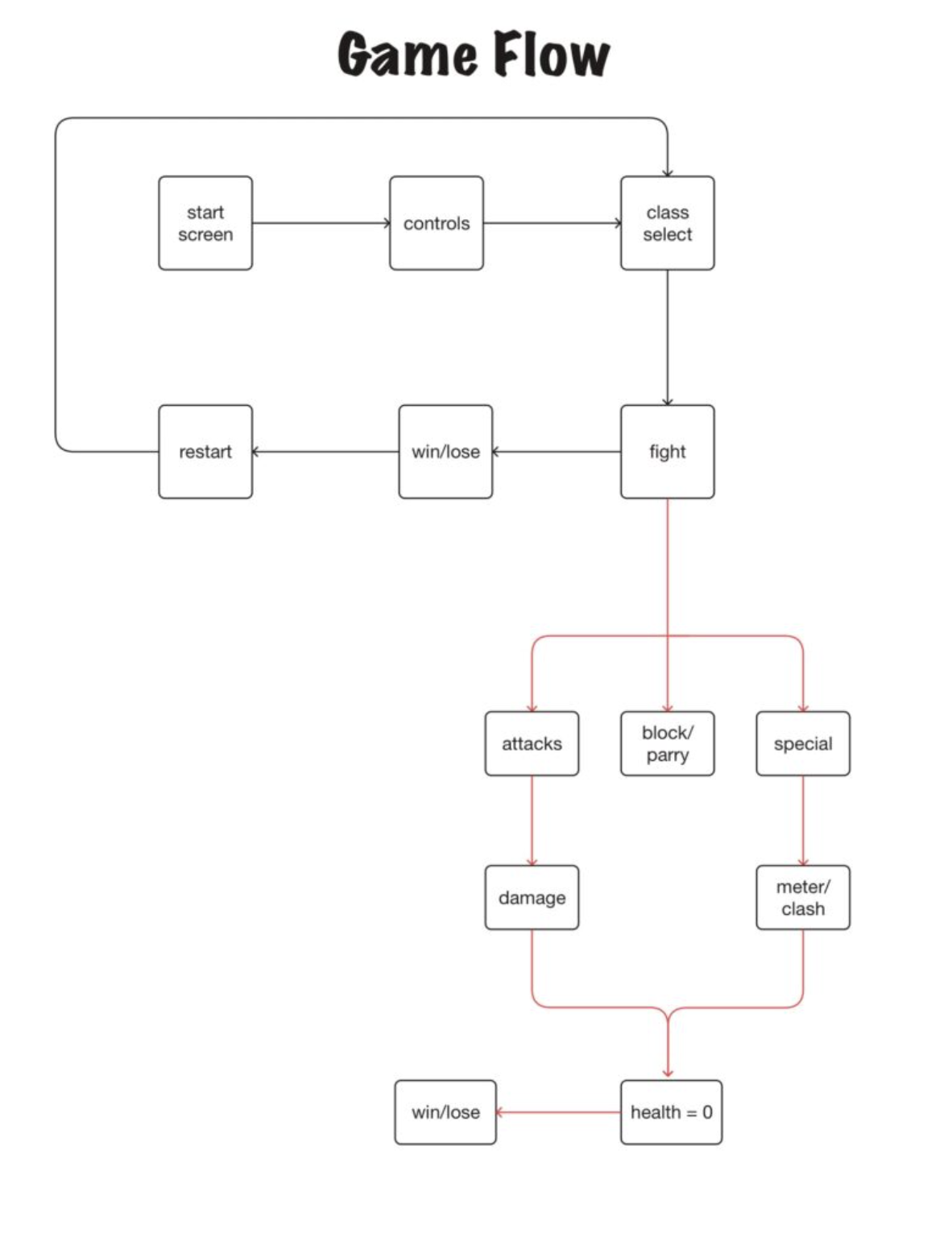
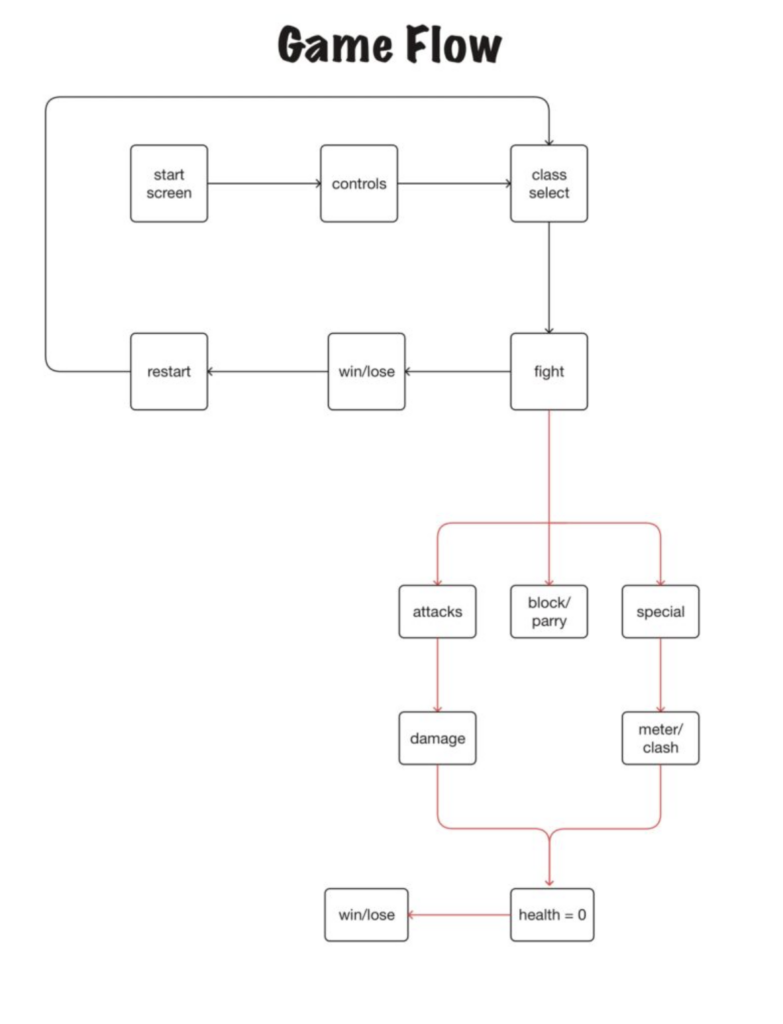
The experience will start with a title screen asking the player to press Space. After that, the player will see the controls, then choose a class before starting the fight.
so it would look like this:
Start Screen -> Control -> Class Select -> Fight -> Win/Lose Screen -> Restart
The player will move using the arrow keys and will be able to double jump. During combat, they will have a light attack, heavy attack, block/parry, class ability, and special attack.
Blocking can be held for up to three seconds. If it is held for too long, it goes into a five-second cooldown. The first few moments of blocking will also act as a parry window. A successful parry will avoid damage, stun the enemy for two seconds, and add to the special meter.
The special meter will fill by both dealing and receiving damage, but taking damage will fill it faster.
Code Structure
I started by separating the fighter logic into its own fighter.js file. Both the player and the enemy use the same fighter class:
player = new Fighter(200, height - 145, "Player", false);

enemy = new Fighter(width - 200, height - 145, "Enemy", true);
The last value tells the fighter whether it is controlled by the player or by the AI.
The AI is very simple for now. It faces the player, moves toward them slowly and sometimes attacks when it gets close enough. I can make it more complex later if I have time.
Most Challenging Part & Risk Prevention
The part I was most worried about was getting the actual fighting system to work. There are a lot of things that eventually need to work together, like movement, attacks, hit detection, health, AI, different classes, blocking, and special attacks.
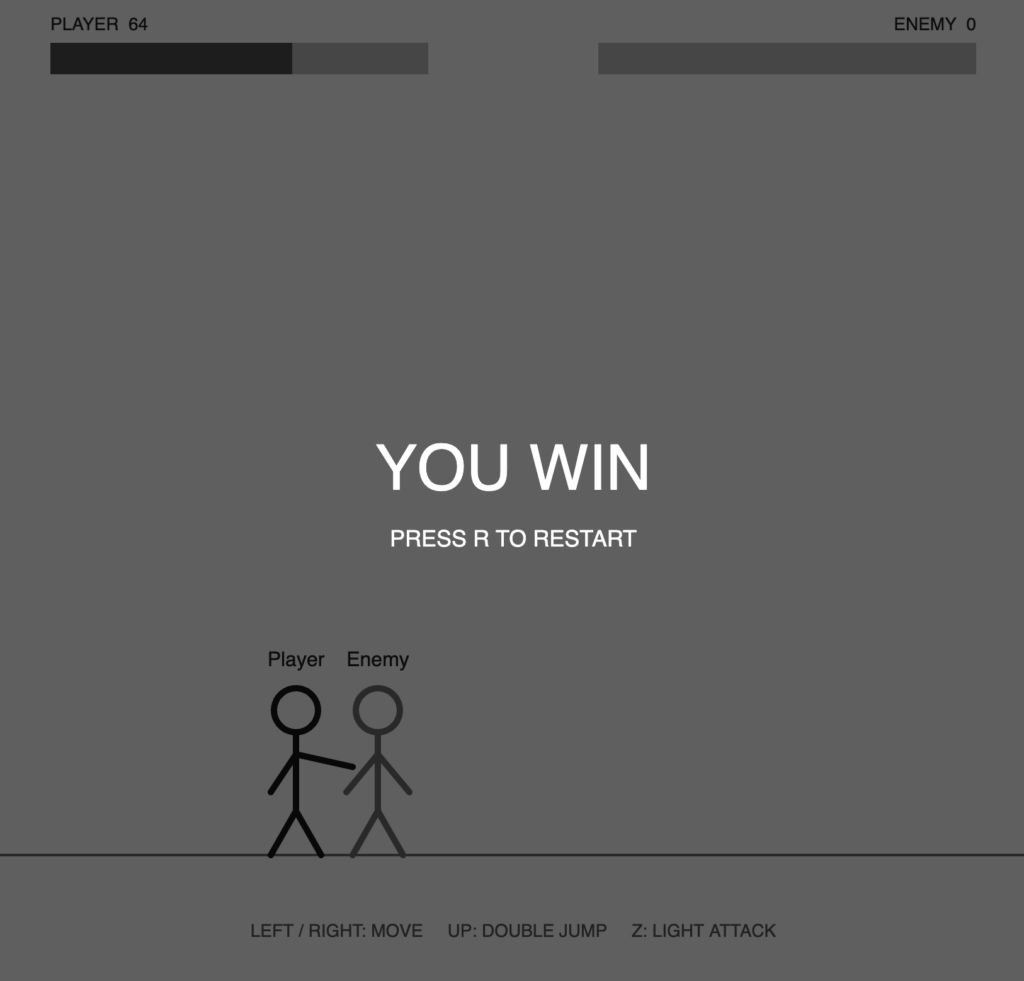
I did not want to work on all the visuals and class abilities first and then find out later that the basic combat was too difficult to make work. To reduce that risk, I made a very simple version of the fight first using stick figures as placeholders.
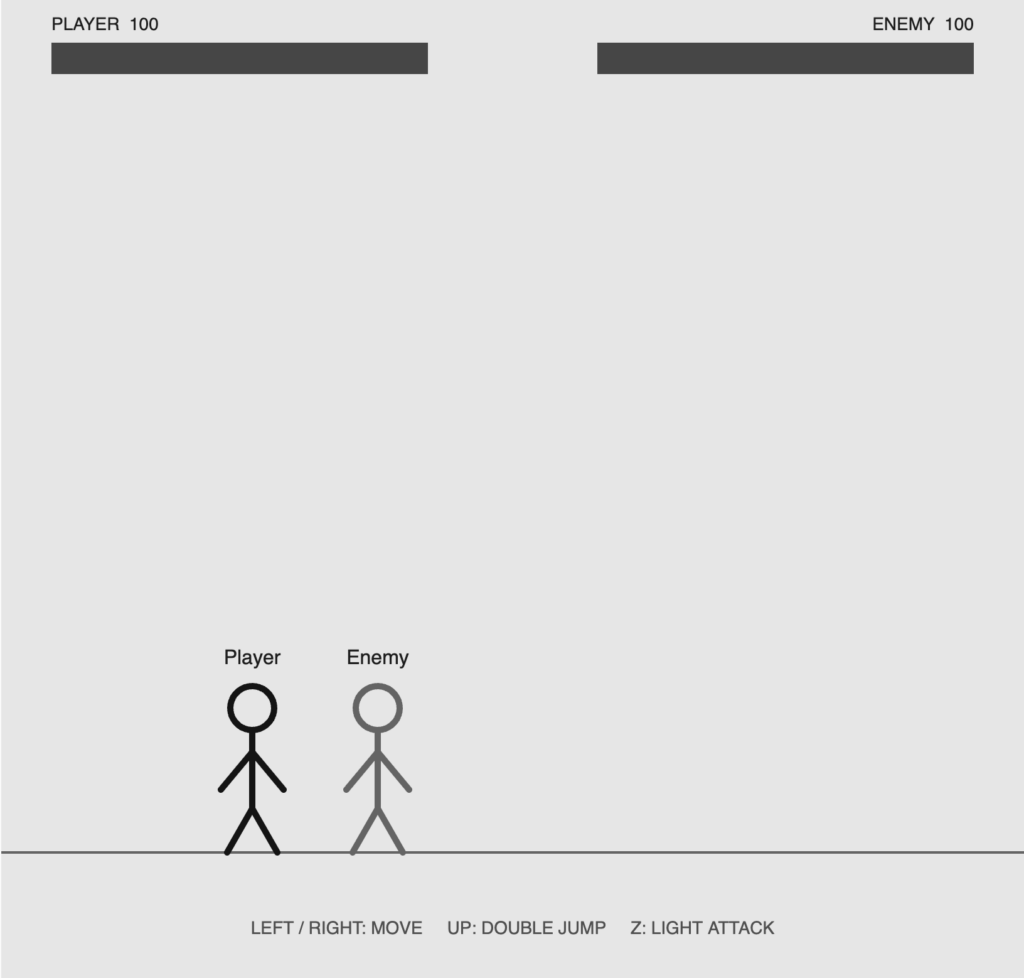
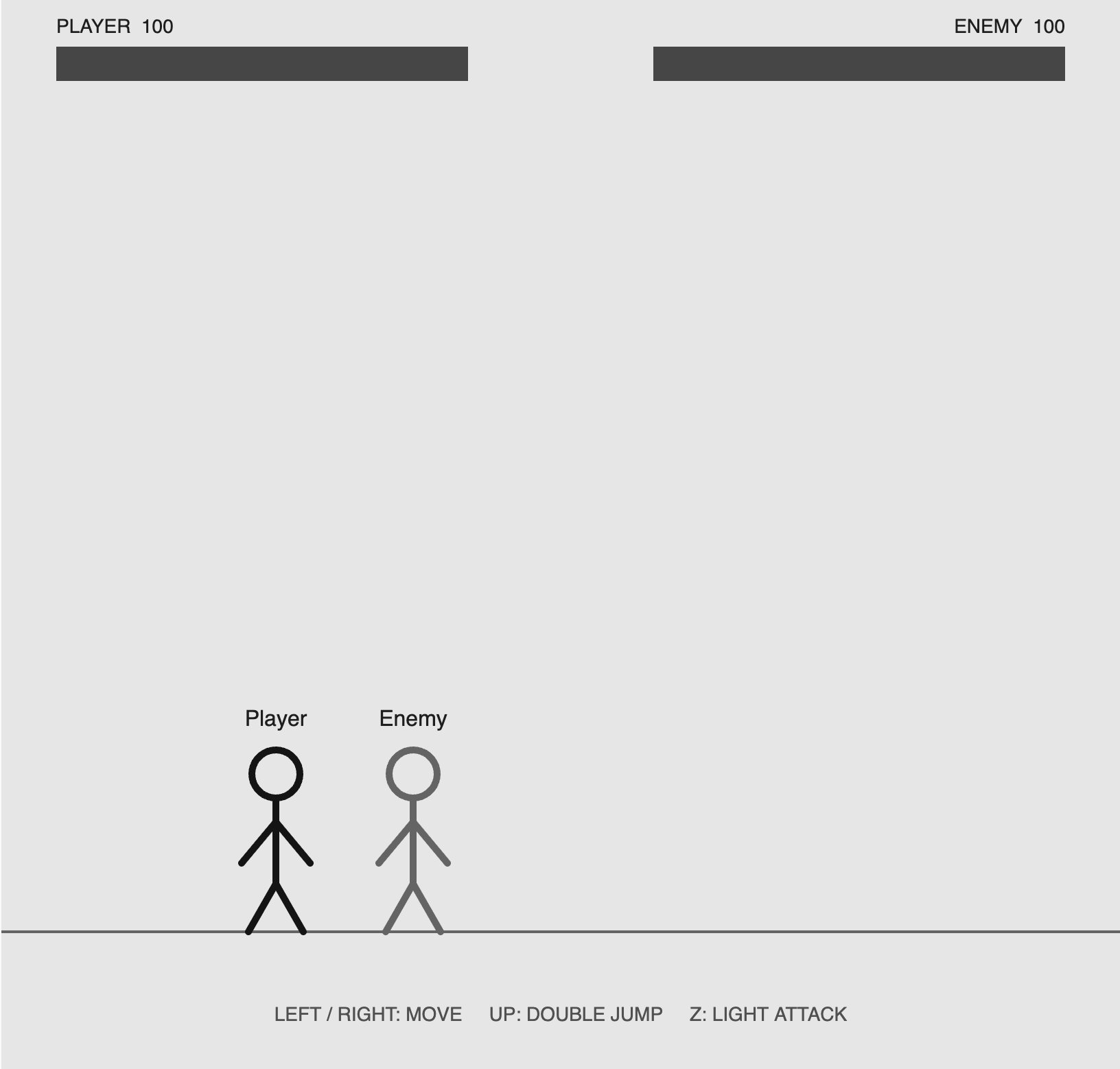
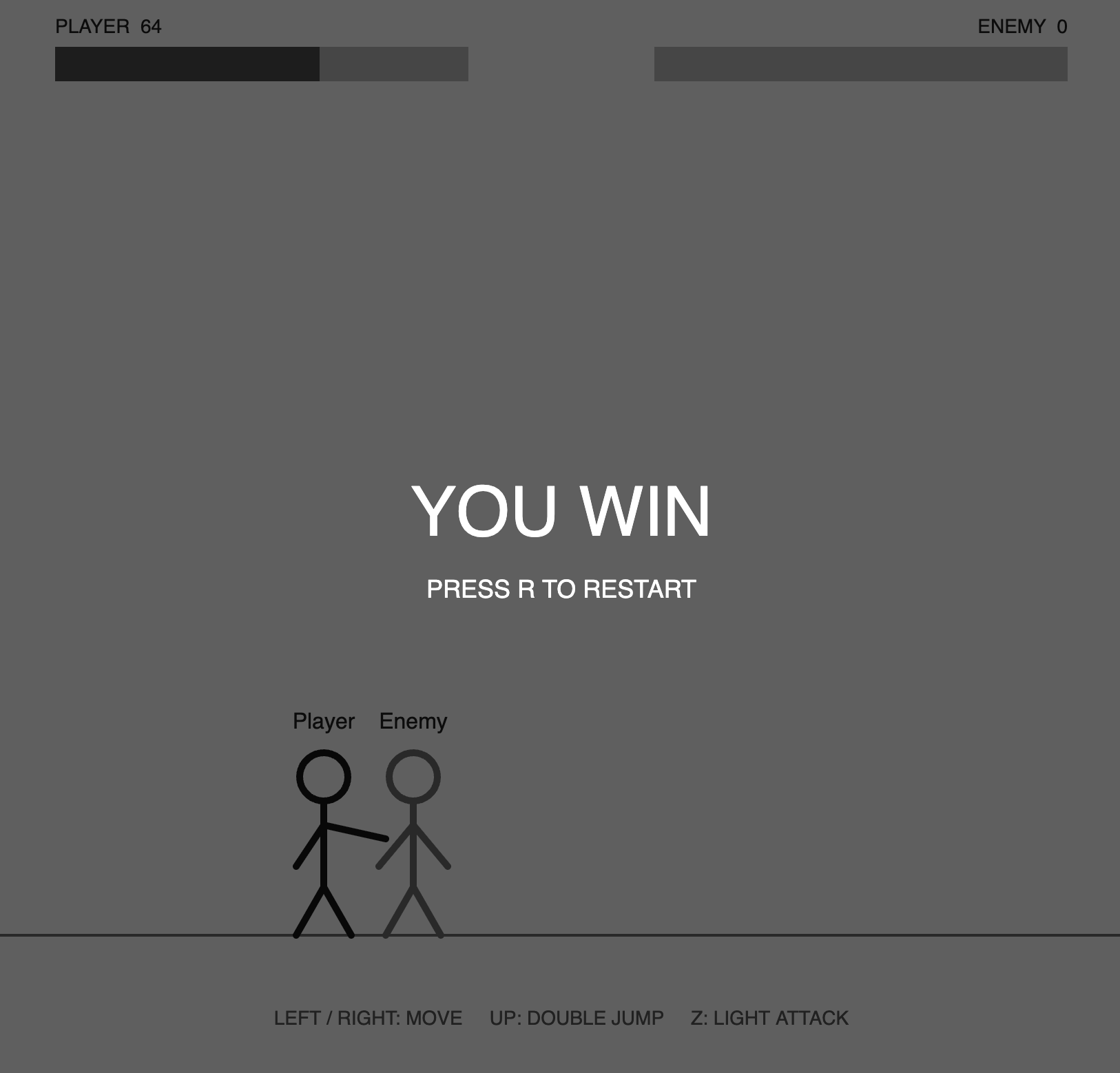
For now, I focused only on the main things I would need for a fight. I got movement and double jumping working, added a simple AI opponent, made a basic light attack, added hit detection and health, and made a win/lose screen that lets the player restart the fight.
One thing I specifically wanted to test was hit detection. For the light attack, I made a point in front of the fighter depending on which direction they are facing, then checked how close the enemy is to that point.
let attackX = this.x + 45 * this.facing;
let attackY = this.y - 35;

let distanceX = abs(attackX - targetX);
let distanceY = abs(attackY - targetY);

if (distanceX < 45 && distanceY < 65) {
  otherFighter.health -= this.lightDamage;
}
Getting this basic prototype working makes me more confident about continuing with the idea. It also means I can build the more complicated attacks and class differences on top of something that already works instead of trying to build everything at the same time.
Next Steps
Next, I want to start adding the actual class differences, heavy attacks, blocking and parrying, the special meter, class abilities, and the animated special attacks.
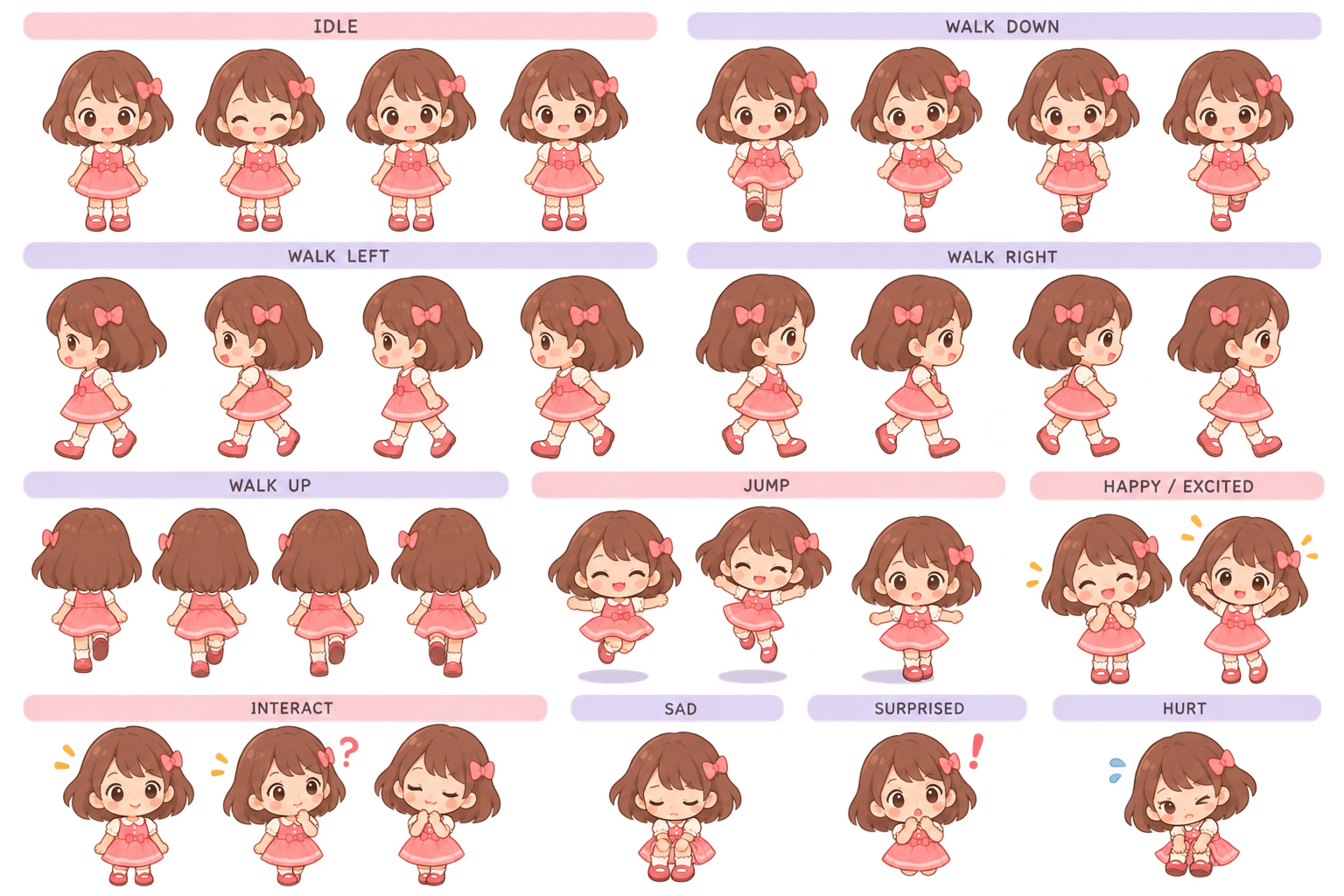
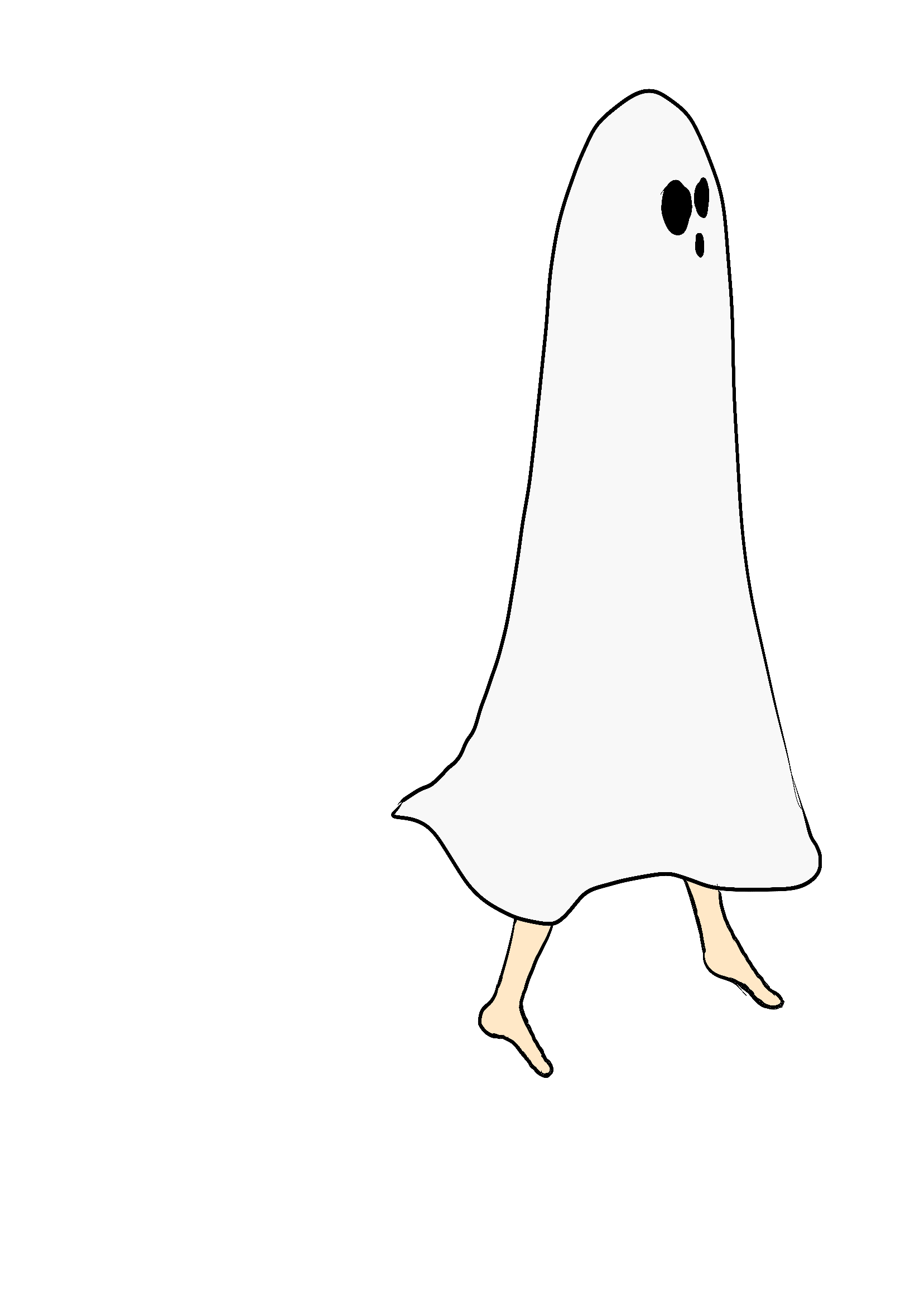
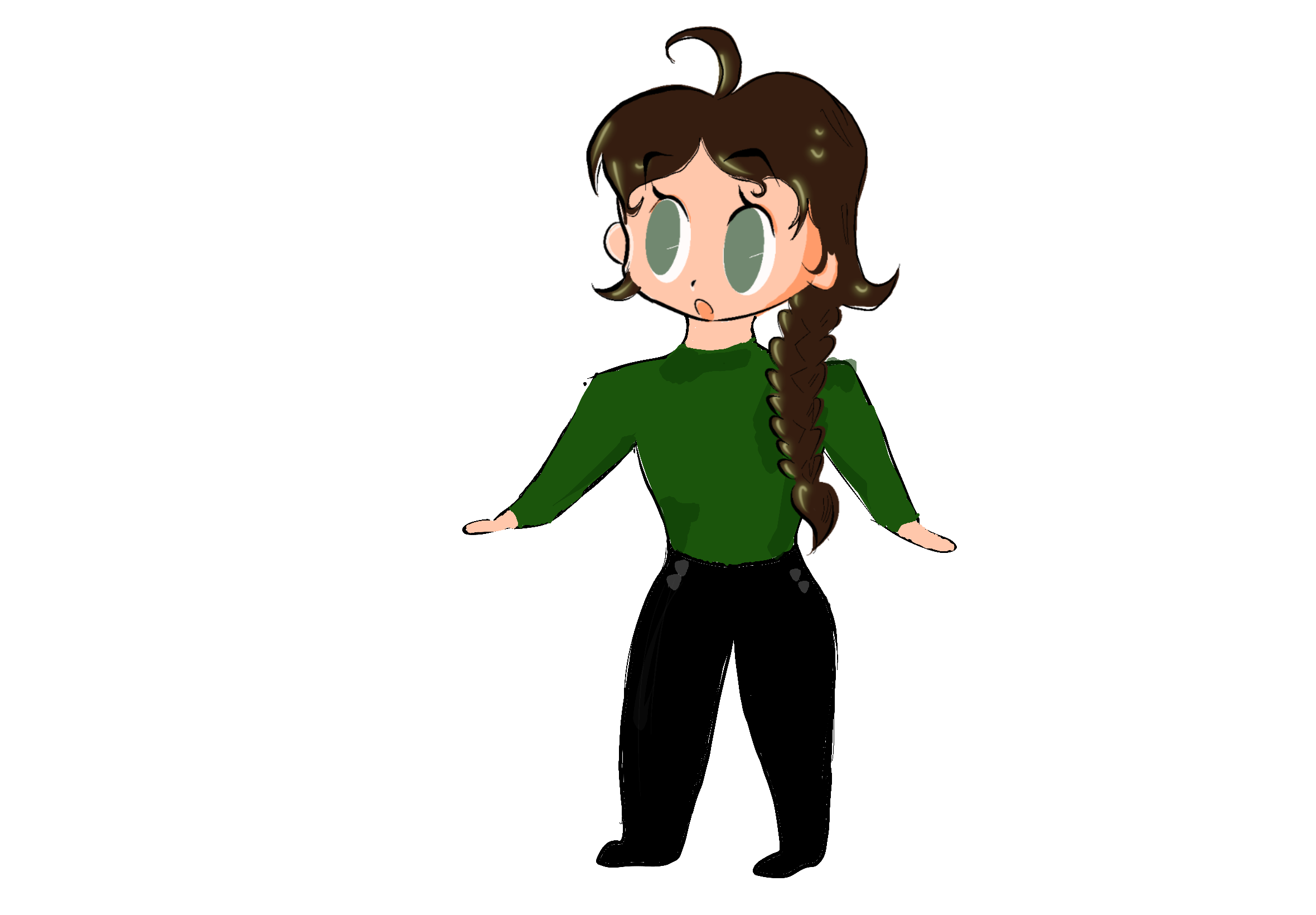
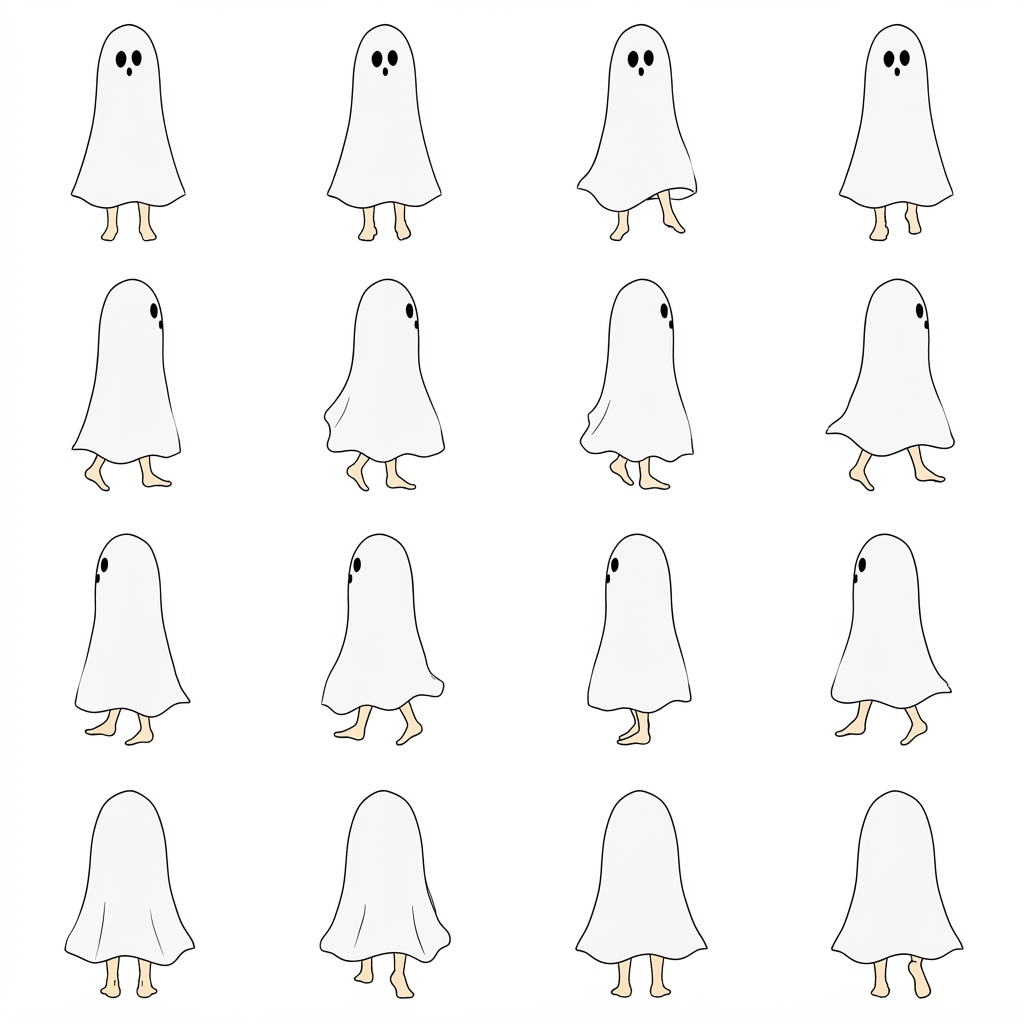
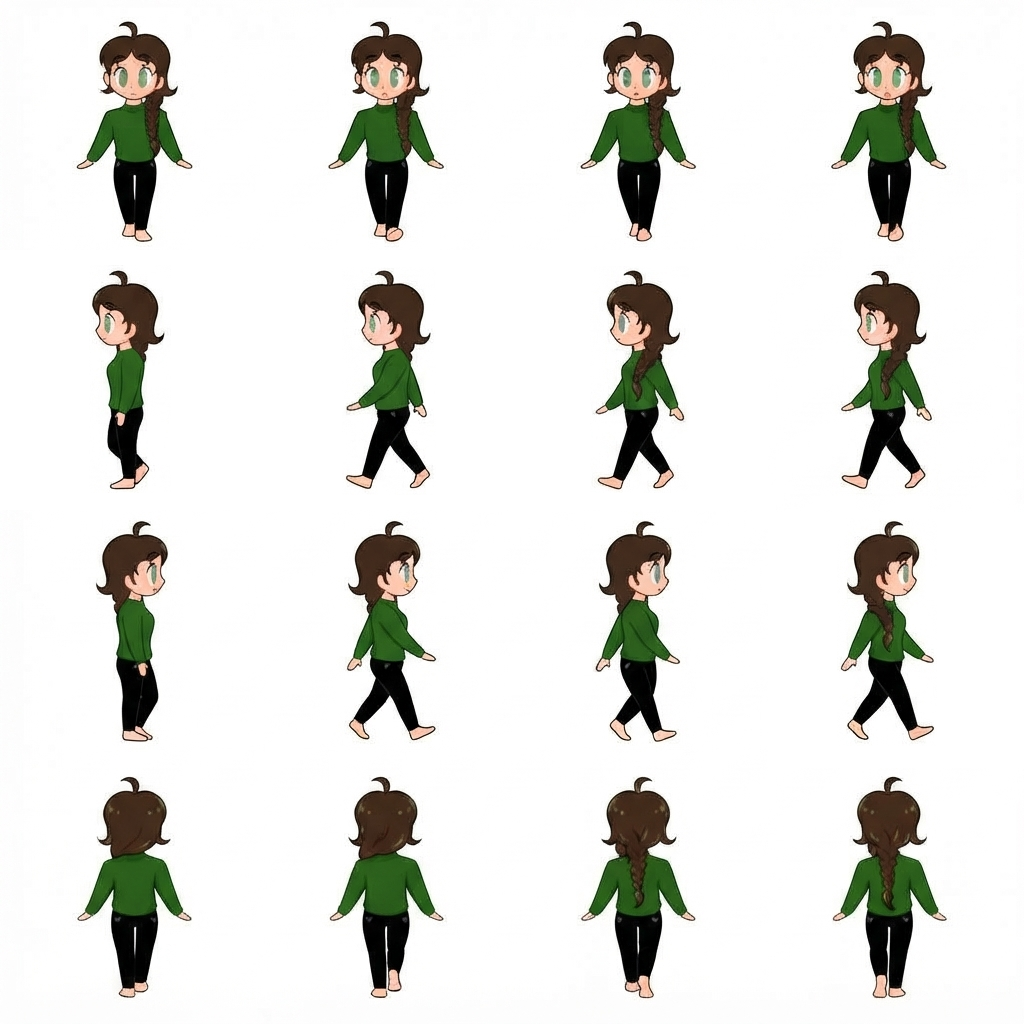
The stick figures are only placeholders for now. If I have enough time, I want to replace them with my own sprite sheets and improve the AI and cinematic effects later.