
Golden Goal
My Concept
For my midterm project, I decided to make a football penalty game because football is something I really like. My main inspiration came from a game I used to play in my childhood called Penalty Shootout Multi League from Friv. I liked how the game allowed the player to take penalties against a goalkeeper, so I wanted to develop my own simpler version using p5.js and the programming concepts we learned in class throughout the last 5 weeks.
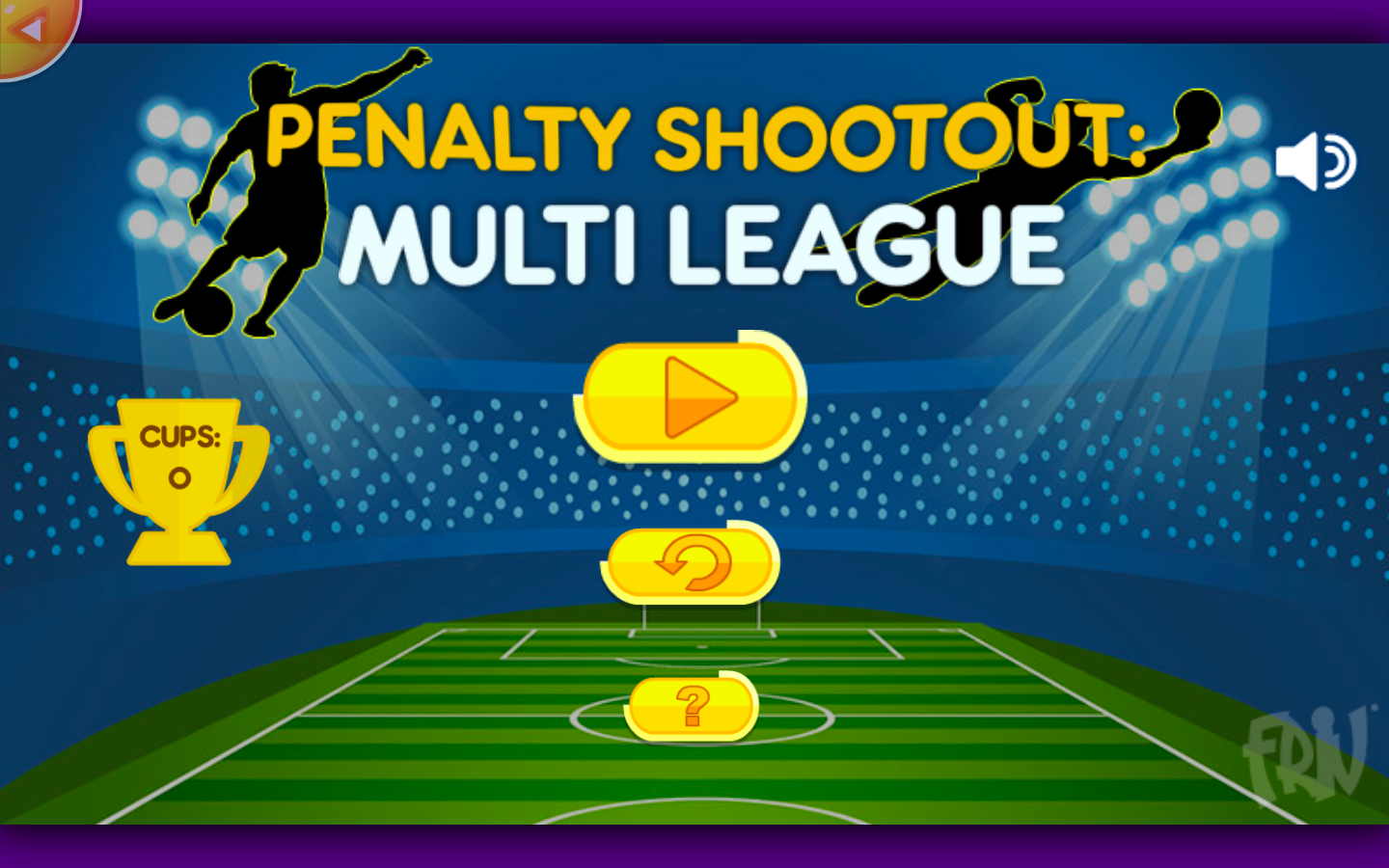
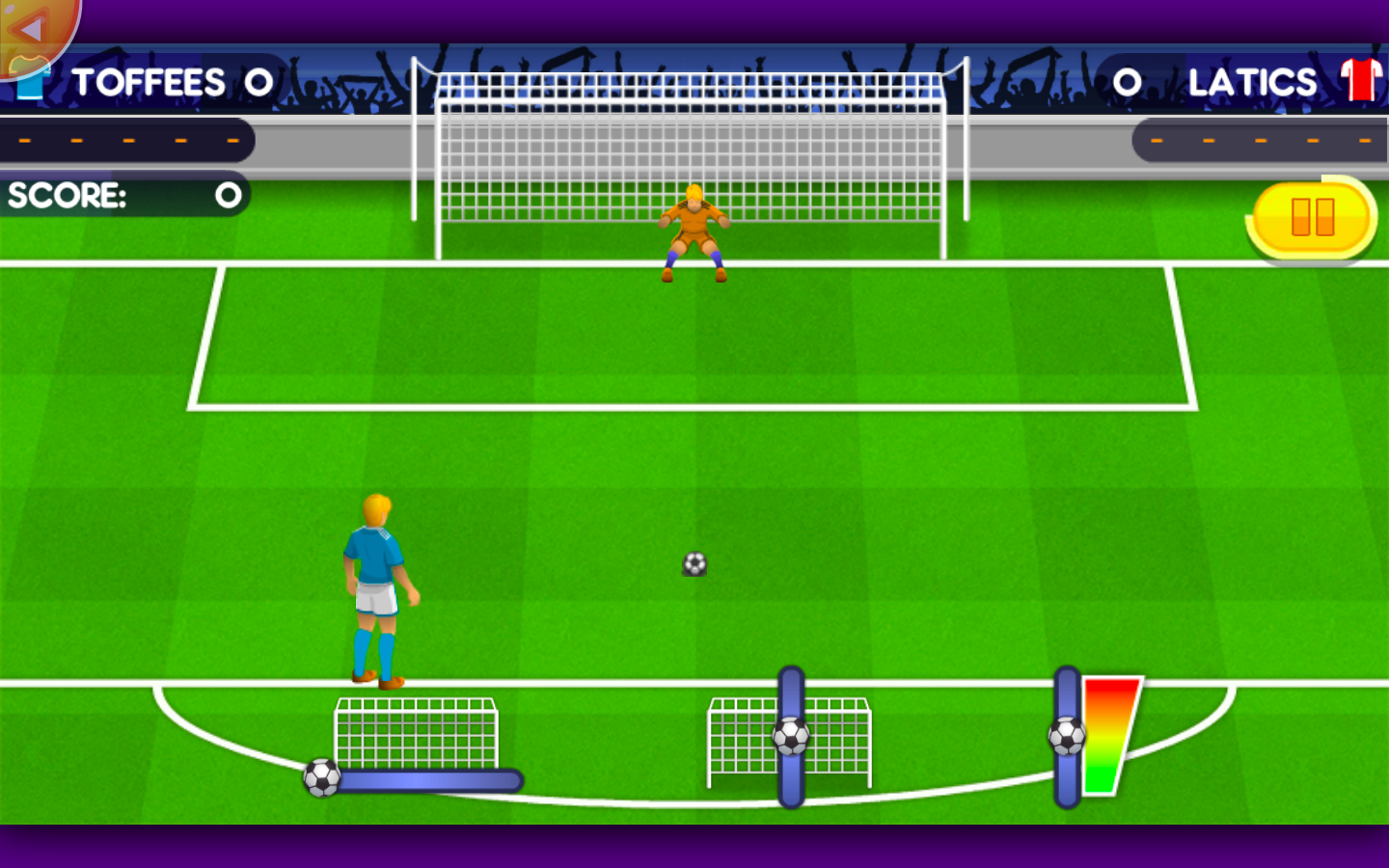
I did not want to exactly recreate the original game, so I added some of my own ideas to make it more challenging and interactive. The player has five attempts, and they only have five seconds to take each shot. If the player does not shoot before the timer finishes, the attempt is lost. The goalkeeper also moves quickly from left to right, which makes choosing where and when to shoot more difficult.
My other own addition is the “golden chance.” On the fifth and final attempt, a golden target appears inside the goal. If the player hits this target, they receive two points instead of the normal one point. I wanted the final attempt to feel different and more important than the earlier attempts.
User Interaction
The experience starts with an instruction screen that explains the rules. The game waits for the player to click before it begins. During each attempt, the player clicks on the position where they want to shoot the football. The ball then moves from the player toward the selected position while a kicking sound plays. The player must think about the goalkeeper’s position and shoot before the five-second timer ends. A normal goal gives one point, hitting the goalkeeper results in a save, and clicking outside the goal results in a miss. During the last attempt, the player can aim for the golden target to receive two points.
After all five attempts, the game displays the player’s final score. The player can click again to start a new session without refreshing or restarting the sketch.
Code Progress
So far, I have created the instruction screen, main game screen, and final score screen. I used a variable called screenNumber with conditional statements to decide which screen should be displayed. The values 0, 1, and 2 represent the instructions, game, and final score.
I also created a separate file called Ball.js for my Ball class. The class stores the ball’s position, destination, speed, and whether it is currently moving. Its functions allow the ball to shoot, move, display its image, and return to its starting position.
I used an uploaded transparent football image for the ball and added an MP3 sound that plays whenever the player shoots. The football field, goal, goalkeeper, and player are currently made with basic p5.js shapes. The goalkeeper moves left and right using a speed variable and conditional statements that change its direction.
For the positions of the game objects, I used width, height, width / 2, and height / 2, which helps keep the game properly positioned when the size of the browser changes.
Most Uncertain Part
The most uncertain part for me was making several parts work together at the correct time. The ball must move toward the mouse position, the goalkeeper must continue moving, the timer must decrease, and the game must decide whether the shot was a goal, save, miss, or golden goal.
To reduce this risk, I started testing these important parts early. I used the dist() function to check the distance between the ball and goalkeeper and between the ball and golden target. I also tested the timer by starting it at 300 because draw()normally runs about 60 times per second, making 300 frames around five seconds.
Separating the ball into its own class also helped me organize the program. Instead of putting all the ball code inside the main sketch, I can control it using functions such as:
ball.shoot(mouseX, mouseY);
ball.move();
ball.display();
ball.reset();
These tests helped me make sure that the main idea of the game is possible before spending more time improving its appearance.
Plans Before the Final Draft
Before the final draft, I would like to improve the designs of the player and goalkeeper so that they look more like football characters. Right now, they are intentionally simple and made from basic shapes because I first wanted to make sure the gameplay worked. With more time, I would like to add more detail and improve the kicking movement.
I also want to add more sounds. Right now, I have a kicking sound, but I would like to add background stadium and fan noise. If the player scores, the fans could cheer, and if the player misses or the goalkeeper saves the shot, the fans could whistle. This would make the result of each shot clearer and make the game feel more interactive.
I would also like to keep adding creative ideas as they come to me. For example, I could improve the instruction and final screens, change the visual appearance of the golden target, and possibly add different difficulty levels. I think the more creative details and reactions I add, the more interactive and enjoyable the final game will become.