Concept and design:
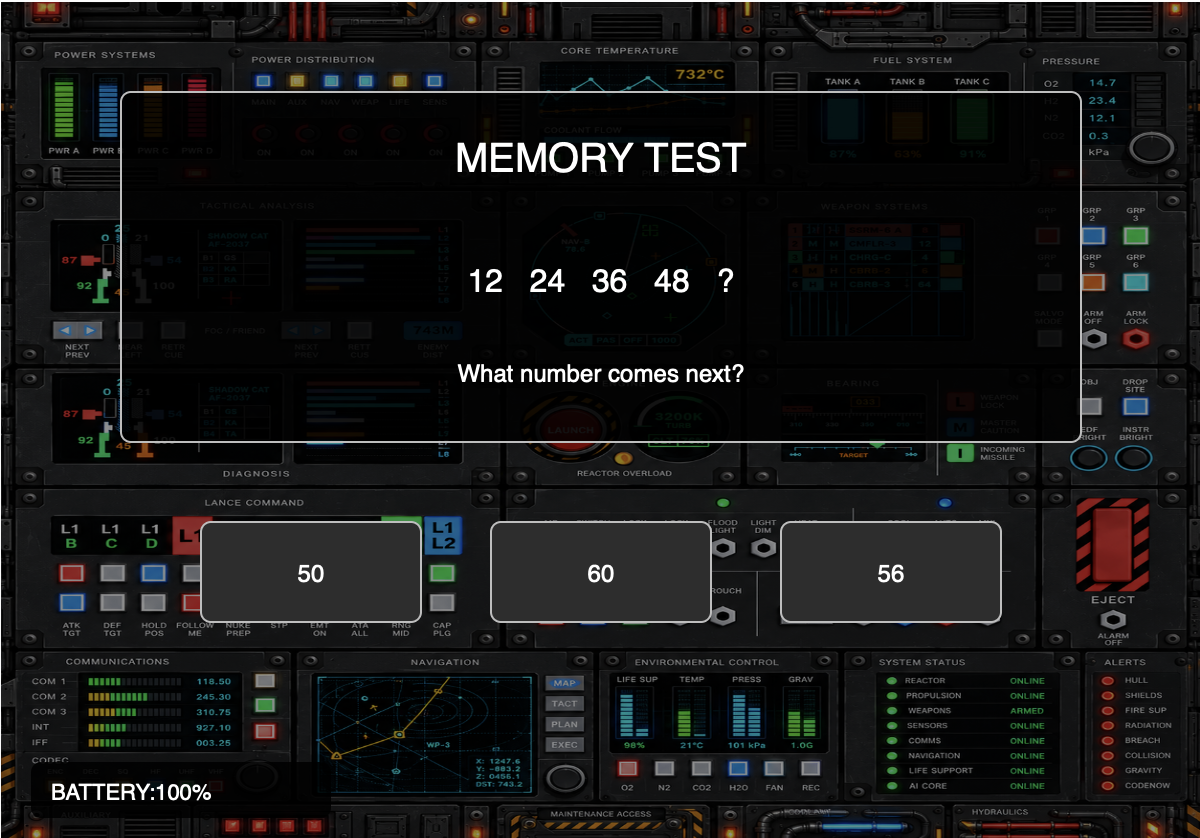
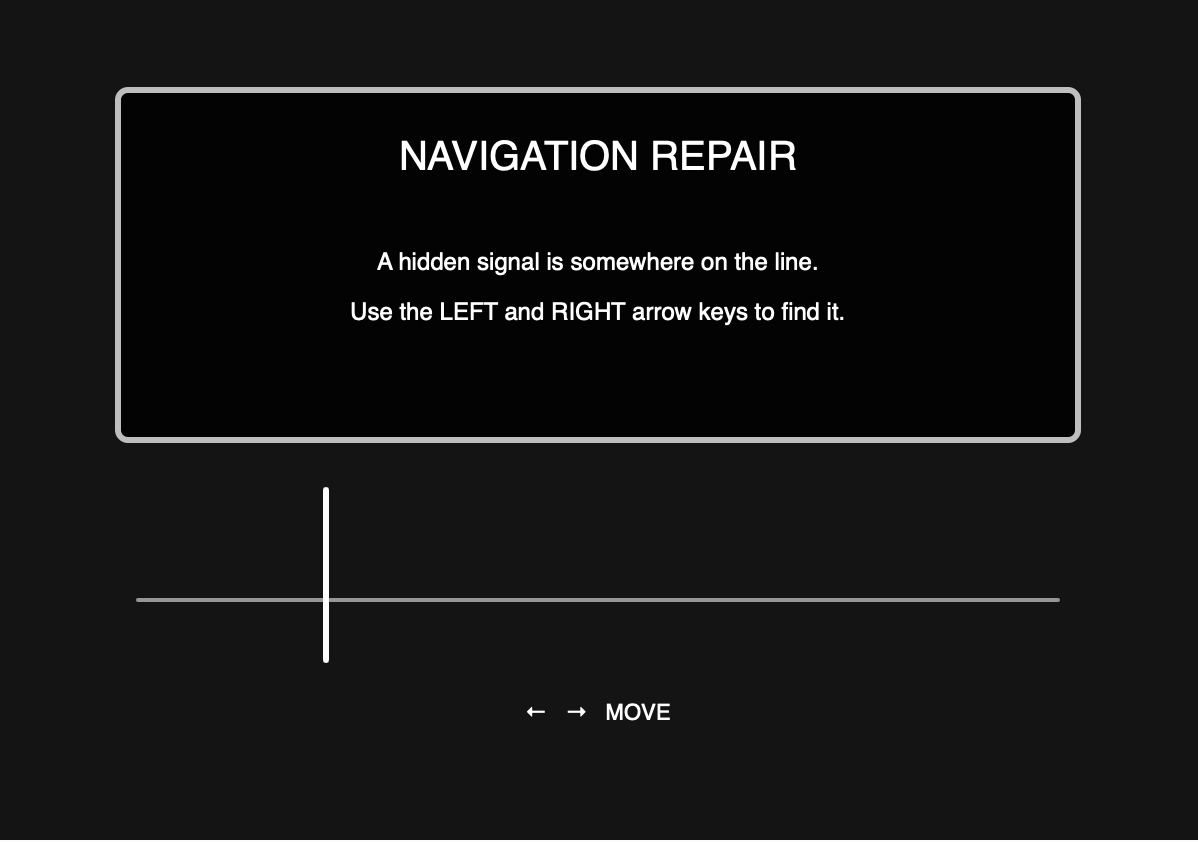
For my midterm project, I want to create a game where the player has to repair a broken control system. The system’s memory and navigation are corrupted, so the player has to complete different challenges to slowly restore it. The game includes number-pattern questions, arrow-key navigation tasks, and a final stage with many moving colored balls where the player has to figure out what to do by paying close attention. The player also has a battery that starts at 100%, and wrong answers lower it. Visually, I want the same control-panel background to stay throughout the game so it feels like the player is working inside one damaged system.
User Interaction and Code Design:
The player will interact with the game using the mouse and arrow keys. I will use the mouse for choosing answers, pressing buttons, and selecting objects, while the arrow keys will be used for the navigation challenges. Hints will also be available when the player needs help. I plan to organize the code using different stages for each part of the game, such as the start screen, memory tests, navigation challenges, final challenge, win screen, and restart screen. In the final round, there will be many moving colored balls, and I want to use a class so that each ball can have its own position, speed, size, and movement.
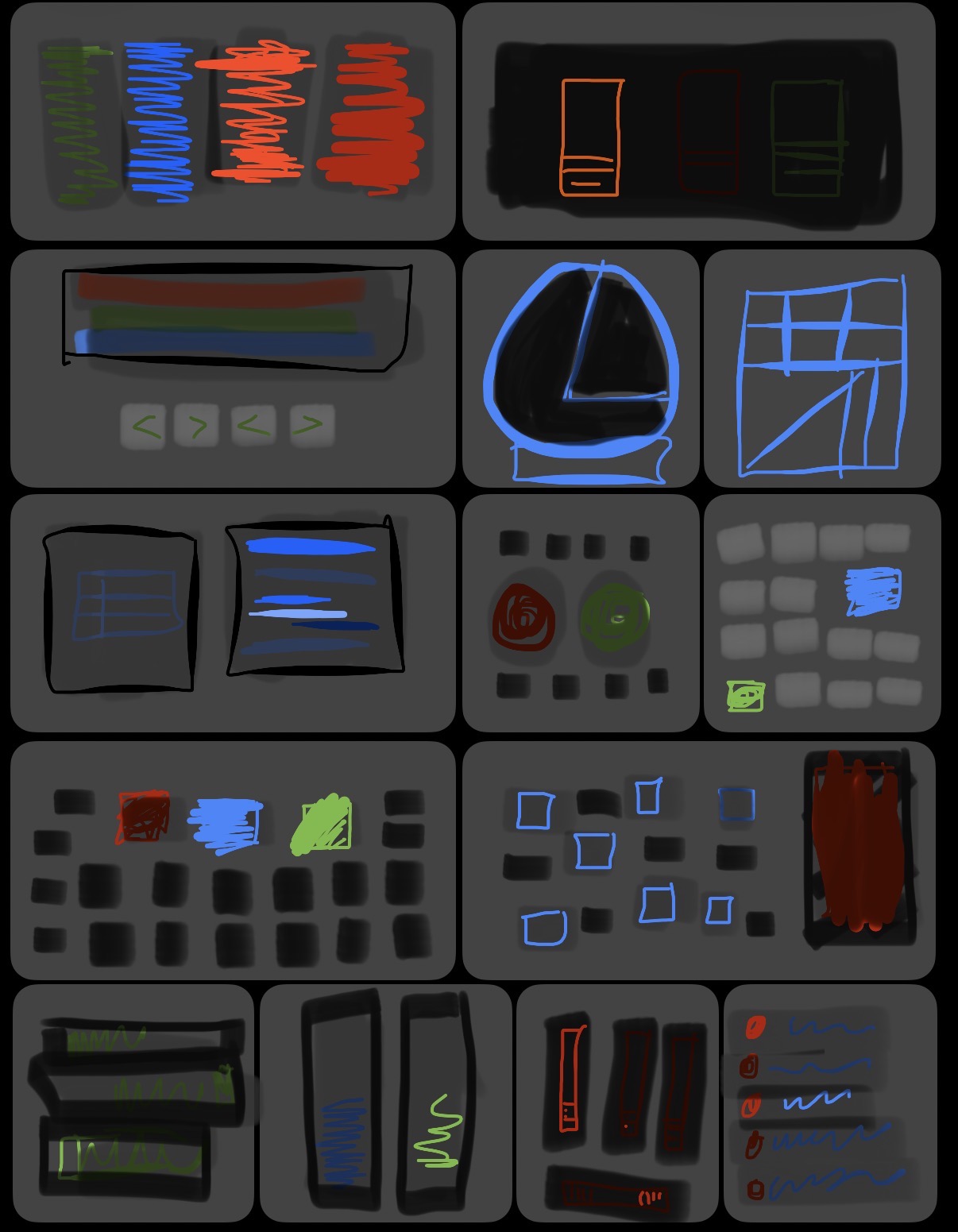
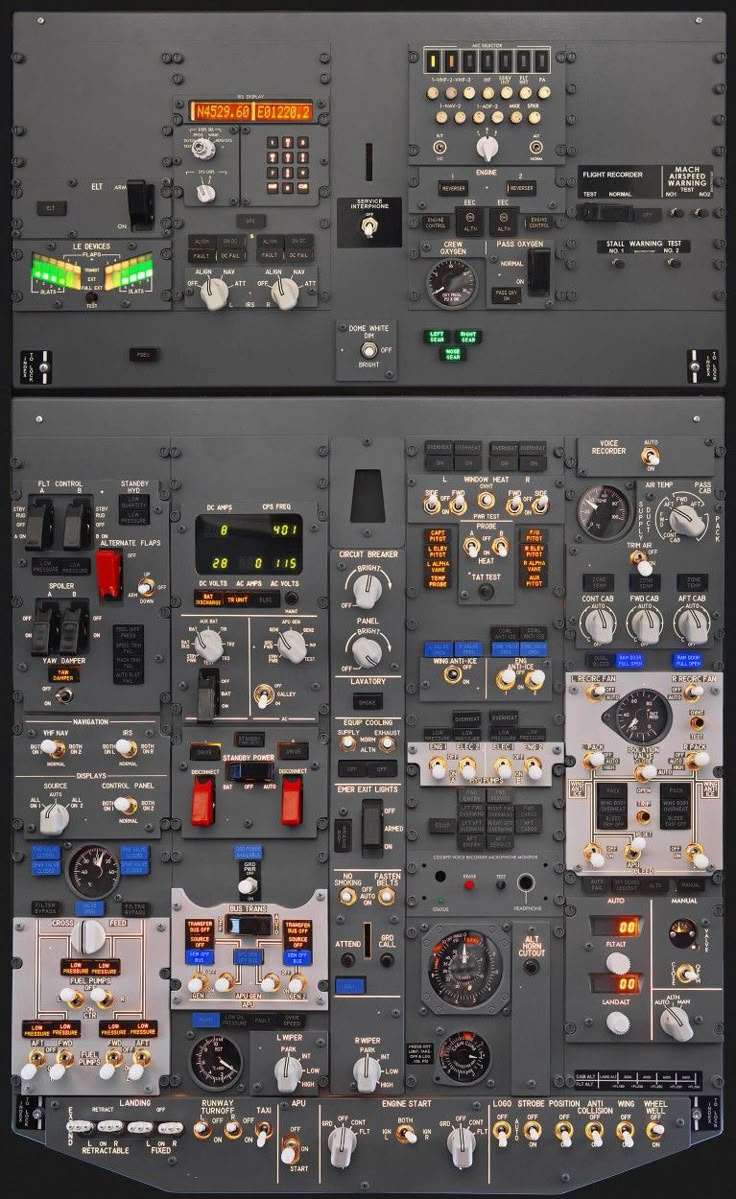
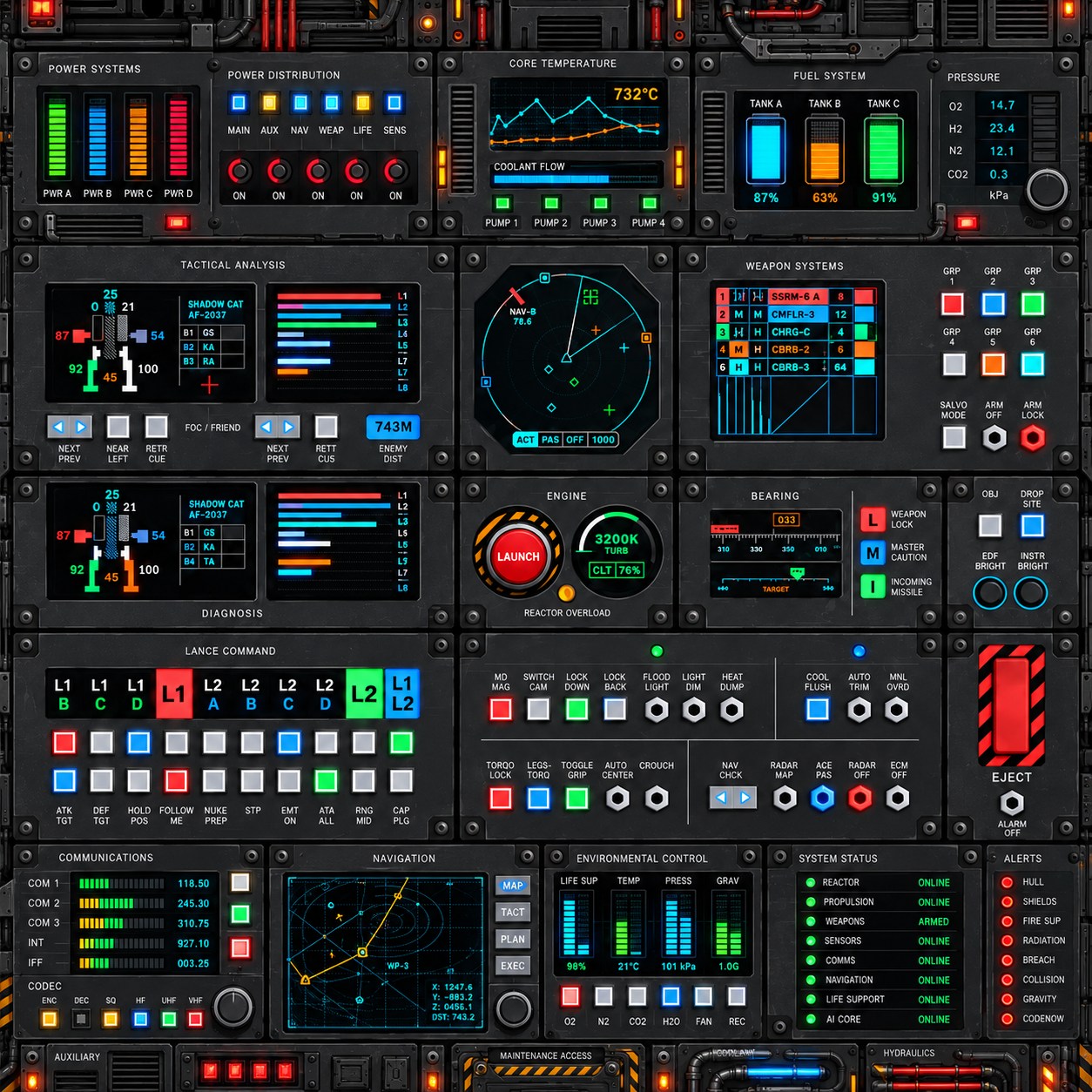
For the background, I first looked at an image of a control panel to help me decide the overall style I wanted. I then sketched out how I wanted the screen to be arranged, after that I used AI to help create the final control panel image that I plan to use as the background for the experience, images I gave AI:
final image:
Risk Prevention:
One part I was unsure about was whether the scanner that suppose to help the user get the answer work well enough . Since the scanner is one of the main ways the player explores the screen, I wanted to make sure the movement felt smooth and that the user could control it easily. I tried making a small test sketch first where a circular scanner moves up, down, left, and right using the arrow keys. This helped me check that the interaction worked before adding it to the full experience.
Here is the code I used to test it:
Another risk I identified is that the final page with the moving balls could be too difficult for the player. I still want it to be challenging, but not impossible to figure out. To reduce this risk, I plan to make the answer noticeable enough if the player watches carefully, and I will also include hints they can use if they get stuck. However, using too many hints will lower the battery percentage.
This is how the start page will look like:
how the challenge questions will look like: