
Concept
My idea was to create a universe, representing the night sky. I wanted the user to “discover” planets in space by clicking somewhere and I wanted to add something personal to it. Additionally, using the new skills from class I decided to have the option to remove planets by pressing a key. Each planet has a 50/50 % of having a ring (an ellipse). This is decided through a Boolean – it it returns true then the planet has a ring. To complete the whole galaxy theme, I made the cursor a rocket by removing it and putting and emoji with the same coordinates.
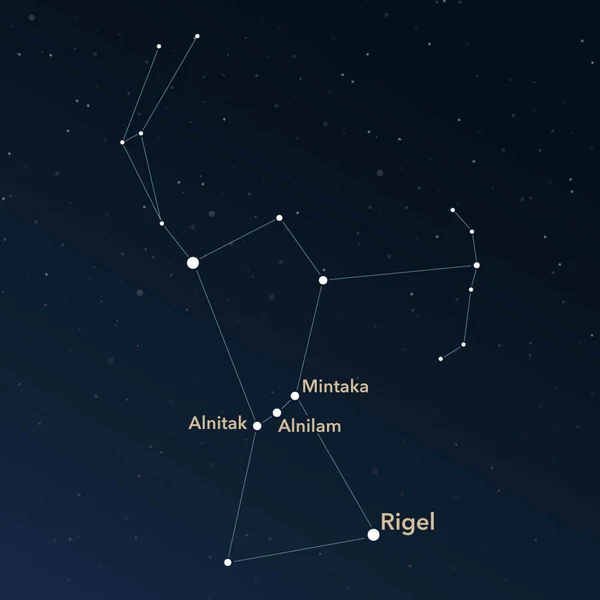
The background is a dark blue sky with stars and the concept behind it was my favourite star constellation – Orion.
Code I am Particularly Proud of
//when one clicks with the mouse a new planet appears (adds element to the array)
function mousePressed(){
  let newPlanet = new Planet (mouseX, mouseY, random(8,40));
  planets.push(newPlanet);
}
//when one touches a key the last element of the array diappears
function keyPressed (){
  planets.pop();
  }
Applying the knowledge I gained from class I was able to create new planets and using the .push and .pop I could add to the array or delete the last element from the array. Now I feel more confident using array functions and am willing to explore more of them in my next coding assignments.
How Was This Made
First, I made a class called Planet, which served as my guide until the end. Each of my planets is stored in the planets array.
After this, I specifically chose a color palette that complemented my idea of space. Then, I had to decide on the variety of planets and for this purpose I chose a random size between 8 and 40. Each celestial body has a range of motion and to imitate the constant movement in space, I did this:
move(){
    this.x=this.x+ random (-5,5);
    this.y=this.y+random (-6,6);
I tried adding more or less range to the random motion but decided on this as the perfect amount of randomness. I also added text to let people know how to interact with it.
I took inspiration from the technical readings and:
https://happycoding.io/tutorials/p5js/array-functions
https://p5js.org/reference/p5/noCursor/
No AI was used in the making of this.
Reflection
I have a few thing in mind that I would like to explore. After adding rings to some of my planets I thought “what would happen if I add different patterns to others?”. I think it’d be cool to see a variety of planets. Also, I believe it would be interesting to include more than just mousePressed and keyPressed options to interact with it. For instance, I am thinking of adding a separate action for a few buttons, so it gets closer to game-like feel.