
Concept:
For my midterm project, I came up with the game called Star Catcher. This idea came to mind from this Nyota figurine that I own (see image on the right),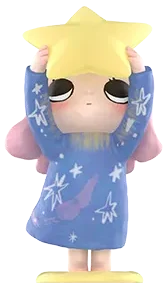 which sparked the idea of making a game that catches stars. I started brainstorming the story and came up with the idea that this girl was stuck on the moon after a failed round-trip and the only way to go back to her planet is to regain her power using the stars. It will ask the user to help her by moving left and right on the arrow keys to “catch” the falling stars from space. With every caught star, the star power increases by 1 and a sparkle sound plays.
Design:
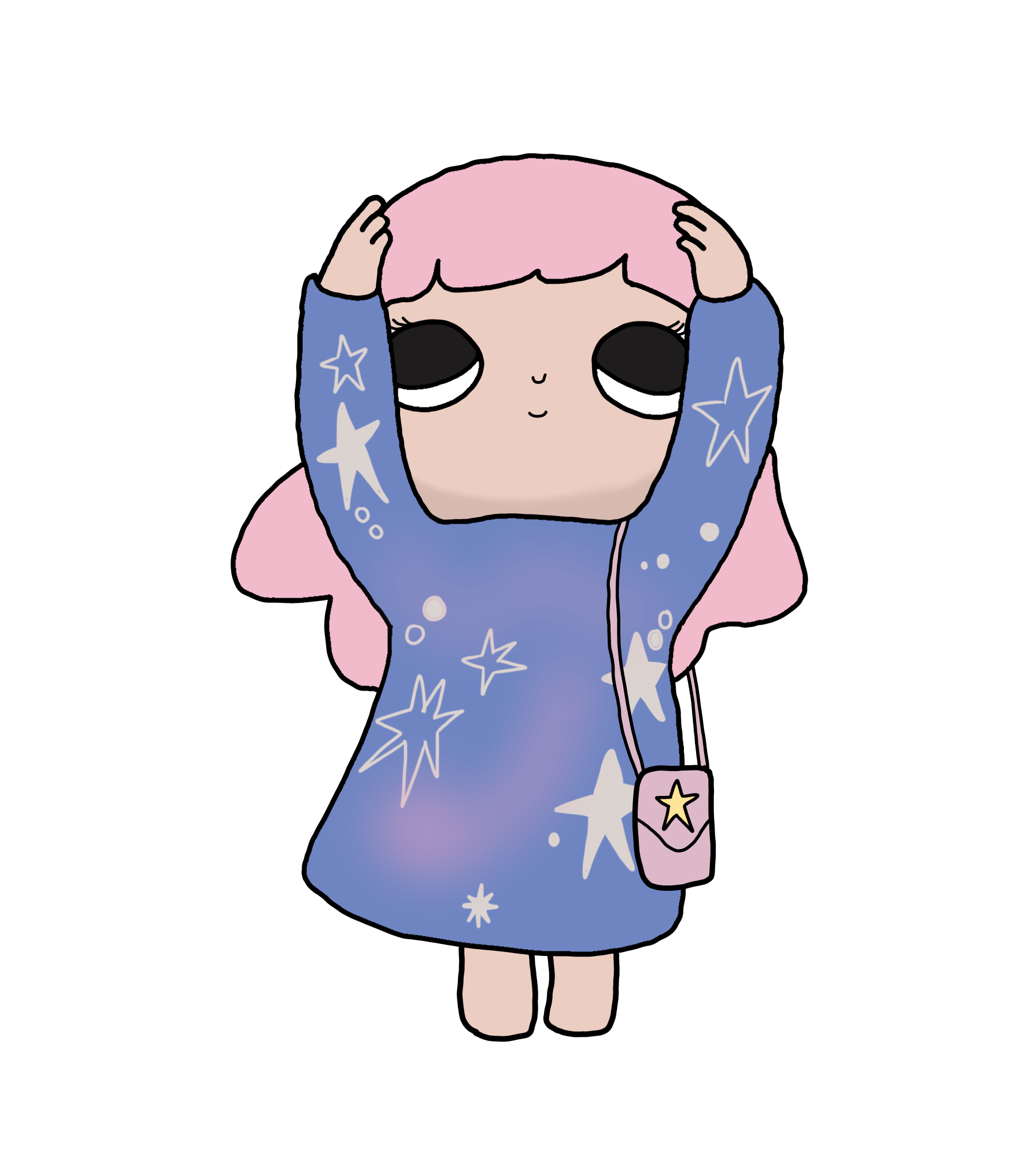 I traced the figurine on my iPad because I wanted a drawing rather than an image. I think it looks better and more game-friendly. It was also a fun, creative process that I think adds a more personal touch to this project.
I drew the girl for the ending screen where she will be holding the star to show the user that they have won but I have yet to use it because I did not work on the screens yet. 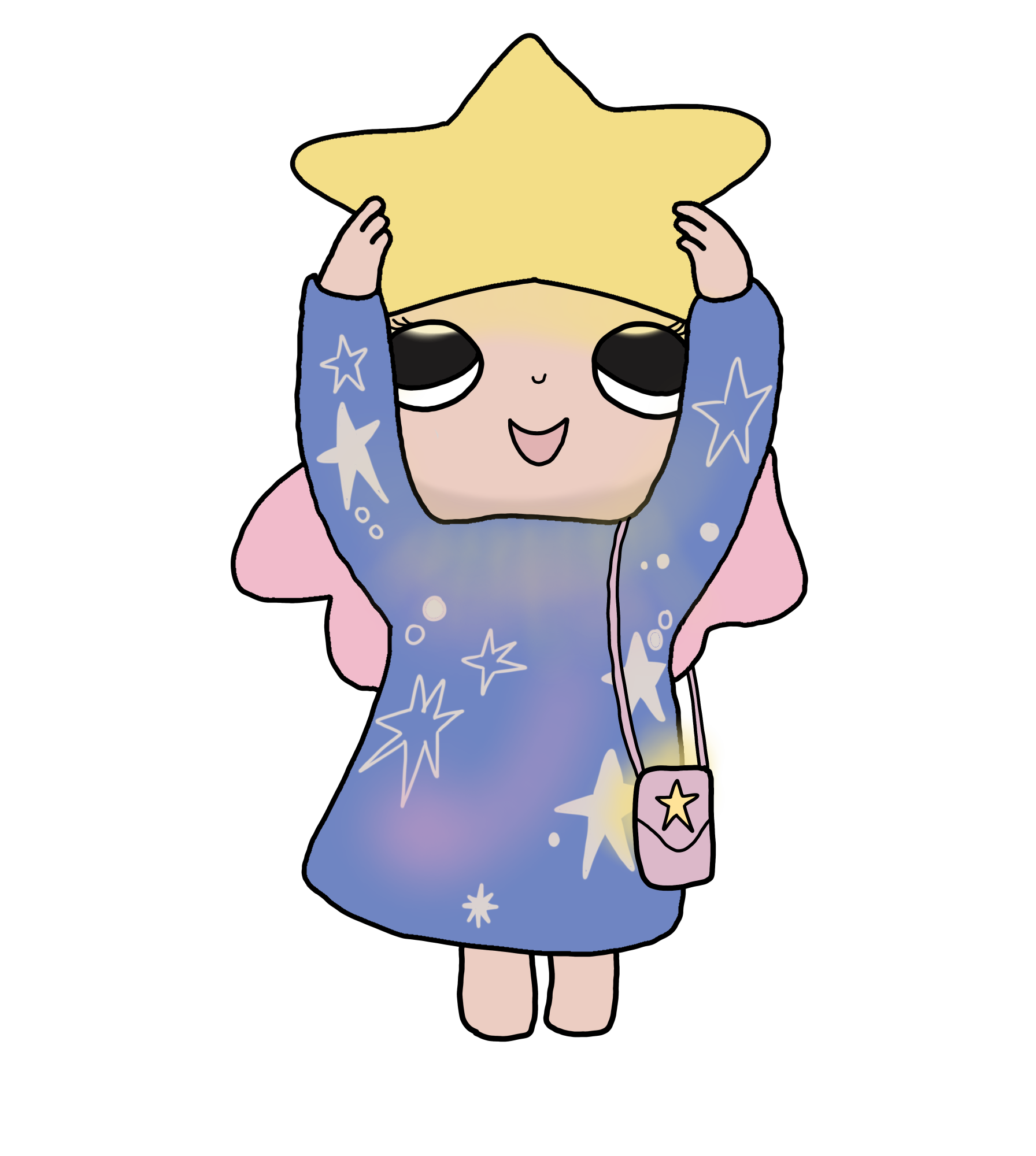
I also drew the stars to keep the style consistent.
I initially also drew the background but after loading it in, I did not like how it looked like just because I drew it as a square almost, so it stretched out. I also felt like the quality would be better if I just coded the gradient background and the moon part is quite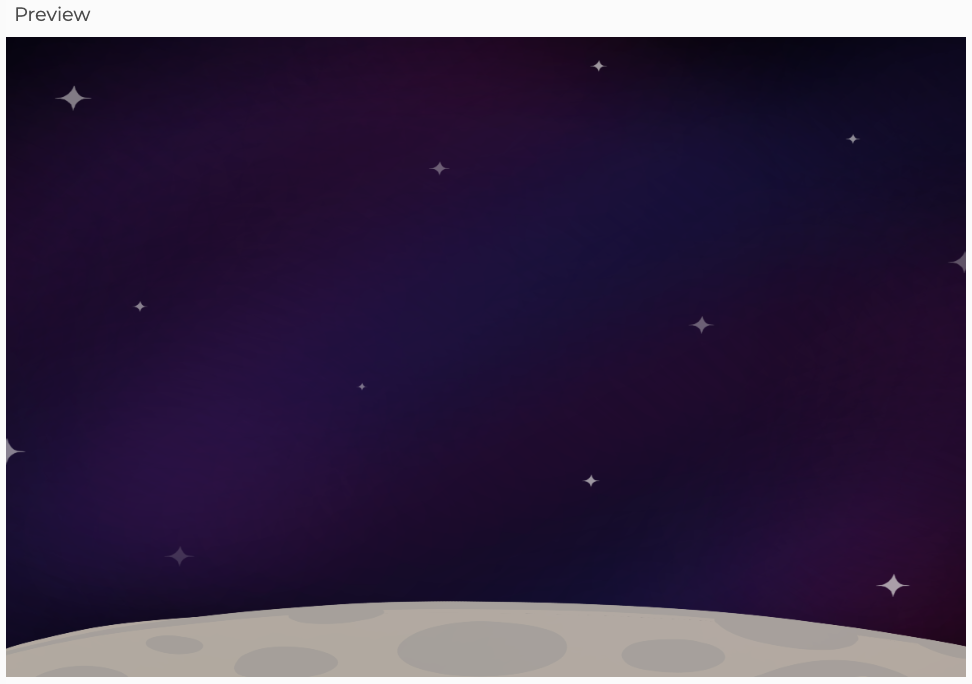 easy with just a bunch of ellipses. I am happy I made that decision and it definitely helped me learn something new, as I found a p5js example for the gradient. I had a different code for the gradient at first—like the one I used in my Bubbles project—but it caused the stars and girl to infinitely draw, creating a trail
 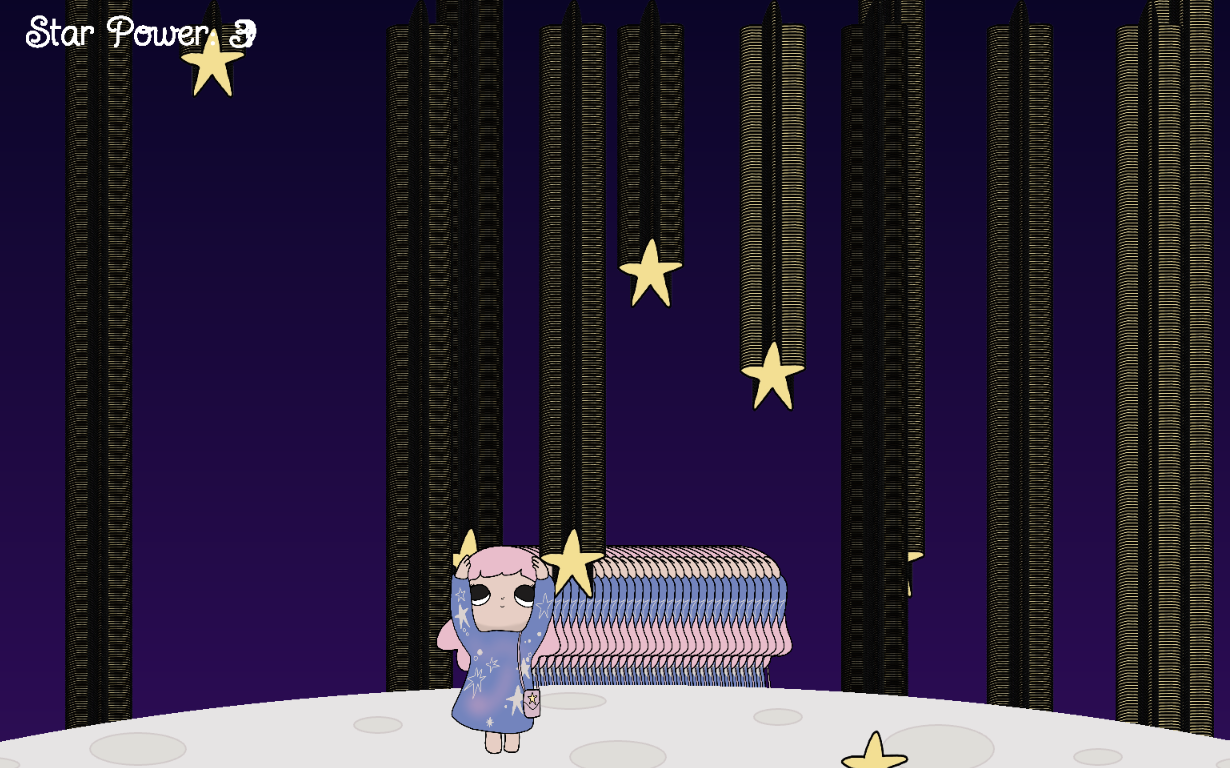 for some reason. I figured it was because I put it in setup but putting it in draw caused the same problem so I just searched for a new reference instead (P5js example gradient background in Resources section).
This is the structure I have in mind:
- Starting screen (title/intro) + play button
- Story / Instruction (explains the game + how to play) + play button
- Game
- Ending screen (win/lose) + play again button
Uncertainties:
I think the most uncertain part as of right now is the rest of the concept, which is the goal of the game. I am not sure how to go about this game, as I have multiple ideas. One idea is to have rocks falling from space as well and if the user hits it, the Star Power decreases, and it needs to reach a certain number in a limited time in order for the user to win. Another idea was having the stars continuously falling with no drawbacks, but if a star falls without being caught, then the game ends and to make it easier I would have a special star fall to temporarily speed up the girl’s movement.
While coding, the part I was unsure about was the collision detection part—when the game knows that girl “caught” the star—just because it kept confusing me as to which numbers would work best. At first, it was very sensitive and rather kind because it was pretty easy to catch the star from afar or after it had passed the girl’s reaching hands, which looked wrong. I had to keep changing the numbers to make sure it is fair and actually within the girl’s parameter.
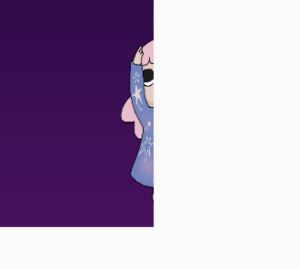
In the beginning, the girl was also able to go beyond the canvas but that was because I did not restrict thekeyIsDown if statement. I added if (girlX > -20) and if (girlX < width – 120) to fix that.
For now, I want to work on figuring out the goal of the game. After that, I want to do all the different screens. In the end, I want to finalize with background sounds or effects.
Resources:
Sparkle sound: https://pixabay.com/sound-effects/film-special-effects-sparkle-355937/
Font (Gemini helped me pick this font): https://fonts.google.com/specimen/Twinkle+Star?preview.script=Latn
P5js example gradient background: https://editor.p5js.org/adriennecassel3/sketches/b7FTa6sF_
Class: https://editor.p5js.org/Aya_Riad/sketches/Wky6-ythQ
Key movement: https://editor.p5js.org/Aya_Riad/sketches/XtHkp-A7N