
Concept:
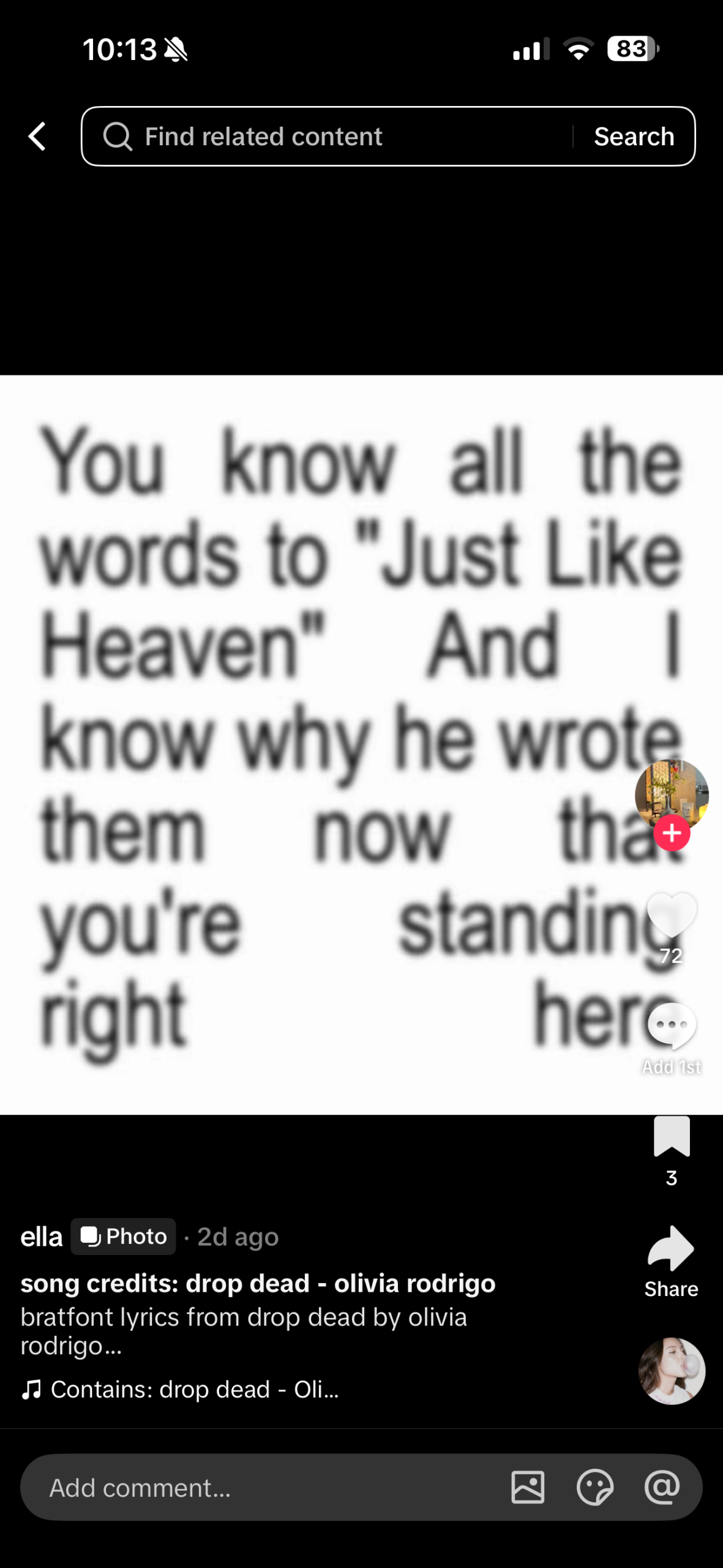
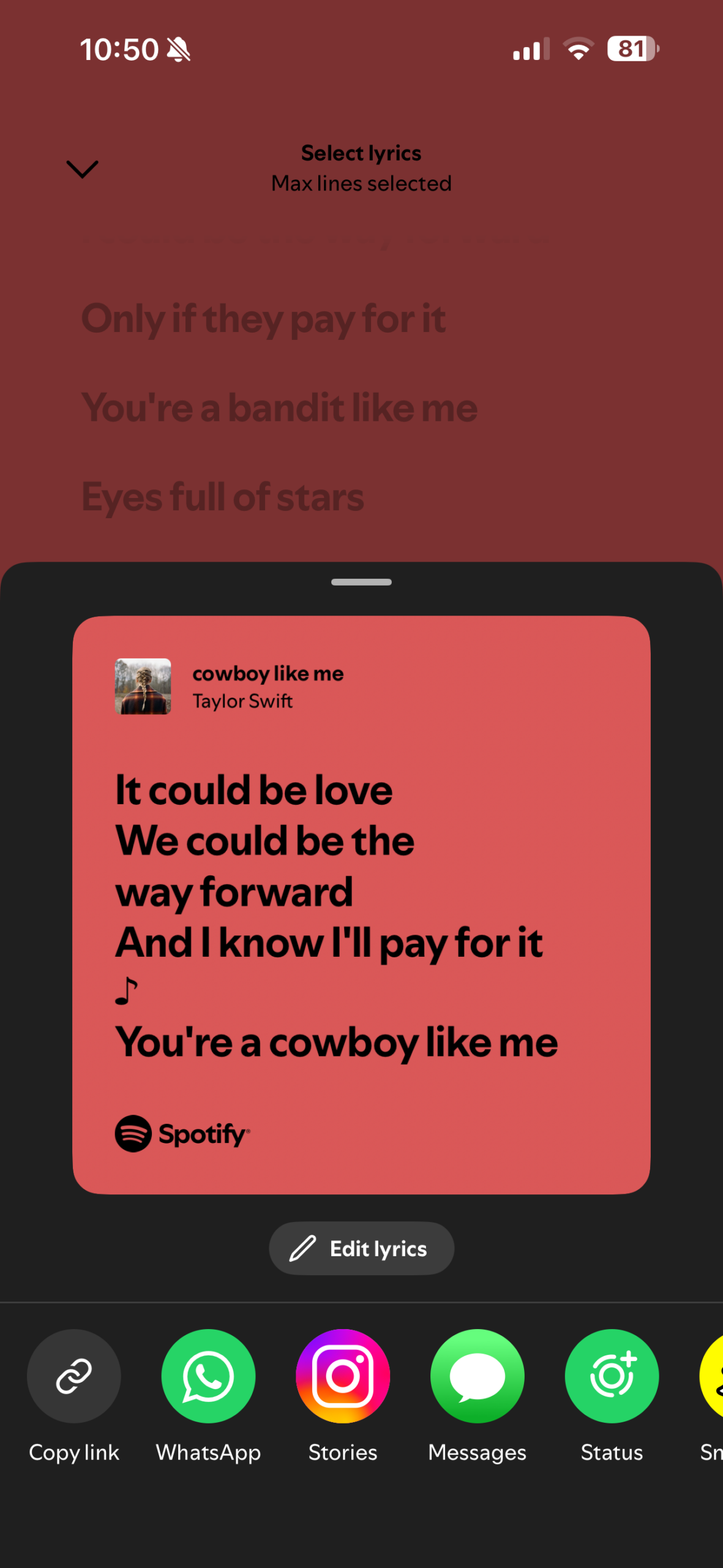
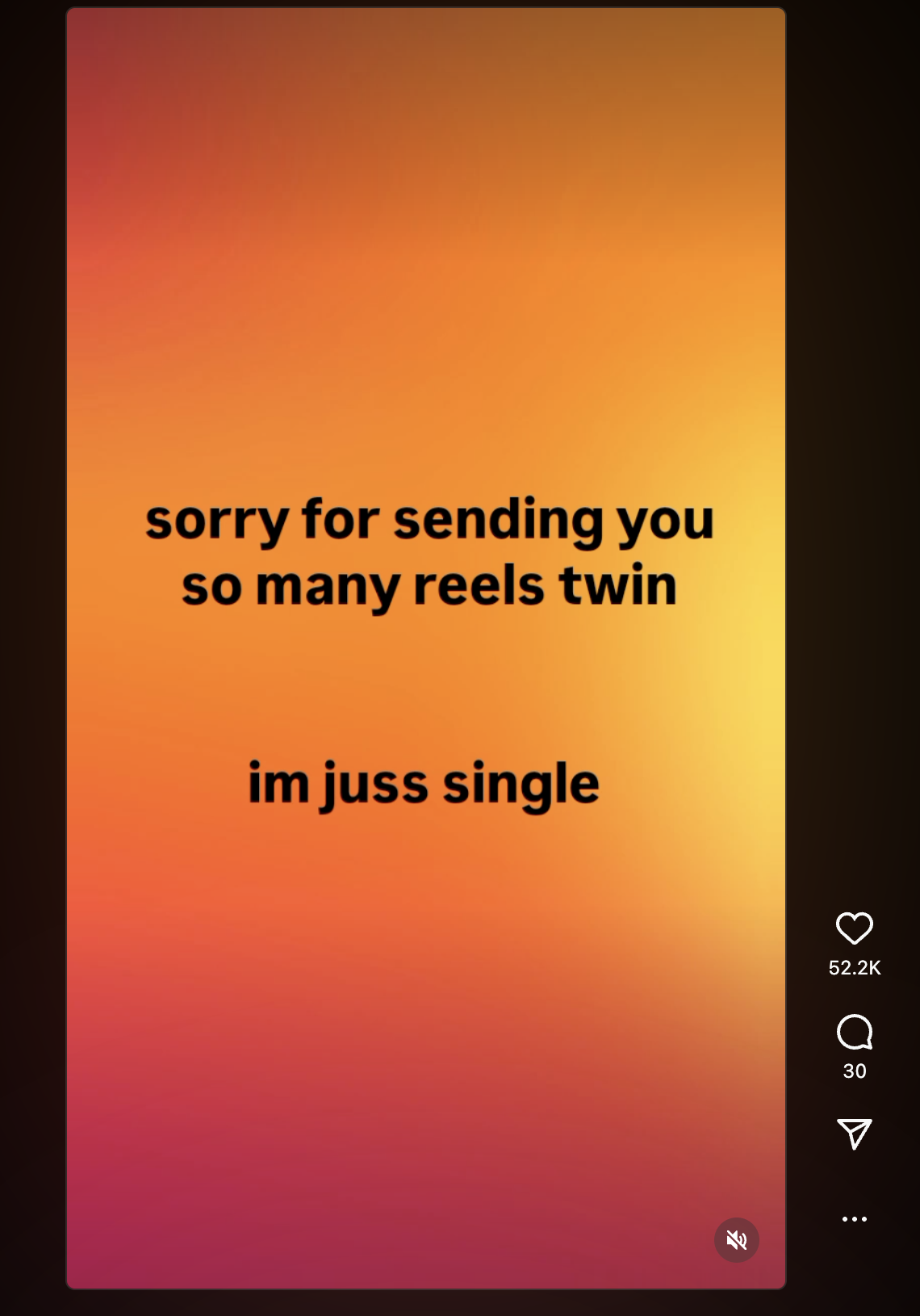
For this assignment, I had absolutely no idea what to do. I tried looking around for inspiration when the idea of incorporating song lyrics came to mind because I listened to music all the time. Once I had the idea of using song lyrics, I decided I could make the project more personal and specifically make use of song lyrics that I really enjoy. When figuring out how to design the project, a few references came to mind: the first being the lyric videos I sometimes see on TikTok (Image 1), the second being the Instagram reels that just have text on a color background (Image 2), and the third being the shared lyrics from Spotify (Image 3).
How this was made:
For this assignment, I wanted to try and use a csv file to store the lyrics so I began by reviewing a video I found titled “p5 js Working with Basic Data + CSV Files” by Jacob Rivkin and the p5 references on csv, in order to get a better understanding of it works. Originally, I planned to only add the lyrics, but once I watched the video and followed along, I decided to add additional information to the CSV file, such as the song title and artists. Once I was able to get the connection to the CSV file working, I added the mouseClicked function so that users can go between the song lyrics.
After the functionality of the assignment was done, I began working on the visualization of the text. I started with the position of the lyrics, song name, and artist, trying to find a font size and position that would keep each section of text from overlapping because at first when I added alternative fonts some of the longer lyric segments would go a bit off screen due to the font size. In terms of other visual aspects, I tried to keep it a bit simplistic, in a manner similar to the references I had while still having some kind of unexectedness to it, which is where the changing fonts, and text and background color come in.
Code I’m Proud Of:
async function setup() {
  createCanvas(500, 500);

  data= await loadTable('lyrics.csv',',','header' );

  numRows = data.getRowCount();
  songLyrics = data.getColumn('Lyrics');
  songName = data.getColumn('Song');
  songArtists = data.getColumn('Artists');
When I started working on the assignment, I was unsure about how to navigate the CSV files that I almost ended up just using an array to store the lyrics, and at that point I wasn’t even planning to add the other song information. When I found the YouTube video explaining the concept, I found it much easier than I initially thought and was able to incorporate it into my assignment.
Reflection:
Even though I think this is one of the more simple assignments, I think the fact I got to incorporate something I love into it, that being music I personally enjoy, I had more fun throughout the entire process. For future improvements, I would want to add a feature for users to add their own lyrics to be displayed, which I could use to add a more personal touch for the person experiencing the work. Additionally, one thing I wanted to add but wasn’t able to was a gradient-style background, much like the Instagram video reference. As we continue going through the semester, I’d like to come back to this assignment and hopefully add those improvements.