
Reading reflection
The part of interactivity that I really agree with is that it is a scale and not a binary. I believe interactivity is a huge aspect of how technology is perceived, and I am really interested in how it shapes the relationship between the user and the technology. I believe interactivity doesn’t needs to be physical in its nature where a user has to press a button or a widget, but it is really about how involved they feel with the technology/or any other medium of interaction. The author then speaks about how they feel that reading is not interactive. I disagree with this part, and I believe that reading is highly interactive. In an era where there is so much online material/posts/apps/games to interact with I find reading to be highly interactive and not rushed. The author also speaks about how opening a fridge door is interactive, which is an interesting approach. I believe small everyday tasks have an interesting nuance to them and how their design matters I think it is in these tasks that we actually slow down. I don’t want to be philosophical about this, but I genuinely resonate with how interaction is people based like when communicating and dancing. As a sustained dialogue ambassador, I really agree with Crawford’s stance on how communication is interactive. Like as an ambassador, I have been trained to like communicate with participants and co-facilitators without the need of speaking, and letting silence set in and genuinely listening to everyone, including listening on different levels like their body language. This is also what interactivity looks like to me, so I think it does have different aspects to it, but it all comes down to how seen the user/person feels whether it is technical or not.
Coding Exercise
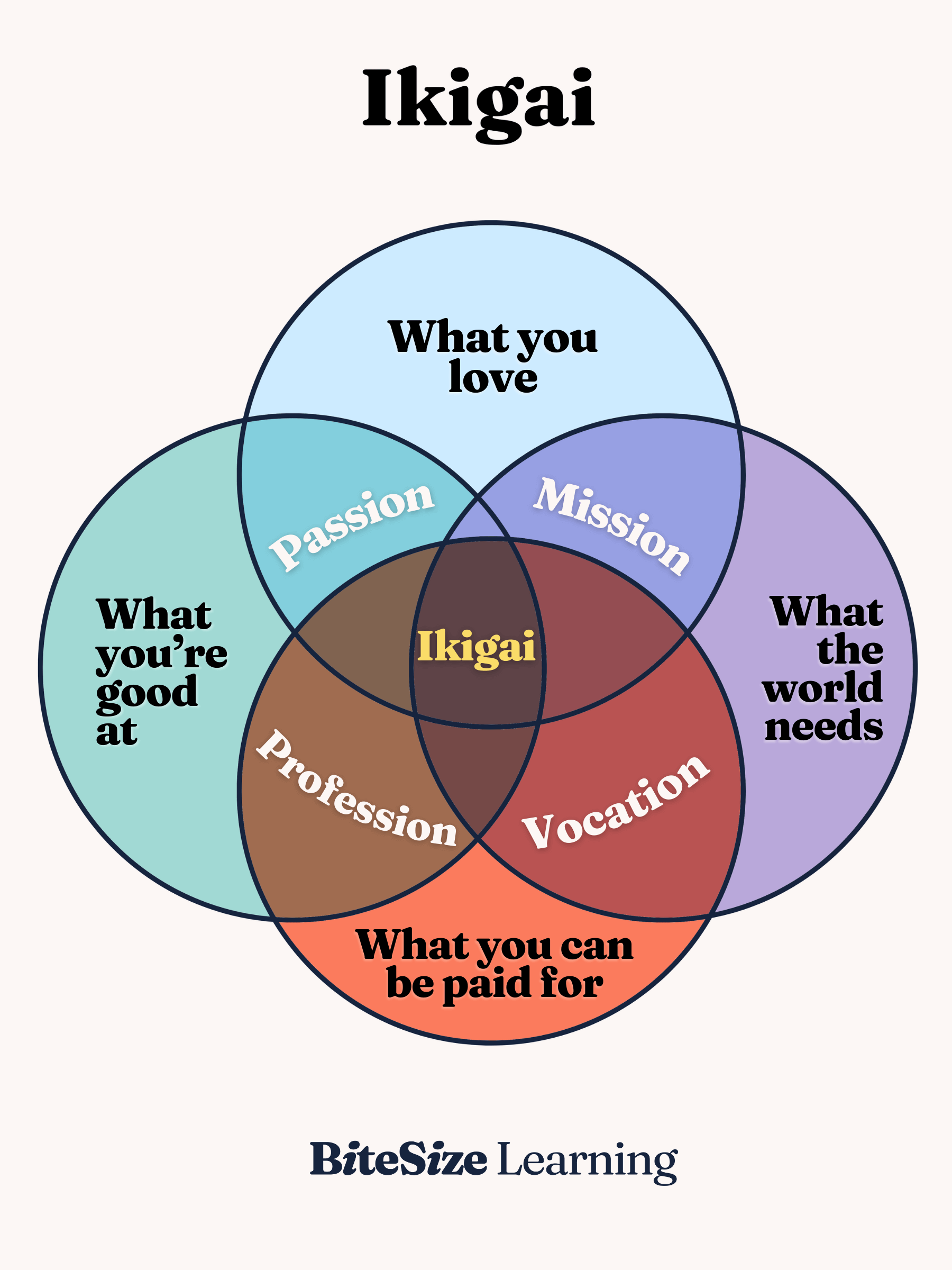
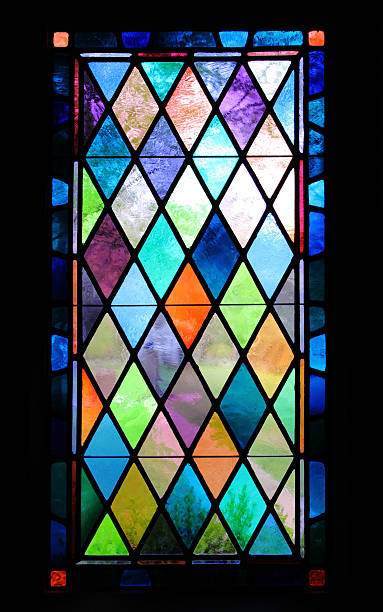
My inspiration for this code was the Ikigai concept in Japanese, where it means what you pursue in life has to be at the intersection of what you like and what you the world will need. I also really like the translucent aspect of this as well, and to me it appears to be like tainted glass.
My Program
My code
I build this through the ikigai class I defined. The part of the code, I am proud of is how I integrated the translucency.
class IkigaiCircle {
  //it runs when a new circle is made
  constructor(x, y, col, appearAt) {
    //The centre of the circle
    this.x = x;
    this.y = y;
    //Colour name into a p5 colour
    this.col = color(col);
    //  a crucial part in helping us set the color to translucent
    this.col.setAlpha(100);
    // count value when this circle appears
    this.appearAt = appearAt;
  }
I started by drawing a single circle in the middle of the canvas, then added three more to build the ikigai diagram, using see-through colours so the overlaps would blend. To make it animate, I added a counter that goes up every frame and made each circle appear only after the counter reached a certain number. Once I noticed the four circles used almost the same code, I turned them into an IkigaiCircle class and moved the colours and positions into arrays, so a loop could create all four circles for me. Finally, I changed the background from grey to cream because the grey made the colours look dull.