
Concept:
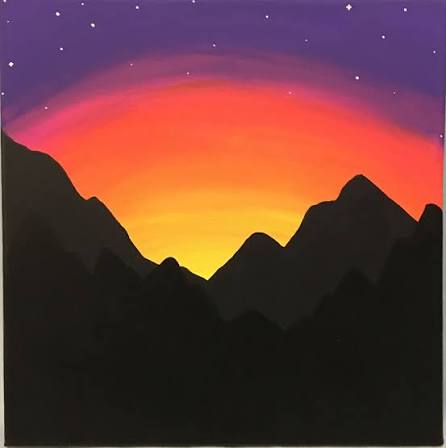
For my concept, I wanted to create a backdrop of a sunset whilst also incorporating animations and loops. For this, I started by looking for inspiration pictures and landed on this. I used this image as my reference.
How this was made:
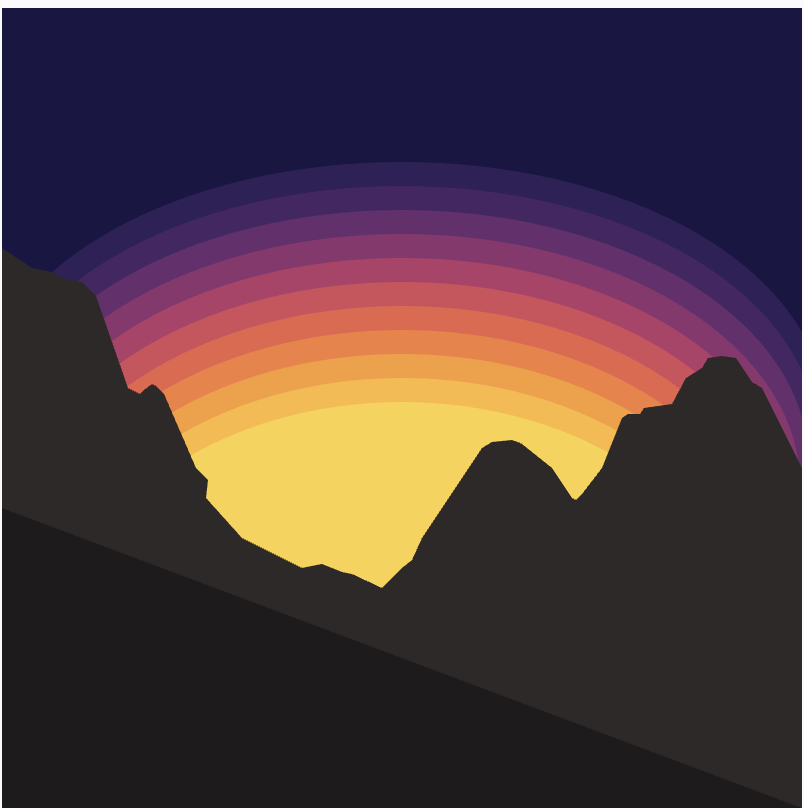
I initially started with finding colors for the sunset. I created an array of 15 colors – these colors were found by searching: hex colors for sunset gradient 15 colors. I then used these colors in a for loop to draw 15 circles that slightly overlap and have varying opacities to create a gradient. I will be honest, I was not happy with the result as you can see below.
So, I looked on p5 reference and found a function called ‘paletteLerp’ which blends multiple colors to find a color between them. So i created another array called palette with each index containing an array with two elements. The first is the color, and the second is position of that color along the gradient -> usually in a gradient the positions are equal, however I wanted certain colors to take up more of the gradient compared to the others (in the end I had 10 colors). Next in my loop, instead of drawing 15 circles, I drew 100 and used paletteLerp to blend the colors.
Here is the result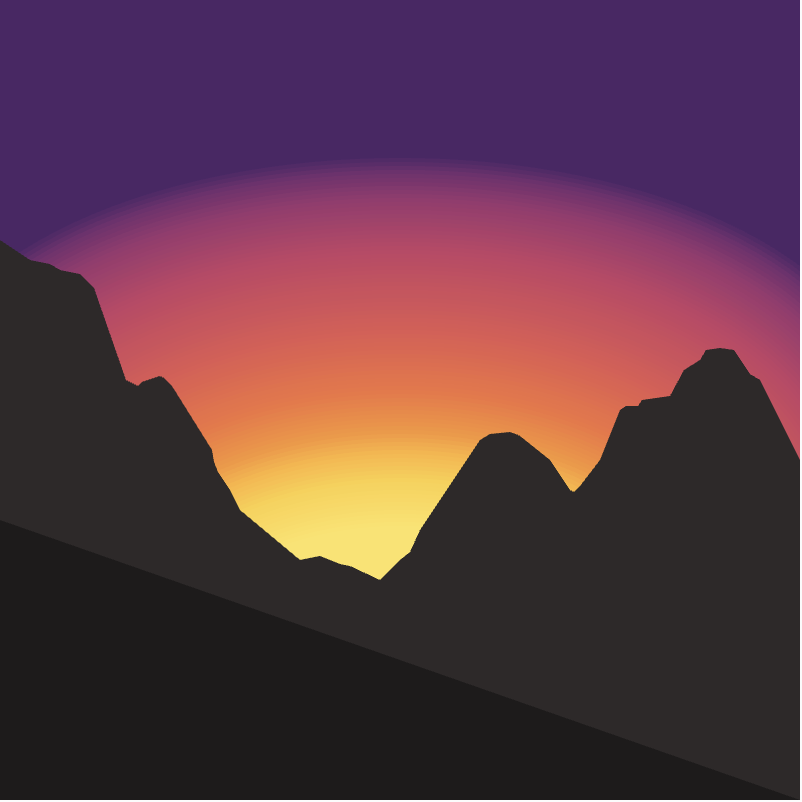 As you can see, the gradient is much more seamless.
As for the code:
//colors for sunset
let colors = [ '#4d2667', '#742e6f', '#9c366f', '#c44265', '#e25852', '#f2733f', '#f89535', '#fdb338', '#fccf43', '#fee464'];

//palette to blend colors
let palette = [[colors[0],0.06],[colors[1],0.10],[colors[2],0.17],[colors[3],0.30],[colors[4],0.50],[colors[5],0.65],[colors[6],0.75],[colors[7],0.80],[colors[8],0.87],[colors[9],1]];

 //drawing sunset

let diameter = 500;
let y = 190;
for (let i = 0; i < 100; i++){
noStroke()
fill(paletteLerp(palette, i / 100));
ellipse(200, y, diameter, 250);
y += random(4);
diameter -= 2;
}
Next, I moved onto the mountains. This also took some trial and error. At first, I tried using the primitive shapes discussed in class (lines, arcs, triangles, etc) however I was very unhappy with the result, and filling it in would be difficult this way. So I searched online ‘mountains p5.js’ to see how other people made mountains and I came across this.
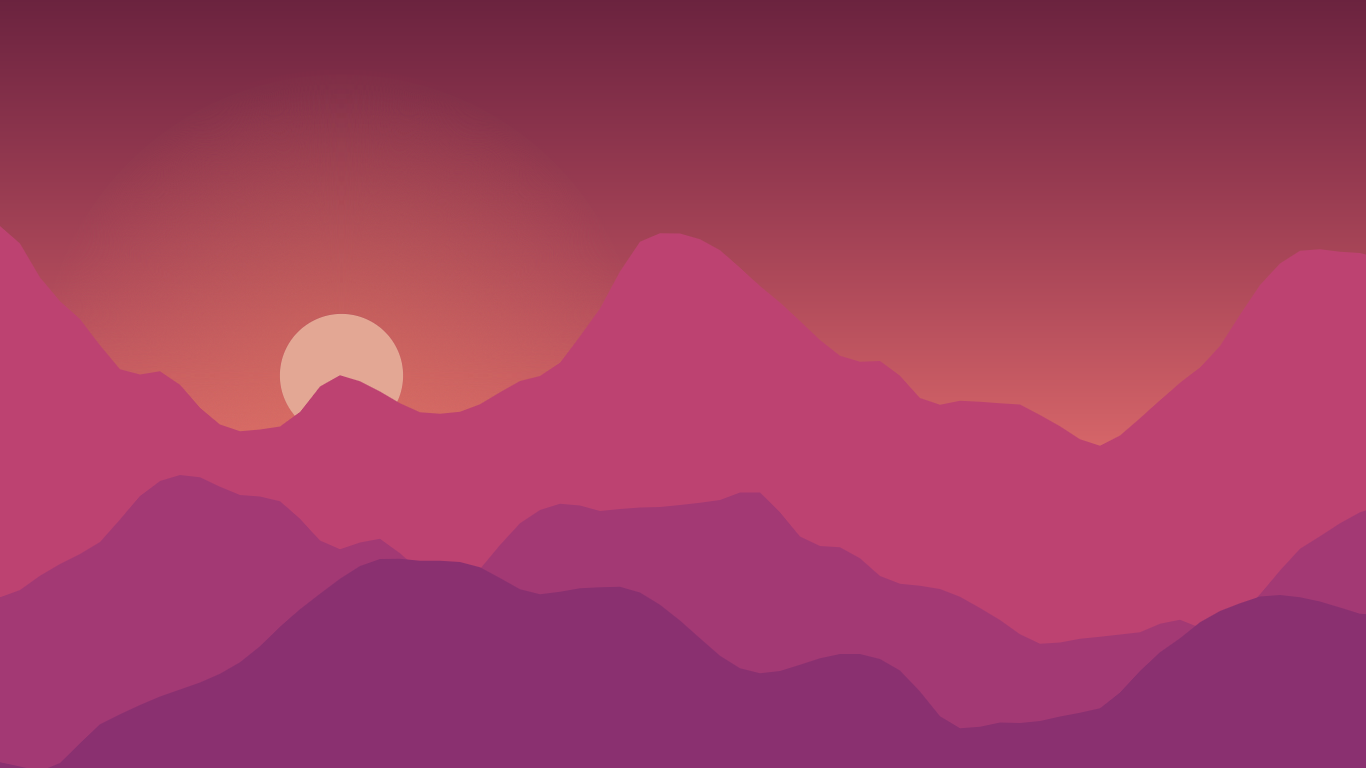
Since I was unsure of how this was made, I pasted the image into ChatGPT and was told that they used: beginShape(), vertex(), endShape(). So thats what I did. This was very time consuming since I had to dictate every vertex, the mouseX and mouseY made this easier, but I would say the end result was worth it!
I then made the stars, I did this by creating a similar for loop to the sunset to draw each star and used random() for the x position, y position and size, as well as for opacity to mimic twinkling (this was only feasible since I had reduced the frameRate to 4, otherwise the twinkling would be too quick).
Finally, I wanted more movement in the diagram, so I also varied the movement of the circles to create the illusion that the sunset is moving (this is why frameRate is 4, so that the movement is slower and more animated).
Randomness was used in two places: the stars were assigned random positions, sizes, and opacities to create twinkling, while the sunset circles used random vertical offsets to create subtle movement.
Final result
Reflection
Overall, I am quite happy with the result, much more so than the first assignment. Although it took a lot of trial and error as well as extra research, I now have a stronger foundation and appreciation for p5. In the future I would want to add more animations like shooting stars for example as well as interactivity for the user. In addition, although I added my own features and animations to the reference image, I would want to challenge myself in the future to create something completely from scratch, rather than basing it on a specific reference image. I would still use other artwork as inspiration, however.
References:
https://p5js.org/reference/p5/paletteLerp/
https://www.google.com/search?q=hex+colors+for+sunset+gradient+15+colors&sca_esv=424538866ee42d06&sxsrf=APpeQnssm4SWbFMRWSRBGqA4Tr2fGDoWYA%3A1788940216991&ei=uA-haq-APN3k7_UPi-_y8QE&biw=1512&bih=857&ved=2ahUKEwivvKHRgeGWAxVd8rsIHYu3PB4Q4dUDegQIBhAM&uact=5&oq=hex+colors+for+sunset+gradient+15+colors&gs_lp=Egxnd3Mtd2l6LXNlcnAiKGhleCBjb2xvcnMgZm9yIHN1bnNldCBncmFkaWVudCAxNSBjb2xvcnMyBRAhGKABMgUQIRigATIFECEYoAFIzyFQqApY0CBwAXgBkAEAmAGoAqAB4hKqAQMyLTm4AQPIAQD4AQGYAgagAoIKwgIKEAAYRxjWBBiwA8ICBxAhGAoYoAGYAwCIBgGQBgiSBwUxLjAuNaAHrxGyBwMyLTW4B_sJwgcFMS40LjHIBwyACAE&sclient=gws-wiz-serp