
Concept
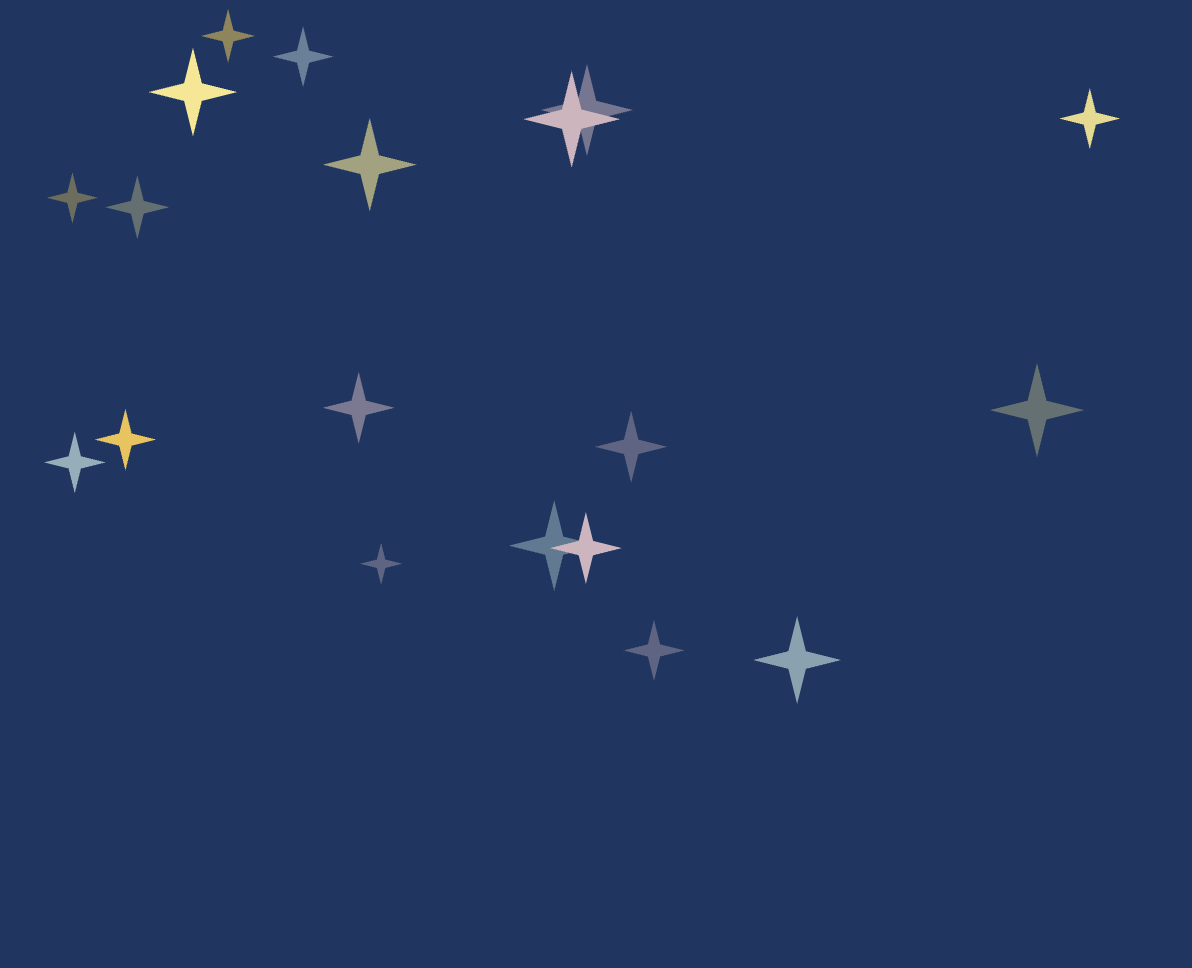
For this assignment, I wanted to create a generative night sky using objects and arrays. My main inspiration was Rosalina’s Storybook from Super Mario Galaxy. I liked the soft, hand-drawn look of the scenes, especially the textured blue backgrounds and glowing stars. I was not trying to recreate the image itself, but I wanted my sketch to have a similar storybook feeling. The bigger stars are created using a Star class. Each star has its own position, size, color, glistening speed, and texture. I also added smaller stars and small colored points in the background so the sky would not feel too flat or empty.
Every 10 seconds, the main stars move to new random positions, so the composition keeps changing while the sketch is running.

Code I Like
glisten() {
    // Move through the glistening animation at this star's own speed
    this.sparkleTime += this.sparkleSpeed;

    // Turn the sine value into a transparency value from 80 to 255
    this.brightness = map(sin(this.sparkleTime), -1, 1, 80, 255);
  }
How Was This Made?
For the main part of the assignment, I created a Star class that acts as a blueprint for the stars. Each object stores information such as its position, size, color, and glistening speed. I then created 30 different Star objects and stored them inside an array:
let stars = [];
for (let i = 0; i < 30; i++) {
 let star = new Star( random(20, width - 20),
 random(20, 350),
 random(6, 28),
 random(starColors) );

stars.push(star);
This array lets me go through all of the objects using one loop:
for (let i = 0; i < stars.length; i++) {
    stars[i].glisten();
    stars[i].display();
  }
This made it easier to control many stars without writing separate code for each one.
Functions I Used
I used a few functions that we have not really covered in class yet.
I used sin() together with map() to create the glistening effect. sin() gives a value that smoothly moves back and forth, while map() converts that into the transparency range I wanted.
I used color() and setAlpha() so I could keep the original color of each star while changing its transparency.
To make the custom four-point star, I used beginShape(), vertex(), and endShape(CLOSE). These let me create my own shape by choosing where each point should be.
I also used push(), pop(), and translate(). I had used .push() and .pop() before with arrays, but these versions are different. push() saves the current drawing settings and transformations, while pop() restores them. I used them with translate() so each star could be moved to its own position without affecting the other stars.
For the glow, I reused:
drawingContext.shadowColor
drawingContext.shadowBlur
I had used these before in my previous assignment. shadowColor controls the color of the glow, while shadowBlur controls how soft and spread out it is.
For the background, I used randomSeed(). The background uses random points for texture, but without randomSeed() they would move every frame. Using randomSeed(5) makes the same random pattern repeat, so the texture stays still.
I later used randomSeed(millis()) when changing the star positions. Since millis() keeps changing, this gives the stars a new random arrangement instead of repeating the same one.
I also reused millis() from a previous assignment. This time I used it to check when 10 seconds had passed, and then I called a function that gives all of the stars new random positions.
Reflection
The visual side of this assignment changed quite a bit while I was working on it.
At first, I tried using lines and many small marks to make the background look more like crayon, but some versions looked more like digital scanlines or like I had scribbled over the whole background.

I eventually changed the texture to smaller points and reduced how many there were. This kept some texture without making it too distracting.
I also made a simple mistake at one point where I forgot to redraw the background inside draw(). Since the stars were animated, their old frames stayed on the screen and created trails.
After fixing that, I had another problem where the randomly generated texture changed every frame. I solved this using randomSeed() so the same random texture would be redrawn each time.
Later, I noticed that the stars changed position after the first 10 seconds but then seemed to keep returning to the same arrangement. This happened because the fixed randomSeed() used for the background was also affecting later uses of random(). I fixed this by using randomSeed(millis()) before generating new star positions, which gives it a different seed each time.
The sky also felt too empty at first. I increased the number of main stars from 20 to 30, gave them a wider range of sizes, and added smaller stars in the background instead of filling the screen with even more large stars.
For future improvements, I would probably try to make the stars themselves look even more hand-drawn so they match the Storybook inspiration more closely. I also think sound or some kind of interaction could be interesting, but I wanted to keep this version focused on the visual side.