
Concept
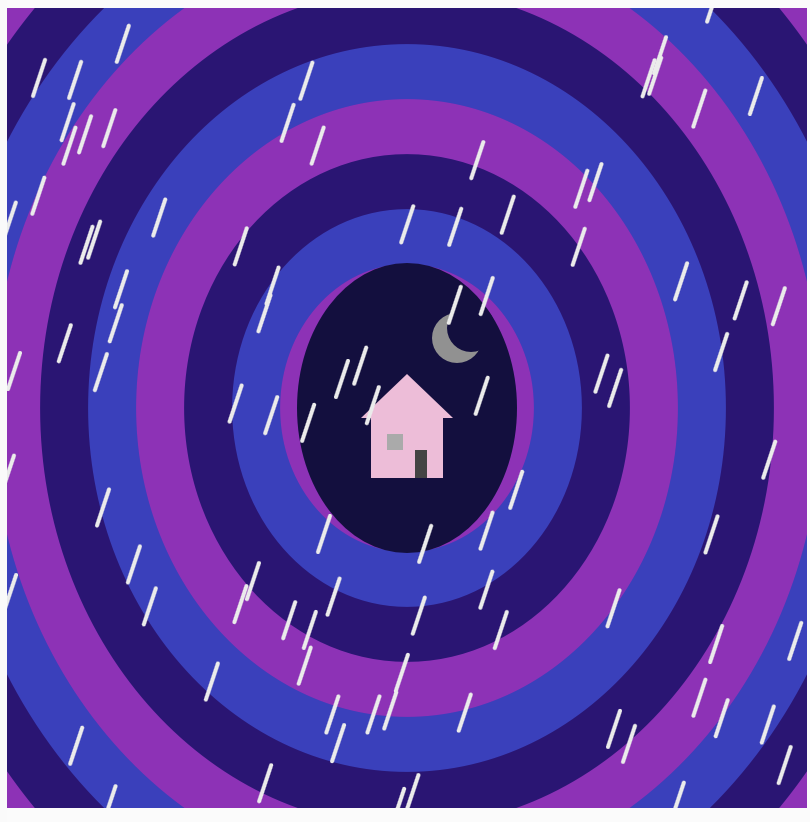
The movie ‘Coraline’ was my inspiration behind this project. Particularly the tunnel that leads from Coraline’s real house to the other world. I liked the dark and mysterious vibe of the tunnel in the movie, so I wanted to get that in my sketch. I used dark purple and blue colors to match the mood of the movie, and I added rain to make the scene feel more eerie. I added the small pink house at the end of the tunnel, because it is such an important and recognizable piece of Coraline. I also made the tunnel expand and contract. So it feels as if you are being pulled deeper into the other world.
Inspiration for my tunnel:
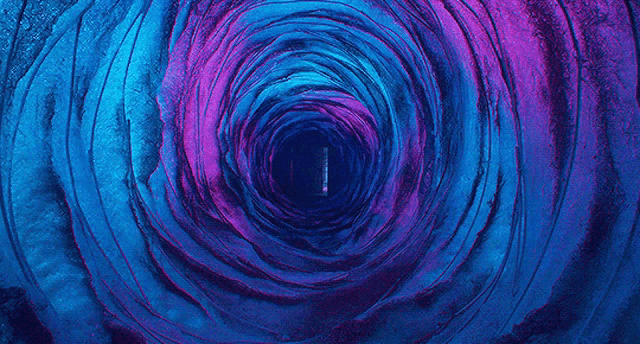 Image from: https://tenor.com/view/coraline-blue-gif-21532661
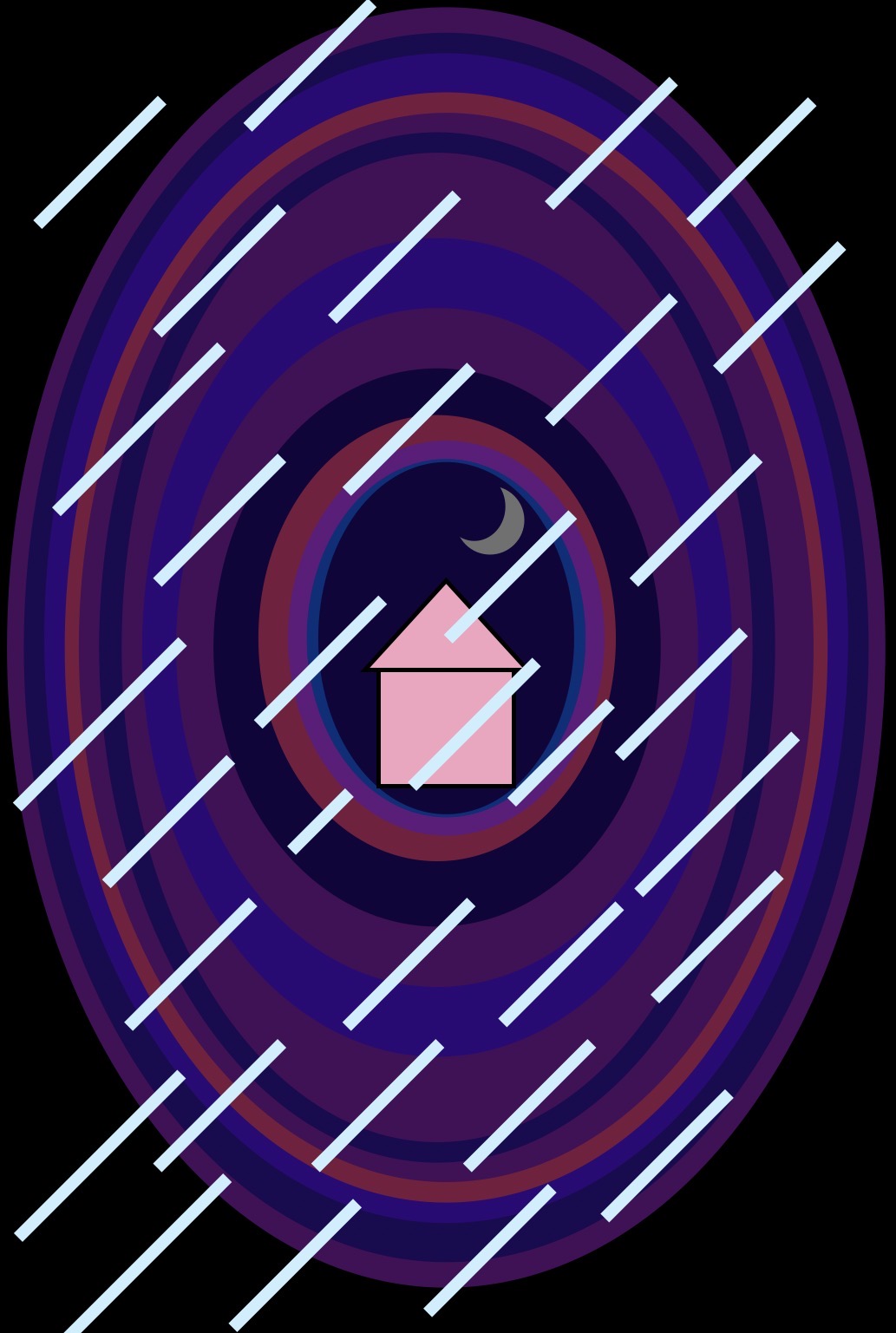
*idea of how I wanted it to look like
Final Sketch:
Code I’m Proud Of:
The part of the code I am most proud of is the rain as it helped me use Object Oriented Programming in a way that made sense with my idea. I created a RainDrop class:
class RainDrop {

  constructor(x, y) {
    this.x = x;
    this.y = y;
  }

  move() {
    this.y = this.y + 5;

    if (this.y > height) {
      this.y = random(-100, 0);
      this.x = random(0, width);
    }
  }

  display() {
    stroke("#ebebeb");
    strokeWeight(2);

    line(
      this.x,
      this.y,
      this.x - 6,
      this.y + 18
    );
  }
}
In this part every raindrop becomes its own object. Each has its own x and y position, and methods that tell it how to move and how to look. Then I put all the raindrops in an array and used a loop to move and display them.
Another code I am proud of is the tunnel since I used an array of colors and loop instead of just drawing every layer separately.
for (let i = 0; i < 11; i++) {

  let w = 540 - i * 48 + tunnelSize;
  let h = 620 - i * 55 + tunnelSize;

  fill(tunnelColors[i % 3]);

  ellipse(200, 200, w, h);
}
This made the code shorter and let the tunnel animate as one whole shape.
Reflection:
Problems I ran into
I had trouble with the rain, since I was creating a new raindrop every frame, after a while there were way too many raindrops on the screen. I fixed this by limiting the number of objects added to the rainDrops array.
How it used to be:
if (doorOpen == true) {
  rainDrops.push(
    new RainDrop(
      random(0, width),
      random(-100, 0)
    )
  );
}
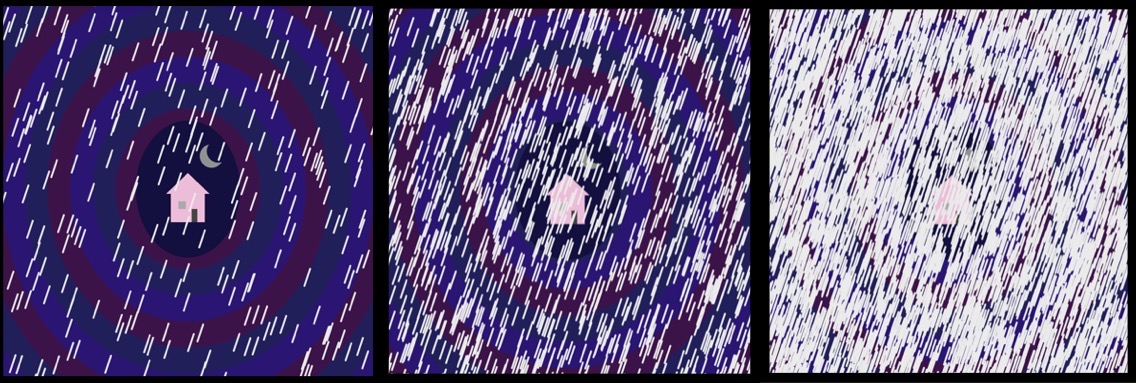
How it is now:
if (doorOpen == true && rainDrops.length < 100) {
  rainDrops.push(
   new RainDrop(
    random(0, width),
    random(-100, 0) ) ); }
Changing this basically meant that it should only add another raindrop if the door is open and if there’s fewer than 100 raindrops.
Another problem was getting used to object-oriented programming. Initially I understood how to draw rain with simple lines, but making each raindrop an object with a constructor, move() method and display() method was a little confusing. When I realized that the class was pretty much a template for every raindrop it all made much more sense.
As well as little mistakes with capitalization. I kept getting mixed up between uppercase and lowercase letters in my variable and class names and this meant parts of the code stopped working so I had to keep going back and checking that the names matched exactly.
Another change I did, I changed the colors of the tunnel so that the movement is more visible:
How it was: 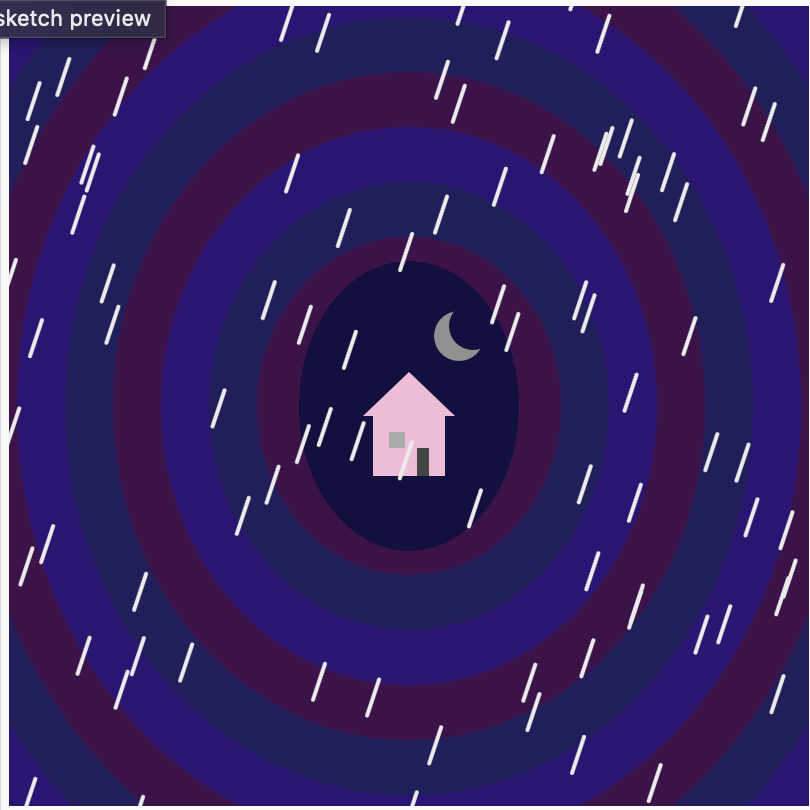
How it is now:
Improvement:
Through trial and error I learned how useful loops and arrays are to organize code in this project. I could have repeated the same idea again and again, and kept the code more organized, instead of drawing each tunnel layer, each raindrop. I’m also happy with the interaction, as opening the door makes the sketch feel more like a connected piece to my Coraline inspiration, rather than just a static image.
If I continued working on it I would probably add different versions of the scene, like daytime, sunset or even a darker night scene so every time the door opens it could reveal different atmosphere, and adding more interaction to my sketches.
References:
https://p5js.org/reference/p5/mousePressed/
https://p5js.org/examples/Animation-And-Variables-Conditions/
8.1 class and objects – p5.js Tutorial
13: Basics of Arrays in p5.js: How to Code Generative Art
For Loop – Creative Coding with p5.js