
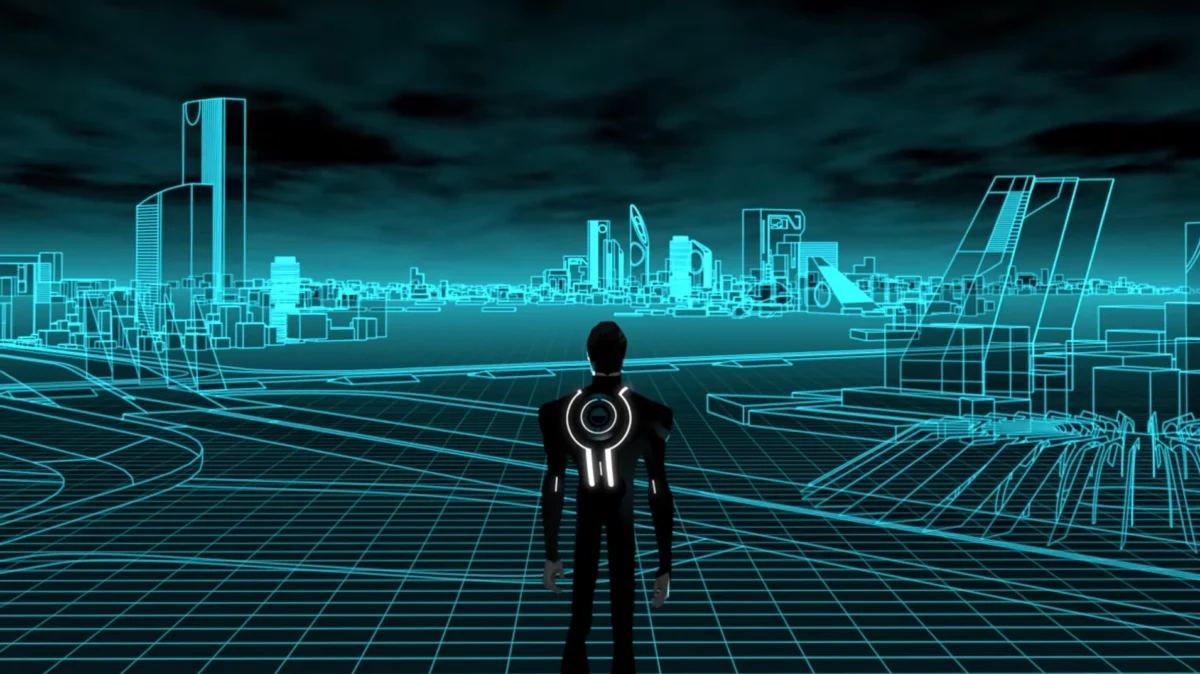
For this assignment, I decided to create a Tron-inspired piece that is a digital environment resembling the Grid in the movie. At first, the sketch starts out with cyan perspective lines, which, when the user clicks, change to an orange color scheme inspired by Clu, who is the villain of the movie. I also added random particles to the top of the grid, which are supposed to give that computer-bit aspect. I wanted to experiment with what I heard in the Casey Reas talk and used randomness in my piece while still being in control.
The part which I am most proud of in my code is the color-changing toggle. Originally, I wanted to use only the mouseIsPressed function, but that wouldn’t work because it would only appear when the mouse is held down. This is why I created a boolean variable called cluMode, which solves that issue.
function mousePressed() {
cluMode = !cluMode;
}
if (cluMode === true) {
fill(255, 165, 0);
} else {
fill(176, 224, 230);
I started by creating a 700×700 canvas, then used two for() loops to crate the vertical and horizontal lines. After that, I used a global variable called gridMove to animate them by increasing its value inside draw(). This value is added to the y position of the horizontal lines, making them move down the screen but stopped by a conditional to make them repeat.
I used another for() loop to create the randomized particles by using random() in the coordinates of my circle code. Finally, I added the cluMode boolean and mousePressed() function so clicking the canvas cycles from cyan to orange.
My main references were the Grid and its color schemes from Tron. I also referenced the p5js concepts covered in class. Including loops, conditionals, animation, mouse interaction, and random()
I am happpy with how my final sketch turned out by using moving objects rather than static ones like last time. In the future, I would like to experiment more with arrays to give particles positions and try to make the animations smoother.