
Concept
Before I started any part of this weeks homework, I already had a small idea for what I wanted to create. As I began going through the work, I still intented to go through with my original design. While going through the examples provided with the assignment instructions, I came across a work that was similar to what I had in mind, this ended up being my source of inspiration for the assignment.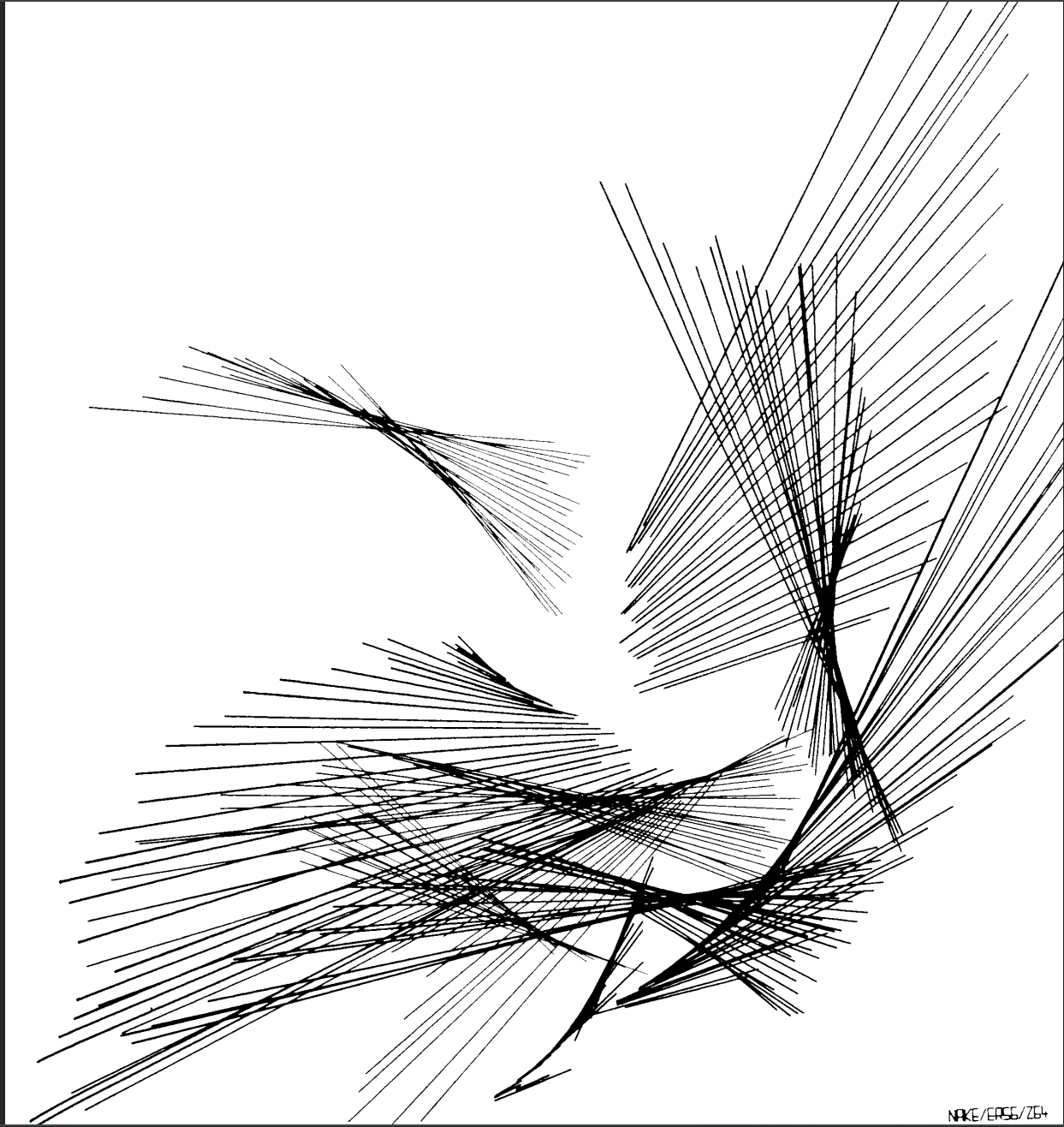
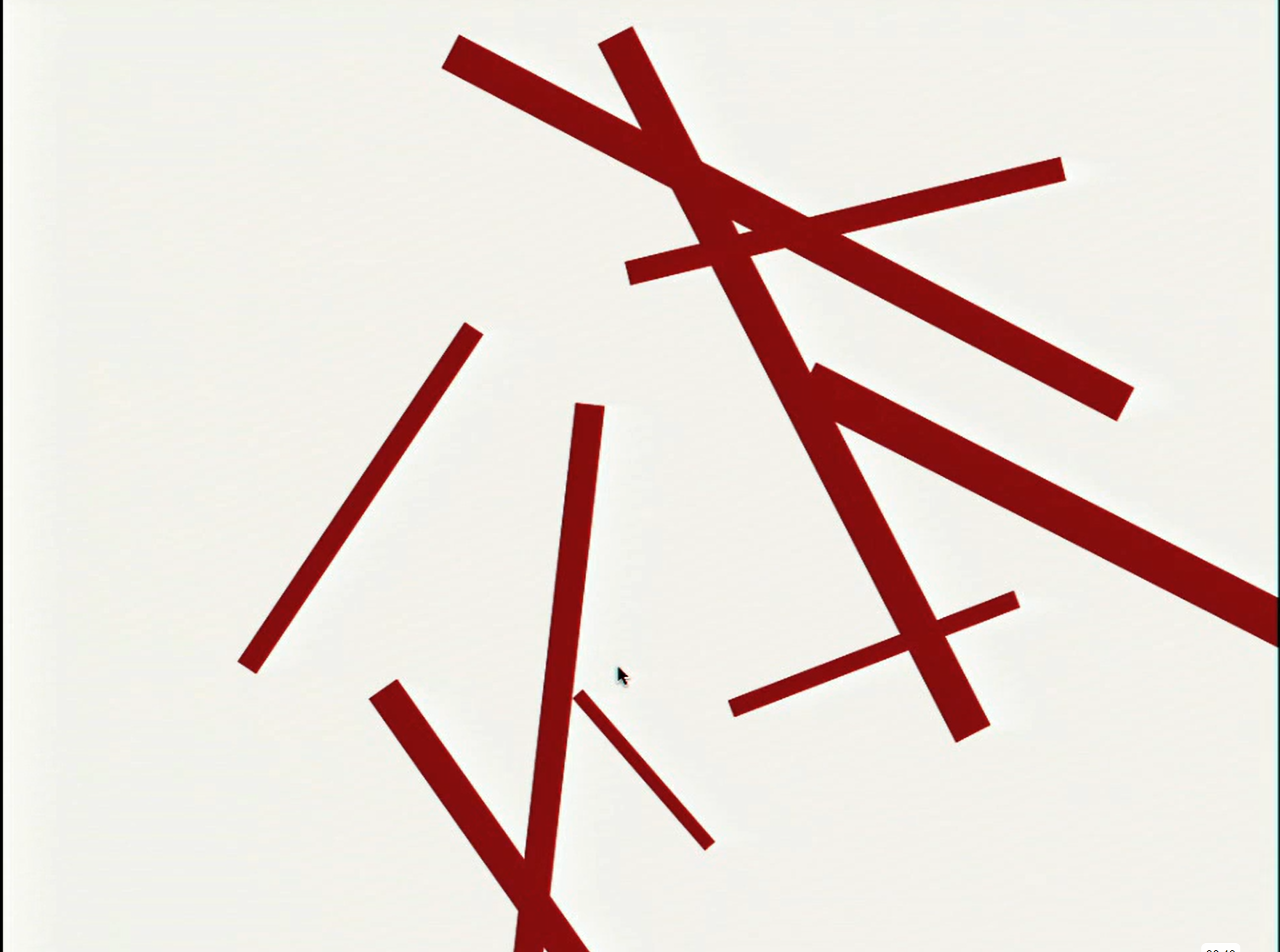
I ended up creating a code where a random number of lines with varying colors and sizes would extend from the center of the screan, creating a kind of splatter effect. However, when I was about done with the code, I wanted to try making it so that the origin of the splatter would change with each itteration. This ended up resulting in me making it so that the code just put all the lines randomly on the screen. At first, I was annoyed but as I kept looking at it, the design began to grow on me. Additionally, it reminded me of some of the work I saw while watching the Casey Reas talk. At this point, I decided to change my porject and embrace the happy accident that occured.
Code I’m Proud Of
A section of code I’m really proud of is the while loop I created which is responsible for generating the lines. It takes the randomly selected number of lines when the code is run and for each line a eight random featues of that line are generated. These inclide two random x and y coordinates to create the line and where its positioned, three random r,g,b values allowing each line to be a different color, and a random stoke weight from one to ten changing the thickness of each line.
while (lineCount > 0) {
  let randX = random(width);
  let randY = random(height);
  let randX2 = random(width);
  let randY2 = random(height);
  //randomize the r,g,b values, thickness, and position of each line
  let r=random(0,255);
  let g=random(0,255);
  let b=random(0,255);
  strokeWeight(random(1,15))
  stroke (r,g,b);
  line(randX, randY, randX2, randY2);
  line(randX, randY, randX2, randY2);
  lineCount = lineCount - 1;//decrease the lineCount till it hitsw zero to control the while loop
}
Sketch
- ‘How Was This Made’ section including references
I started by creating the while loop which would create the randomly chosen number of lines. To do this I watched The Coding Train’s video titled “4.1: while and for Loops – p5.js tutorial” to review how the while loops functioned in p5. When I began, I had some issues with the line count variable I added to control the loop, as I kept getting errors about it. To solve this I tried moving the variable to a few different locations, as I had a similar issue in the previous homework and moving the code was what helped resolved it then and also helped with this issue. I later changed this to randmoize both the start and end postions. Once I was able to get the lines generating properly, I started adding in the elements of the lines that I wanted to be randomizes. I started by impletening randomized colors for each line and then randomized stroke weights. After I did this, I had the idea to randomize the origin position of the lines which accidently resulted in the line positons being completely randomized, which I decided to keep in the end.
Reflection and ideas for future work or improvements
I think working on this assignment taught me to embrace the unexpected because my final project ended up being very different from what I had in mind when starting. Not this but I think my final project reflected my intention for this assignment in a clearer manner than what I had created at first. Those intention were to kind of find the right balance between the randomness and control. The way I wanted to do that was by making it so that each different interation of the generated work had elements that allowed you to tell they were connected while also having each design look unique and distict from the others.
In terms of future work, I would like to get more practice using the loops to fully grasp the capabilies they have for creating art. When it comes to improvements to this assignment, I think I would add more elements thay could change such as addition shapes as well as a implementing a feature to let users change the design by clicking.