
Concept
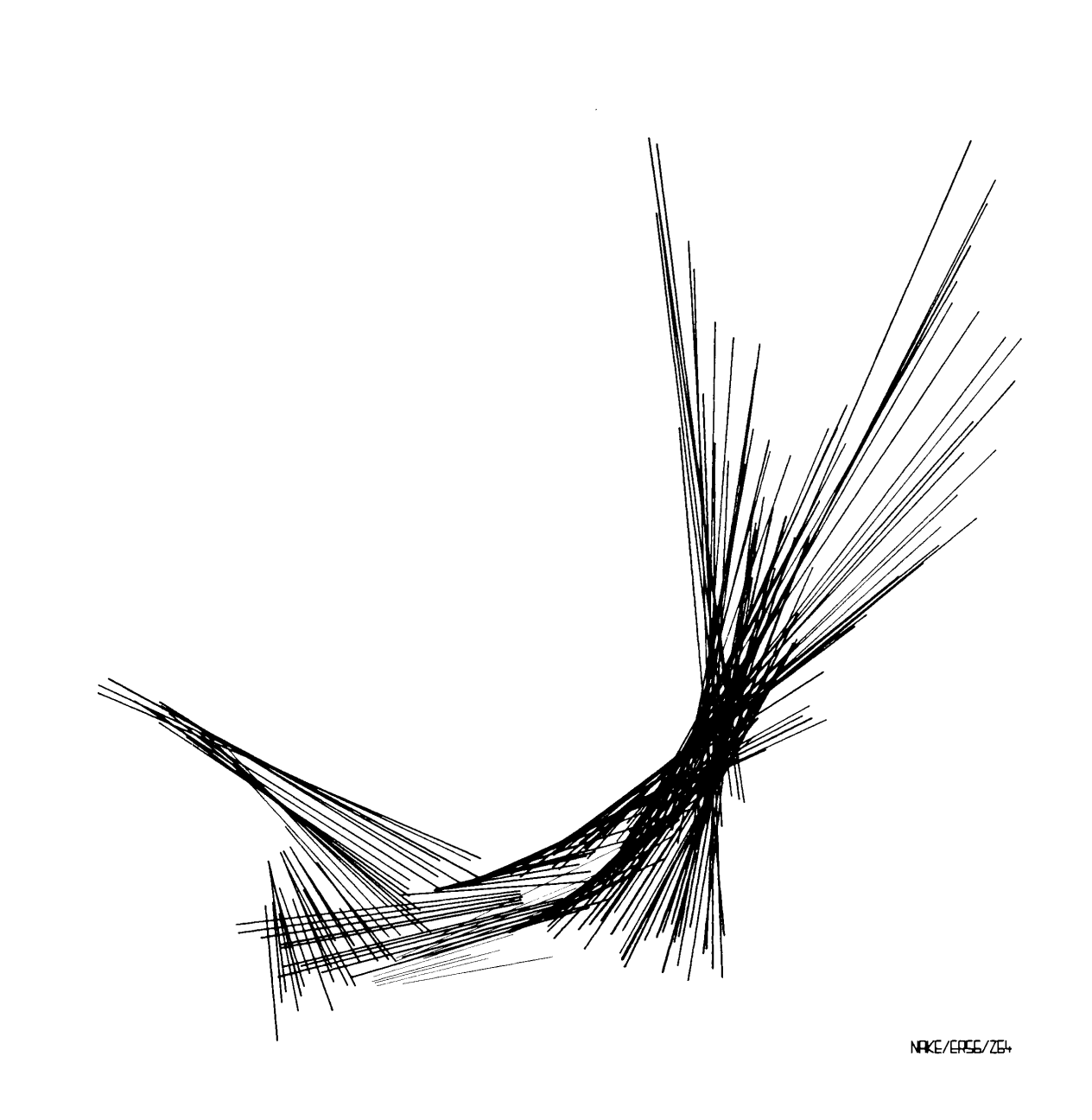
For this artwork, I was inspired by one of the art pieces from our reading. When I looked at the work, I noticed all the thin lines coming from different central points and spreading out in different directions. It reminded me of laser beams that I have seen at TeamLab. I liked how the lines overlap and create a kind of chaotic but interesting pattern. I wanted to recreate that feeling in p5.js, but instead of using black and white, I used bright colors to make it feel more like the laser lights I remember from TeamLab. I also used random() so the lines change and move each time the artwork runs.
My Artwork!
Code I Am Proud Of
// blue lasers
for (let i = 0; i < 40; i++) {
  stroke(0, 255, 255);
  line(250, 250, random(50, 230), random(100, 400));
}
The part of my code that I am most proud of is the for loop because it helped me create many lines without having to write every single line myself and it was essentially muplitple loops for each color. Its my first time creating a loop so I was very proud of myself. The loop repeats the “laser beam” 40 times. I also used random () so that each line goes to a different place. I think this is cool because I learned how a small amount of code can create a lot of different results.
How This Was Made
I started with a 500×500 canvas with a black background because I wanted the colored lines to look like lasers in a dark space. To create a laser beam artwork meant that I had to use for loops to create multiple laser lines without having to write the same line() code over and over again (I wish I knew this in my first p5 art piece!). This was one of the parts I struggled with because I was still getting used to understanding how loops repeat code and how changing the numbers inside the loop affects the artwork.
I used stroke() to give the lasers different colors and line() to create the actual laser beams. I also used random() for the ending points of the lines so that each laser would go in a slightly different direction. I found random() confusing at first because I had to understand that the numbers I put inside it control the range of possible positions. Even changing the numbers a little could make the lasers look different. I also used ellipse() to make the small white light in the center where all the lasers start. Getting the lines to start from the same point was another part where I had to pay attention to the coordinates. I had to think about the x and y positions and how changing them would change the direction and length of the lasers.
I used the p5.js examples and what we learned in class to understand how to use for loops. I also used the p5.js reference to look up line(), stroke(), random(), and ellipse() when I was unsure about how the coordinates worked. I mostly learned by changing the numbers and seeing what happened, which helped me understand the code better than reading about it.
Reflections & Future Work
I found the process of this art piece a little frustrating at first because I had to keep changing the code and testing it to understand what each number was actually doing. I realized that coding an artwork is a lot of experimenting and making small changes until something works the way I want, especially because at first I wasn’t feeling inspired by anything. It also made me more comfortable with using loops and coordinates, which I was not very confident with before.
For my future works I want to experiment more with movement and interaction instead of only making something that stays on the screen. I think adding mouse interaction would be a good next step for me because it would make the viewer part of the artwork and it would definitely be more fun to interact with.