
My concept
Of all the things we were shown in class, the moment in which I felt the most intrigue came from the showcase of colors moving using the mouse. The idea of movement changing the artwork got me really excited, and I dove straight into trying to find a way to do that with some code. Sure the assignment itself required randomness to be used, but the idea of having randomness be controlled, both human and machine working in tandem to make something new, was really interesting to me!
For inspiration I went ahead and looked at computer generated art examples and ended up picking this piece in specific.
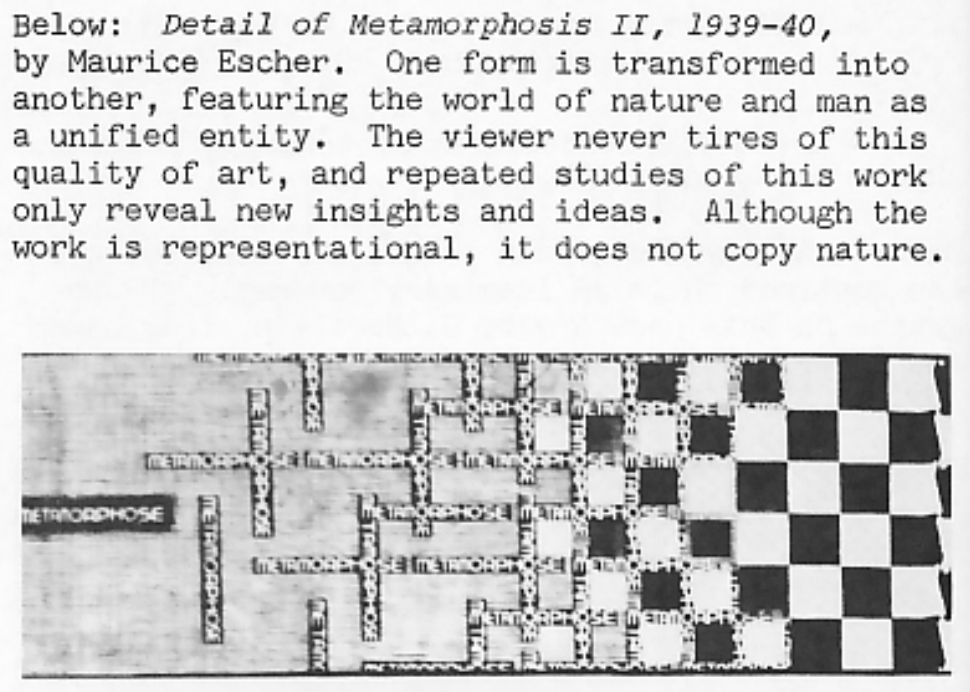
As said here, in this art piece, one form is transformed into another. I wanted that element to be an aspect of the art I made. Your input transforms the piece into something else. Though in my case, I wanted the input to be due to color rather than changing the shape of the piece. For my inspiration of that, I looked at movies I watched, and decided on one particular scene from the first Spider-verse movie.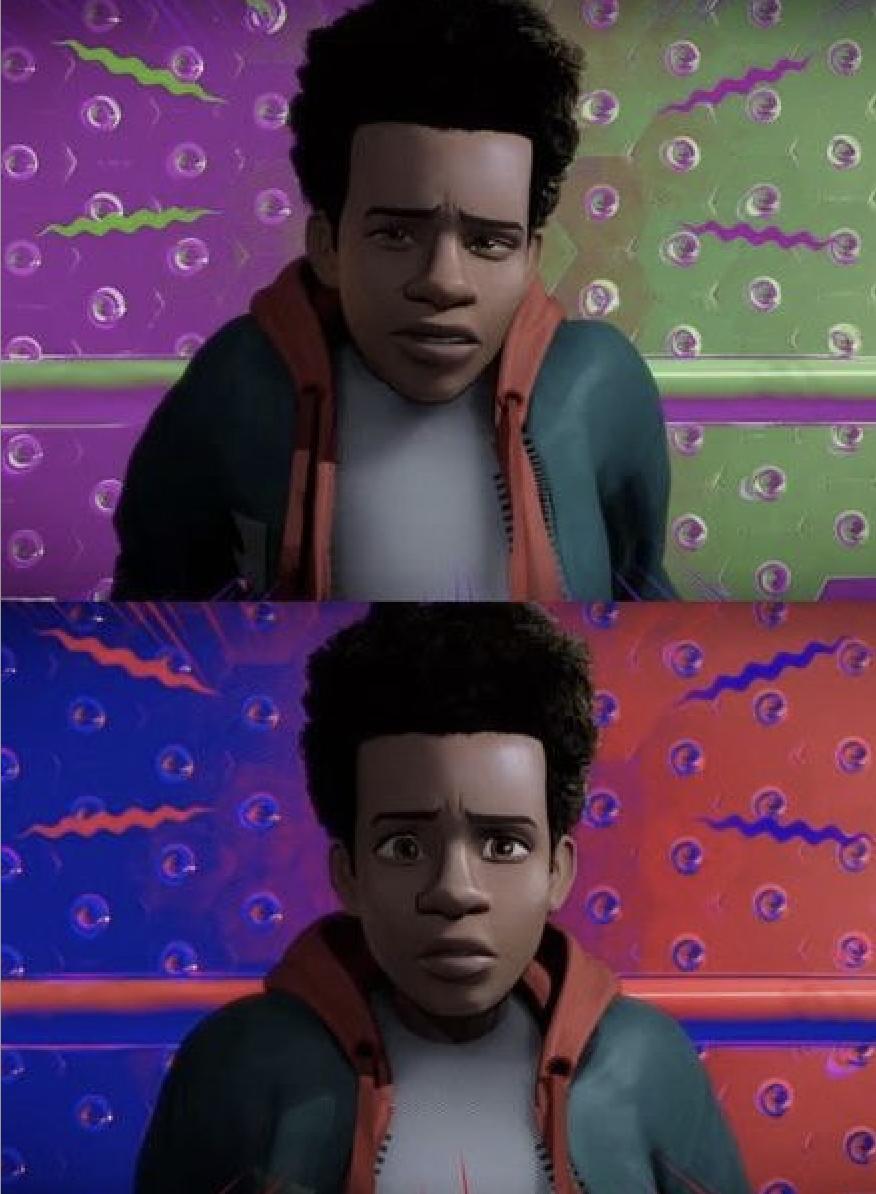
In this scene, the animators showcase the main characters switch in his story through colors. We understand at this point that the character of Miles Morales is officially on the road to becoming, well, Spider-man (as seen by the blue and red colors). I wanted my piece to have that complete flip from ordinary colors to something bright and flashy. Just so that I could get the same type of excitement from the change in colors.
A highlight of some code that I’m particularly proud of
for (var x = 5; x <= width; x = x + 50) {
  for (var y = 5; y <= height; y = y + 50) {
    fill(0, random(255), mouseX); //green is random, blue is dependent on the x-value of the mouse
    rect(x, y, 25, 25);
  }
}
I’m honestly surprised I even understood how to do a nested loop, and what exactly were the parts I put inside the blank [for ()]. The video I watched showed a ‘while’ loop first then crunched it all up in a ‘for’ loop, which made me pretty confident when it came to writing this particular loop. Additionally, I didn’t have to search anything up to do the mouseX & mouseY thing to do the colors. I tried it out and was shocked it worked out! So I was really happy about that.
Embedded sketch
‘How Was This Made’ section
Like 99% percent of this was made because I watched a ton of ‘The Coding Train’ videos. It was recommended to watch the 4 videos about functions, but I went ahead and watched lessons 4, 5, and 6 just in case. I didn’t want to use any AI to figure it out, so I forced myself to learn from the videos. The specific video that helped the most were:
2.5 The random() Function
4.1 while and for Loops
4.2 Nested Loops
5.2 Function Parameters and Arguments
Other than, the rest came from trial and error. I would switch the colors around, change the frame rate (which I learned from class), tried to figure out how I wanted the mouse to play into the piece (it was originally a mouseClicked function), and so on.
Reflection and ideas for future work or improvements
I really wanted to add a mouse click function! And also wanted to make it so that the colors only changed for like 4-5 squares surrounding the mouse. I found a video showcasing how to draw with the mouse, but couldn’t figure out how to do exactly what I wanted, which was unfortunate. But I at least understood (through much trial and error) why I couldn’t do the feature I wanted to add. I also think I’d like to add a bit more variety in the piece, rather than just having the color change be a feature.