
Concept
For my midterm, I created Strawberry Yurt Cafè, a cozy cafe game. I was inspired by a vlog by Gazi (https://youtu.be/eBt0nV0Y1Y0?si=4Hjy9PetN7n4hHwU) where she coded a game in one night, and that made me want to create a game for my own project too. I did not make mine in one night, but that idea encouraged me to build atmospheric game. I was also inspired by lo-fi playlists, and I wanted the game to feel soft and calm.
This project ended up being very different from what I originally thought I was going to do when I first posted my midterm ideas. My direction changed a lot during the process, but I think that actually helped me find a project that I enjoyed. Since I have been studying in cafes a lot recently, I liked the idea of making a cafe game ran by someone who loves strawberries.
Process
I started by outlining the main parts of the game that I would need to make:
- The cafe environment
- The kitchen area,
- The drinks,
- The recipe book, the ingredients
- The customers
After planning those pieces, I moved into sketching.
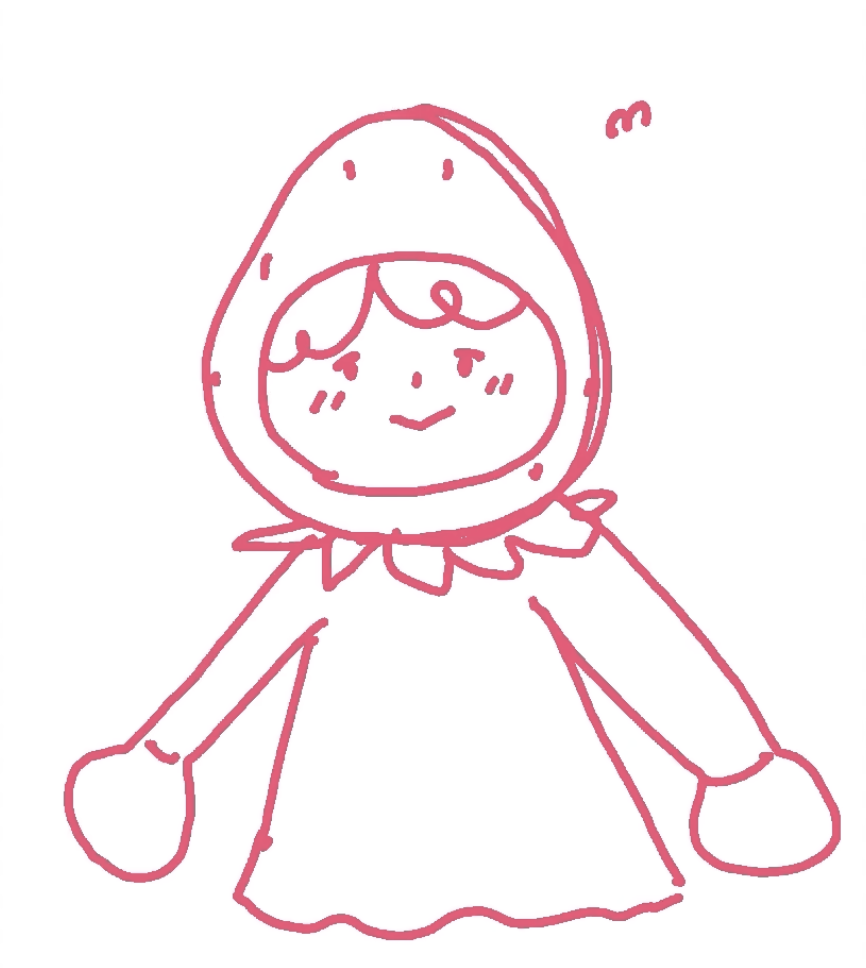
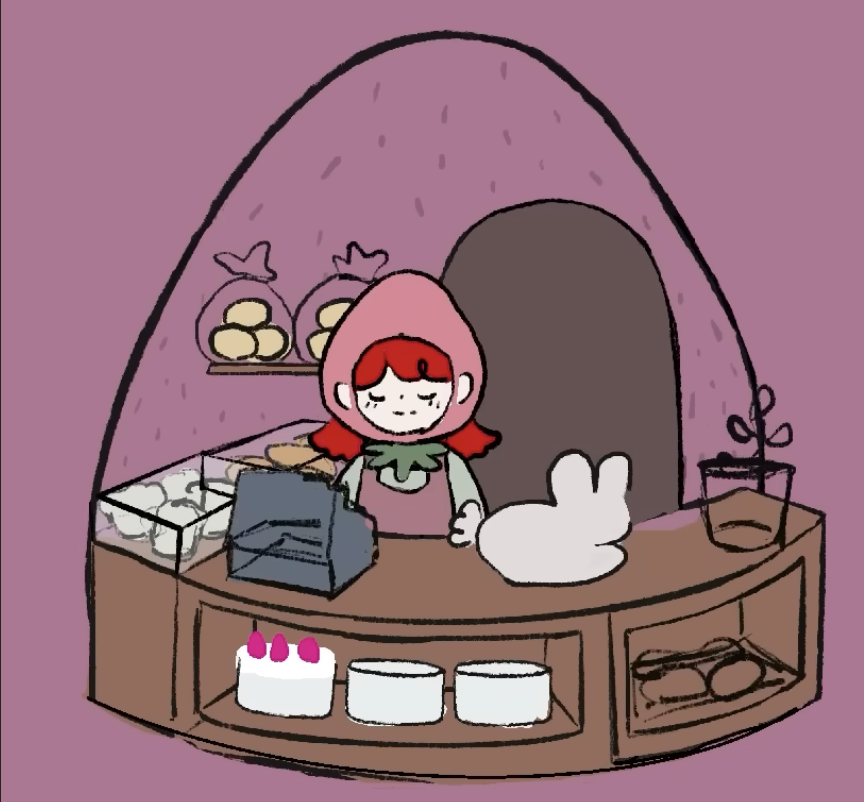
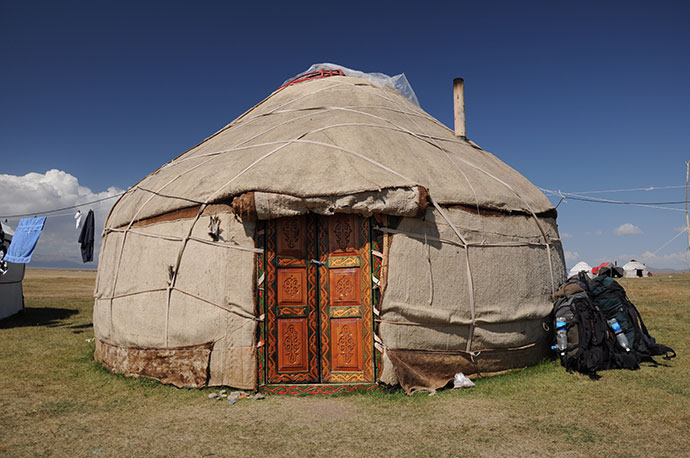
I first drew the strawberry-themed cafe, the seller. I decided that the cafe would sell cakes and drinks, but the player would be the barista helping the seller prepare drinks for customers. Since the cafe has a dome-like shape, it reminded me of a yurt from my home country, Kazakhstan, which is a traditional home that my ancestors used to live in, so that is why I decided to call the game Strawberry Yurt Cafè.
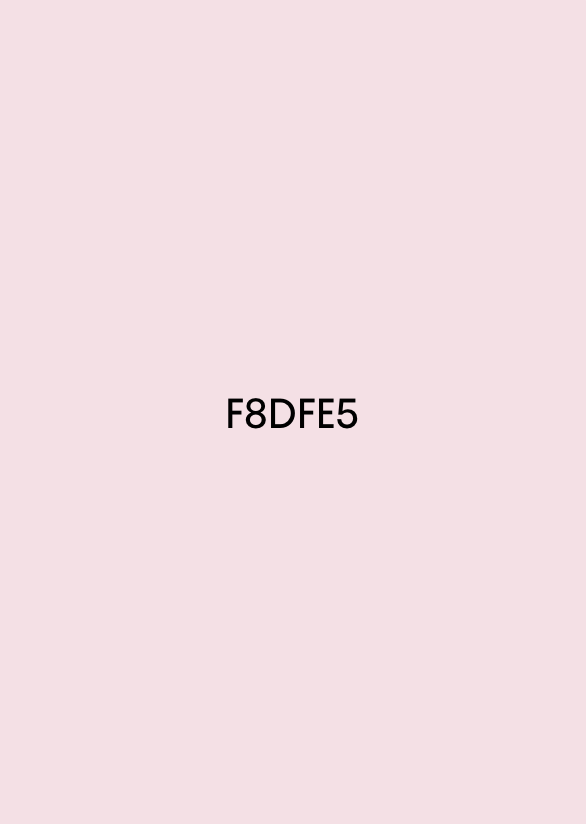
After that, I chose the main color palette of the project. I focused mostly on pink, brown, and beige tones because I wanted the game to look warm and cozy.
Then I started drawing the individual assets so the drinks, ingredients, and customers. I also sketched the different stages of making drinks, so the player could visually see the process step by step.
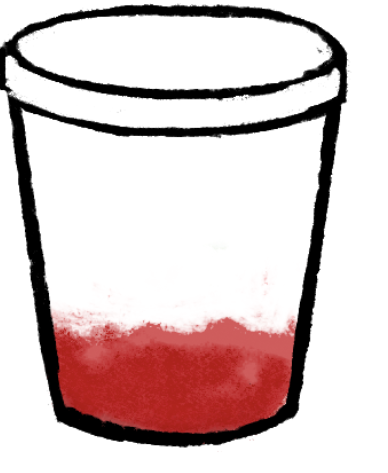
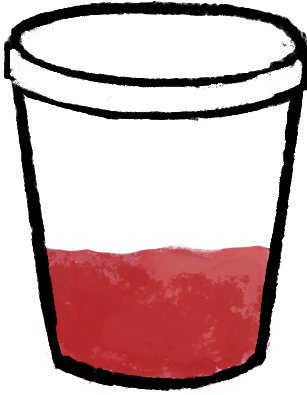
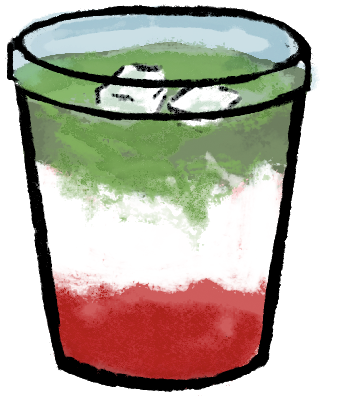
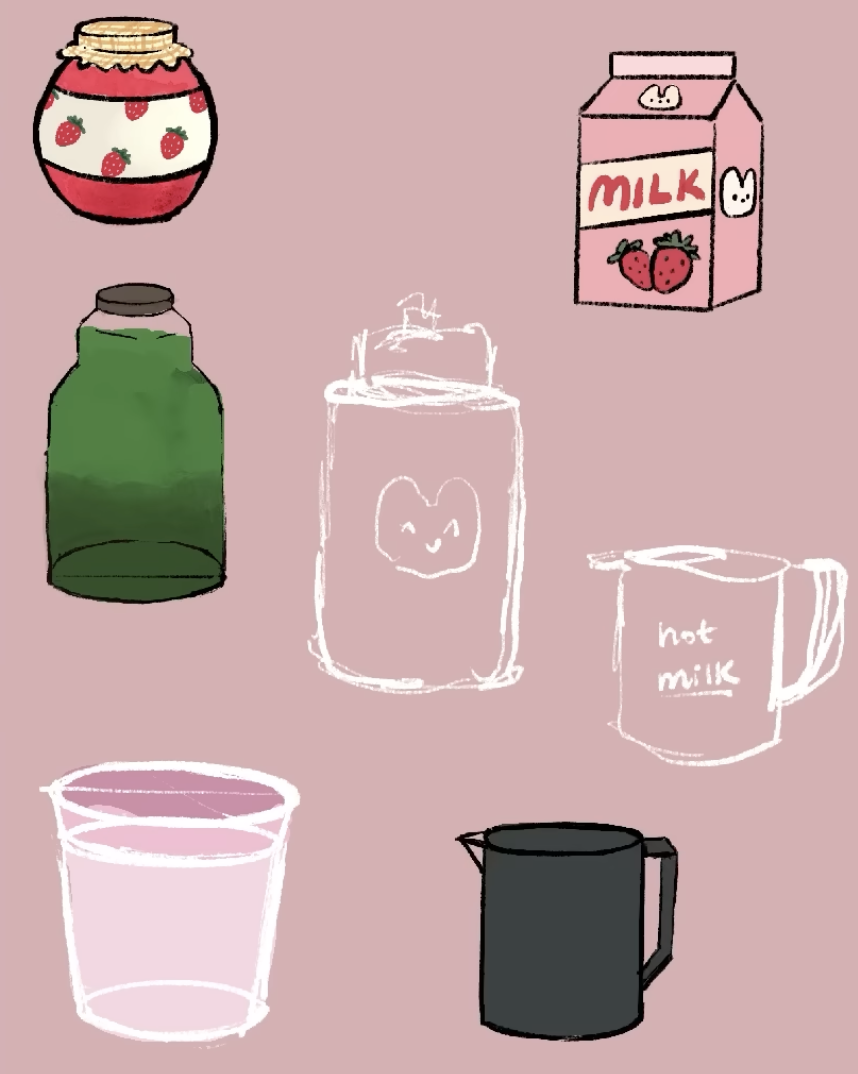
I sketched the ingredients for the drinks like strawberry jam, matcha, milk, ice cream, strawberries, tea, whipped cream.
After I designed a variety of animal customers and ended up making nine different versions. I also created the recipe book logo in Adobe, which helped give the interface a more finished look. 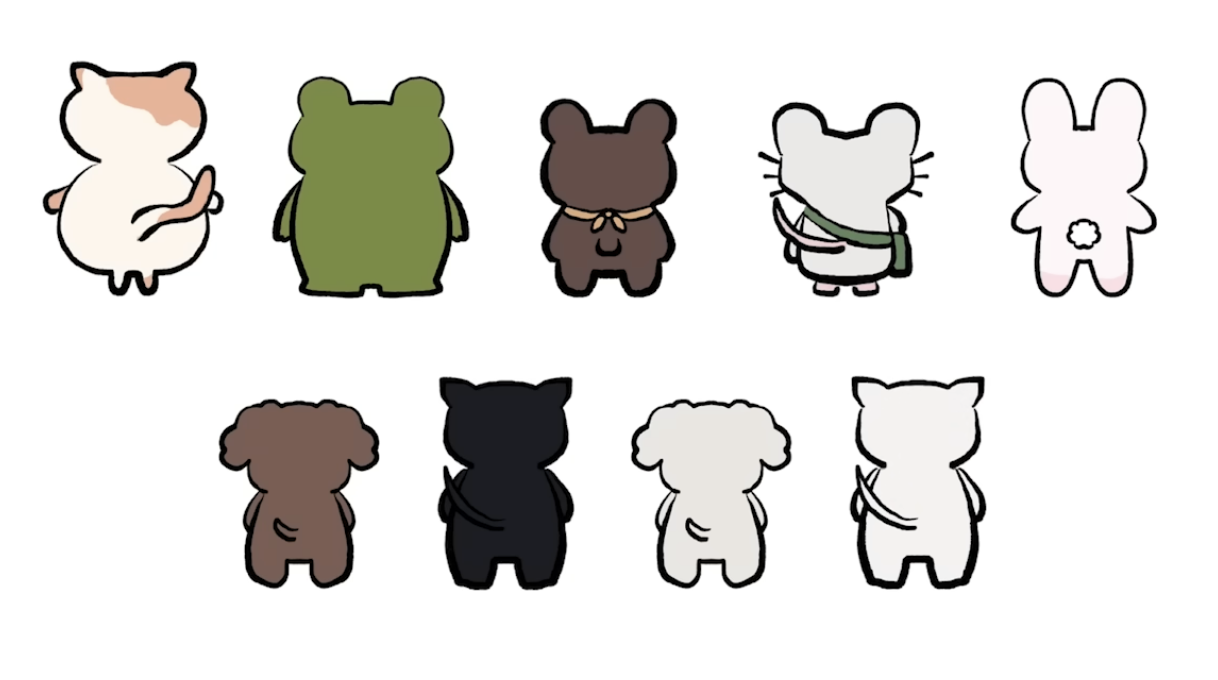
How the Project Works
The game begins on an intro screen with instructions. After the player clicks Start Shift, the game moves into the cafe scene, where a customer appears with an order bubble. The player can open the recipe book, choose a drink, and then move into the kitchen scene. In the kitchen, the player has to click the ingredients in the correct order to prepare the drink before the timer runs out. If the correct recipe is followed, the customer reacts happily; if the wrong ingredient is added or time runs out, the customer reacts negatively.
One part I am proud of is how the game combines visuals, interaction, and sound to create a full atmosphere. I used my drawings to build the aesthetic of the game, and I also found sound effects for the ingredients, recipe book interactions, and customer mood changes. The game includes cozy background music when it starts, which helps support the feeling I wanted the player to have. Even though the gameplay is simple, I think it succeeds in giving the user a cute and relaxing experience.
Code Snippets
I structured data for the drinks so each one could have its own recipe and ingredient positions:
const DRINKS = {
  "strawberry latte": {
    steps: ["tea", "strawberry milk", "cold milk"],
    ingredients: [
      { target: "strawberry milk", ingredient: "strawberry milk", x: -155, y: -110 },
      { target: "cold milk", ingredient: "cold milk", x: -4, y: -107 },
      { target: "tea", ingredient: "tea", x: 139, y: -109 },
    ],
  },
};
By I creating a DRINKS object where each drink stores its ingredient order and the positions of the ingredient icons in the kitchen scene. Each drink has a recipe, and the game checks whether the player clicks the ingredients in the same order as the steps array. The ingredients array also tells the game where to place each ingredient on the screen. Because of this, I could add multiple drinks without rewriting the whole game logic every time.
Another code section I found important is the function that handles what happens after the player delivers a drink.
function finishDrink(deliveredCorrectDrink) {
  state.scene = "cafe";
  state.recipeBookOpen = false;
  state.ingredientsVisible = false;

  if (deliveredCorrectDrink) {
    state.goodDrinksMade += 1;
    state.reactCostume = "love";
    playEffect("sound-effect-twinklesparkle-115095", 1);
  } else {
    state.badDrinksMade += 1;
    state.reactCostume = "mad";
    playEffect("551543__philracoindie__8-bit-denyerror-sound", 1);
  }

  clearCurrentDrink();
  scheduleNextCustomer();
}
This function basically controls the result of the player’s action. After the player delivers a drink, the game goes back to the cafe scene. Then it checks if the drink was correct or not. If it was correct, the game adds one point to the good drinks counter, changes the customer reaction to happy, and plays a positive sound. If the drink was wrong, it adds one point to the missed drinks counter, changes the reaction to mad, and plays a different sound.
Reflection and improvements
One of the main problems I ran into was with the visual side of the project. At first, I wanted to create and draw some of the assets directly with code, but the results looked off and did not match the soft, cozy style I imagined. Because of that, I decided to draw the assets myself instead. After that, I also had some issues with image transparency, since some files showed unwanted white backgrounds or did not blend well into the game at first. Fixing those problems took time, but it helped me understand that sometimes hand-drawn assets and image cleanup work better for a project like this than trying to build everything only through code.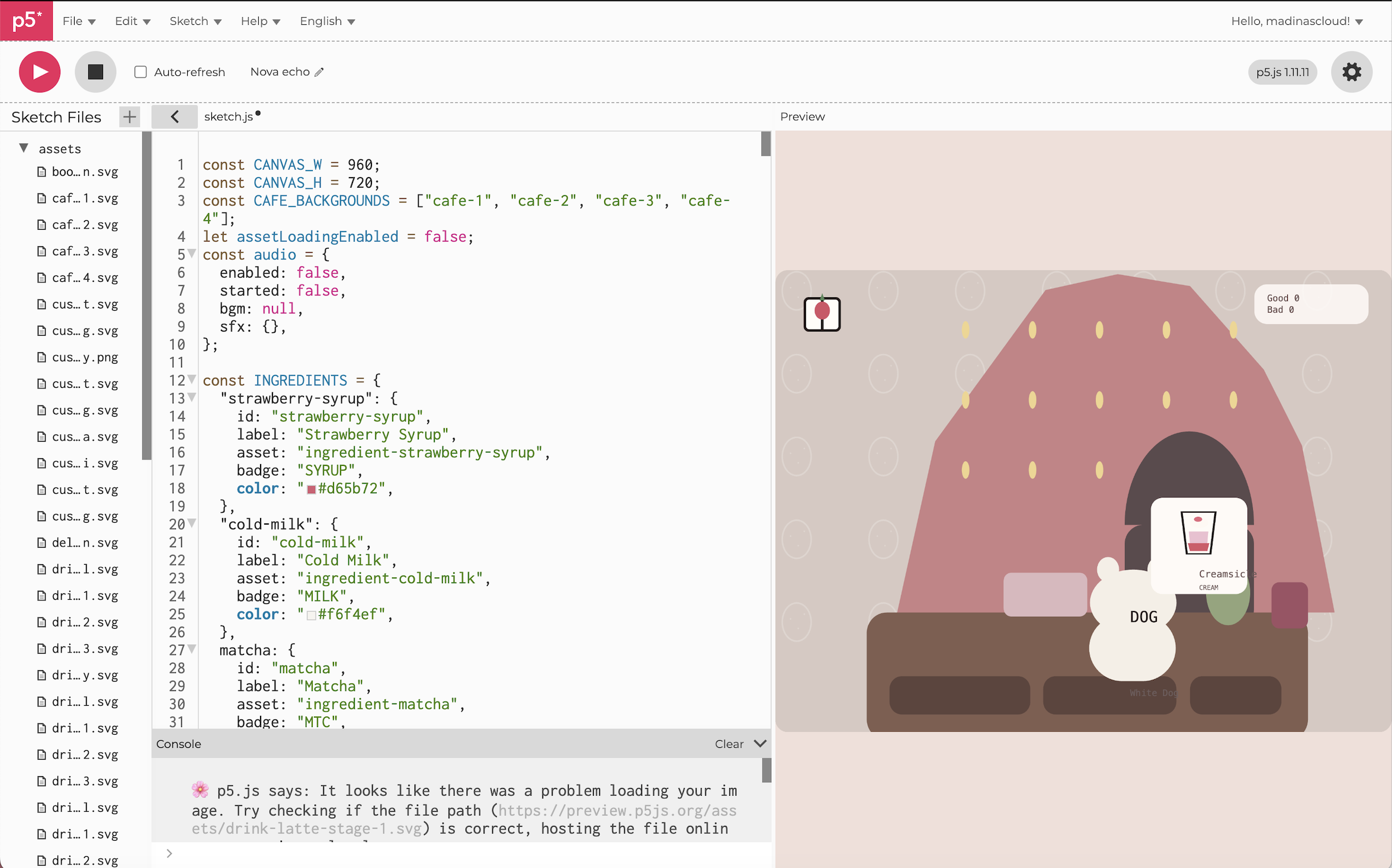
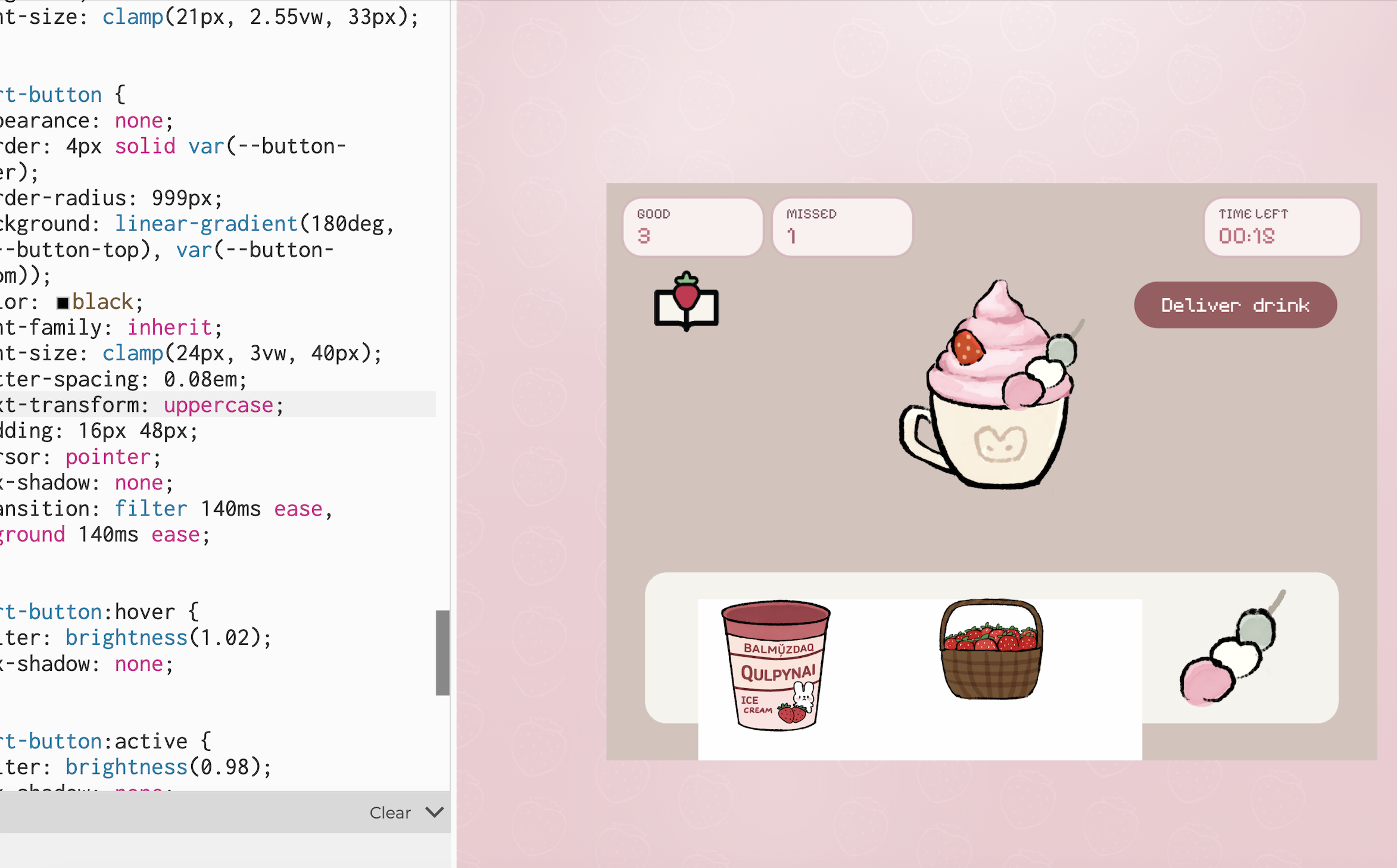
There are still many things I would like to improve in the future. I would like to add more drinks, more customer reactions, and more animations in the environment. I also think the game could cooler if I added more interactions in the cafe itself. Still, I am very proud of this project because it gives the exact kind of cozy experience I wanted to give to the user.