
You might need to open this on a different tab for the hand gestures and camera to work here! Aaaand this for phone (but some parts are a bit different.) The cursor still works on this though.
Preface…? (And Concept)
Before I actually get into my project, I’ll tell you about how terrible my process was, for the sake of transparency. I started off with making a visual novel: think if you combined Doki Doki Literature Club, Butterfly Soup, and Persona… or something (but not a shoujo one. That definitely did pop up in my head, though.) I had my laptop out and thumbnails ready to go…
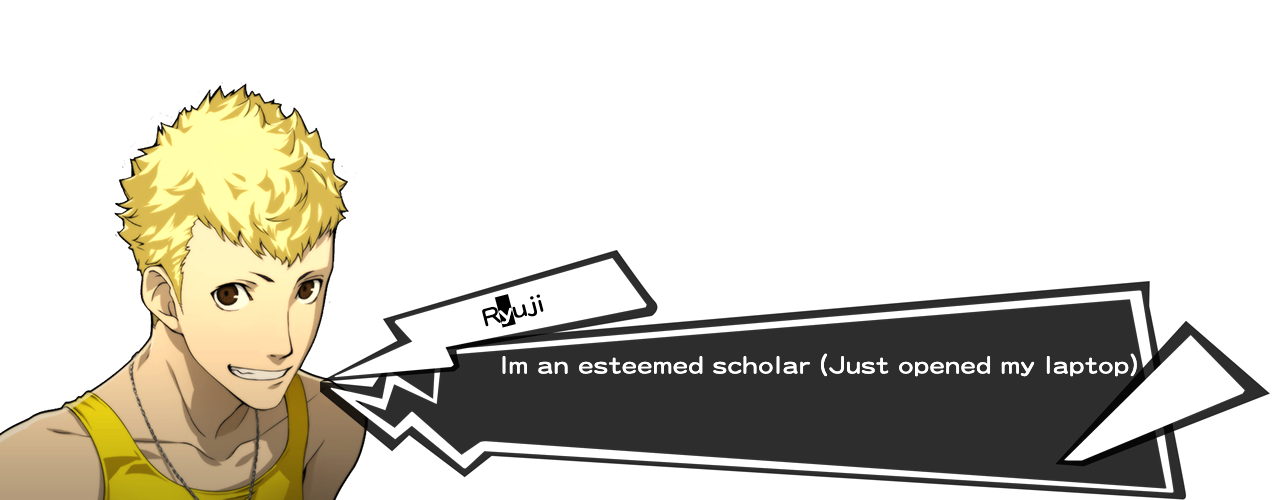
…and then I ended up moving between 5 houses, 2 countries and five states in the span of 3 weeks. Yippee! The weekend the crisis started was the weekend I was expected to cram my project, and so, the cramming did NOT happen.
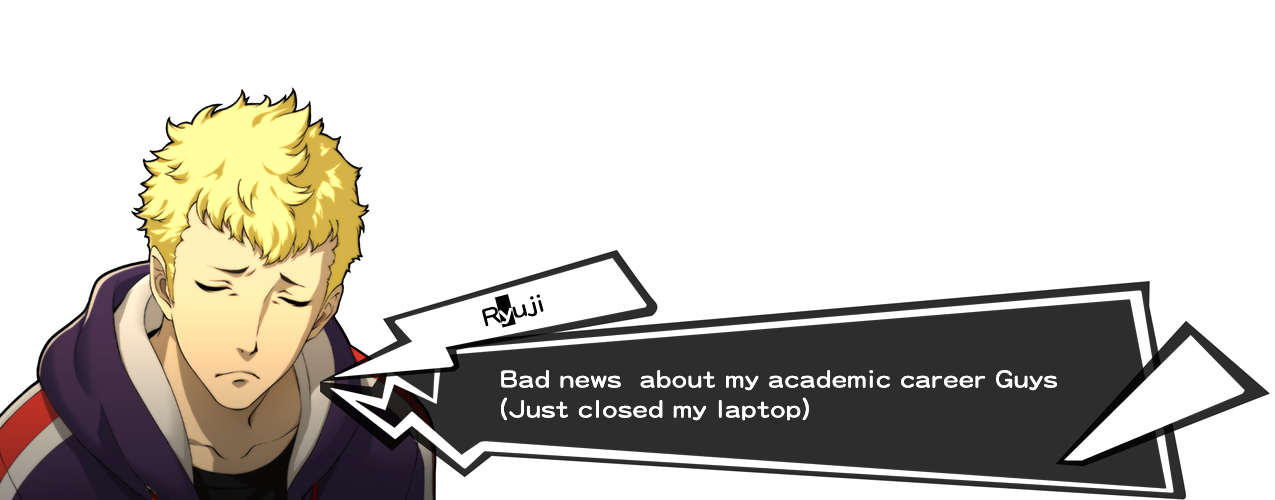
During these three weeks, while jumping from one house to another, I was also jumping from idea to idea: 14-year-old me was geeking out because I had the time to actually make a video game… except now not in great circumstances and constant power cutouts. I gave up on the visual novel idea (despite having some sprites ready </3) and tried to make a rhythm game, and then the issue of (one) copyright and (two) not having my keyboard with me resulted in a bigger headache figuring out the music than the coding itself. I tried to make a pixel game, and then realized that it would take me a long time to translate my ideas into pixel art and be satisfied with the amount of time I had.
One thing I really did want to include in my project was my artwork, and I realized very late, that why don’t I make a dress-up game? I used to play those games religiously on my dad’s Dell laptop while he would sleep in the afternoons when I was a kid, and now, I could make my own! I love fashion and since I’ve been holed up in each of the houses I’m staying in (Indian families are huge), I’ve missed dressing up a lot. In some way, I might be projecting onto this project. So… my concept is:
Short version: Hand-made Picrew with my own drawings and my own website code.
Long version: The short version explains it pretty well. I wanted the interface to be sketchy, as if I hand-drew it, and I wanted it to look very simplistic so that users would pay more attention to the character they were making. Then, you can also download your own version of the character! This would be a prototype for me to figure out how I could create this, and if it went well, I would reuse my code in the future to make a more extensive page (maybe even with backgrounds…).
Process
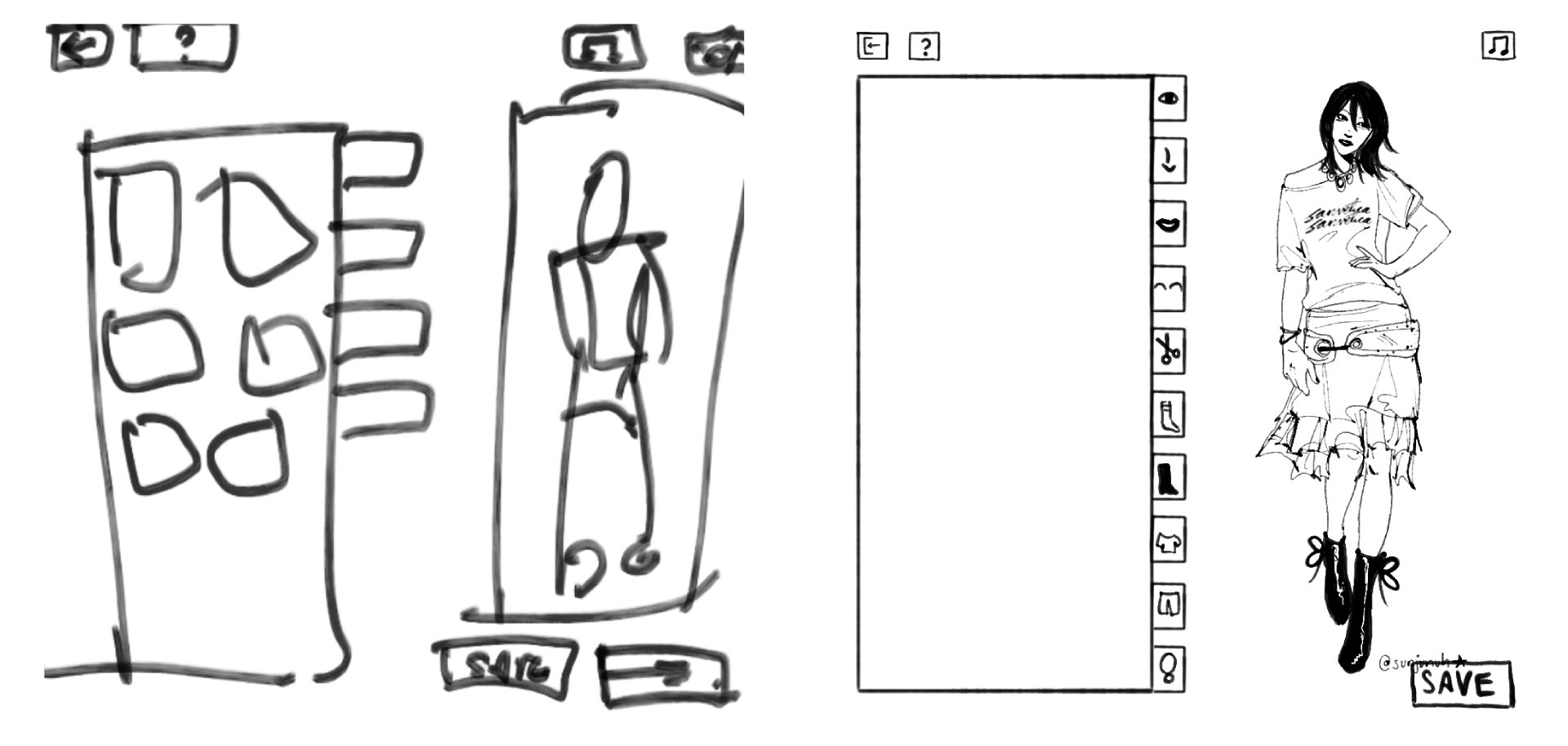
Firstly, I thumb-nailed. The first is before I started drawing the characters, and the second is after I finished all the elements for the characters. As you can see, I didn’t follow this exact layout, but it did help.
To make sure I didn’t end up spending too much time on this (since I didn’t have much time to begin with), I forced myself to set a fixed time restriction when drawing each element out on Procreate. I gave myself 3 hours, and here’s the results. You can see the elements much better on the game: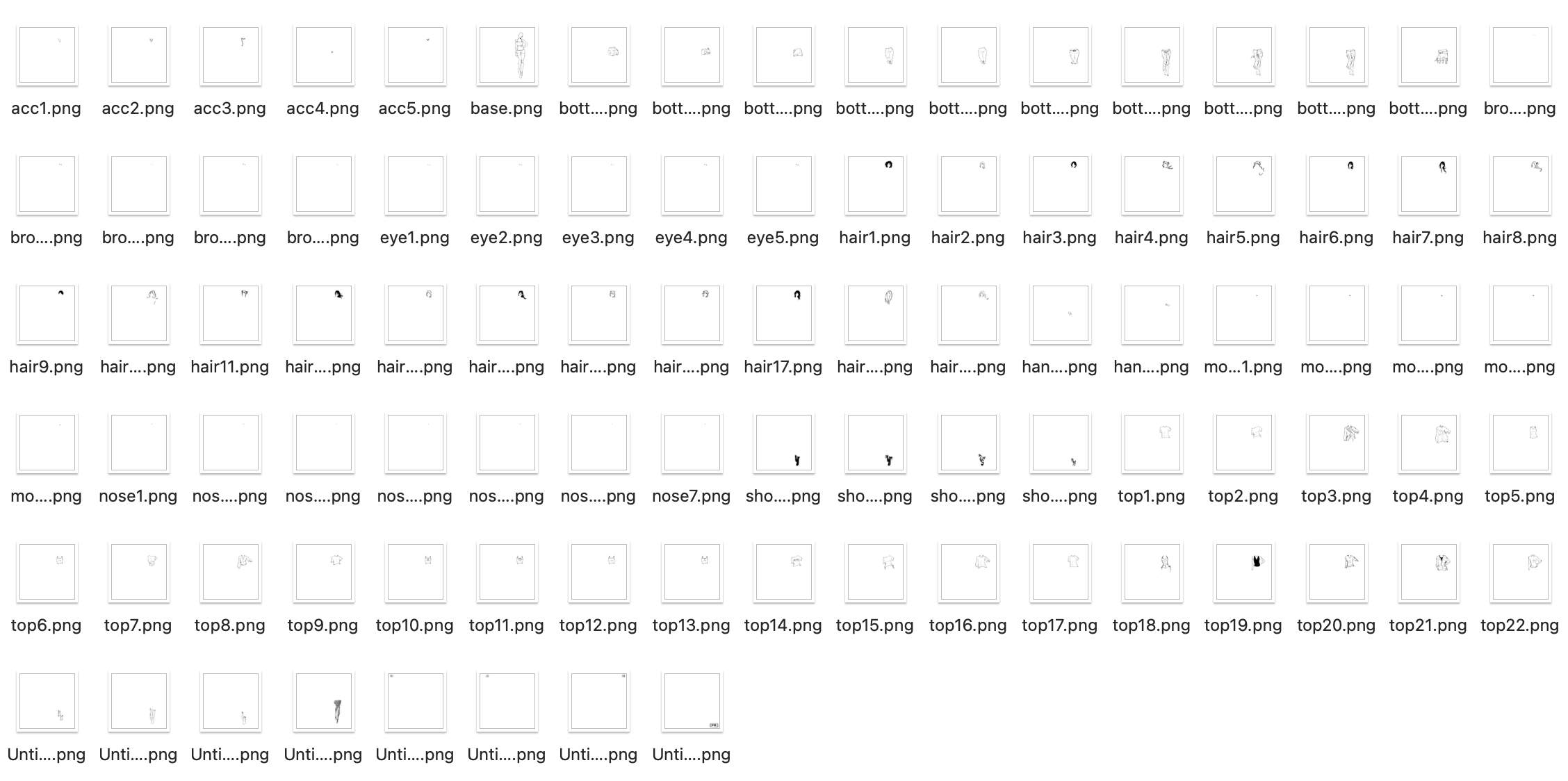
To make sure that when I layered each element over each other, you wouldn’t see the layers below, I made sure to color the lines with white in case. (Hence the lack of color… if I had more time I would have variations in color). To also make some cuter elements, I drew some more things out. .

Title! I tried to be consistent with my drawing style when I drew this.
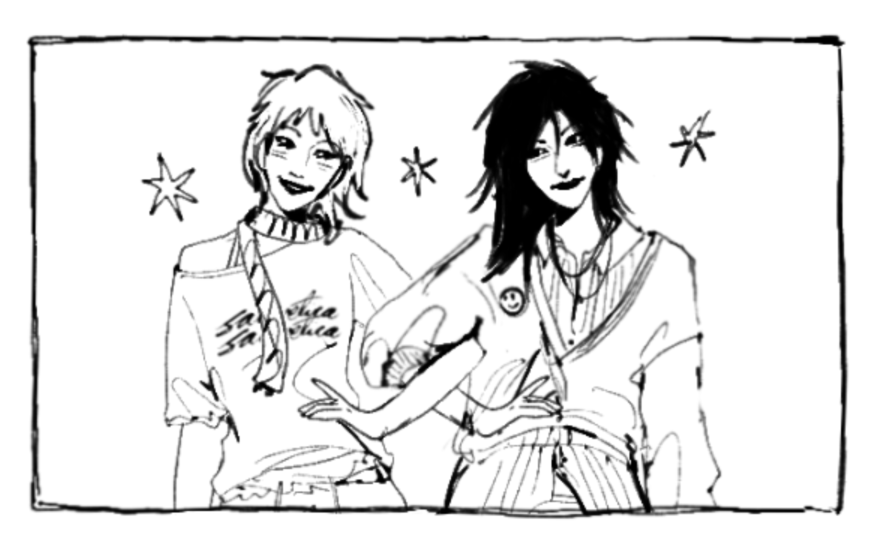
I just layered the elements I drew to make two characters. Easy Peasy.
I started by putting (and renaming) my elements into folders on p5.js for each category, and then establishing each category and the layer order they would be stacked in (since all images are .pngs).
const LAYER_ORDER = ["base", "socks", "shoes", "pants", "tops",
                     "accessories", "eyebrows", "eyes", "noses",
                     "mouths", "hair", "hands"];
From there, I started building the sidebar and the overall layout of the game.
While I struggled with the hand tracking interaction, I was somewhat happy with the outcome. Using ml5’s handPose, I tracked only the tip of the index finger and mapped it to the canvas.
let indexFinger = hands[0].keypoints[8];
let tx = map(indexFinger.x, 0, 640, 0, CW);
let ty = map(indexFinger.y, 0, 480, 0, CH);
fingerX = lerp(fingerX, tx, 0.3);
fingerY = lerp(fingerY, ty, 0.3);
However, I struggled with how to “click” without a mouse, and so I used a hover timer system. If I held my finger over a box for long enough, it would trigger the action:
let foundID = getHoverID();
if (foundID !== null) {
  if (foundID !== currentHoverID) {
    currentHoverID = foundID;
    hoverTimer = 0;
    isLocked = false;
  }
  if (!isLocked) {
    hoverTimer++;
    if (hoverTimer >= clickDelay) {
      triggerAction();
      isLocked = true;
    }
  }
}

// the arc cursor:
if (hoverTimer > 0 && !isLocked) {
  let arcEnd = map(hoverTimer, 0, clickDelay, 0, TWO_PI);
  strokeWeight(4);
  arc(fingerX, fingerY, 35, 35, -HALF_PI, arcEnd - HALF_PI);
}
I turned it to 55 frames: not too long or short. I also added a circle that fills around the cursor to see the timer count down, which made it easier for the user to understand.
For the sketchy feeling of the boxes, I drew it so the buttons redraw with slightly different lines every frame, and it made it look much more fun.
render() {
  push(); stroke(0); strokeWeight(this.isMain ? 4 : 2);
  fill(this.isOver() ? 240 : 255);

  randomSeed(this.x + this.y + floor(millis()/150));
  beginShape();
  vertex(this.x + random(-3,3), this.y + random(-3,3));
  vertex(this.x + this.w + random(-3,3), this.y + random(-3,3));
  vertex(this.x + this.w + random(-3,3), this.y + this.h + random(-3,3));
  vertex(this.x + random(-3,3), this.y + this.h + random(-3,3));
  endShape(CLOSE);

  noStroke(); fill(0); textAlign(CENTER, CENTER);
  if(customFont) textFont(customFont);
  textSize(this.isMain ? 32 : 18);
  text(this.label, this.x + this.w/2, this.y + this.h/2 + (this.isMain ? 5 : 2));
  pop();
}
For sounds, I had different sounds loaded for different actions. I had background music, and three different click sounds (for buttons in the sidebar, anything other buttons, and any of the items individually):
bgMusic = loadSound("song1.mp3", () => {
  bgMusic.setVolume(0.6);
  assetLoaded();
});
sfxItem = loadSound("click_item.mp3", assetLoaded);
sfxUI = loadSound("click_ui.mp3", assetLoaded);
sfxSidebar = loadSound("click_sidebar.mp3", assetLoaded);

if (aid === "start_btn") {
  sfxUI.play();
  appState = "HELP";
  if (bgMusic && !bgMusic.isPlaying()) bgMusic.loop();
}
To make sure that when I reset the game, it would ask me for confirmation (in case I accidentally put my hand on the reset button), I used this code:
function drawModal() {
  fill(255, 230); noStroke(); rect(0, 0, CW, CH); // translucent overlay
  drawStaticBox(CW/2-150, CH/2-100, 300, 200);
  fill(0); textAlign(CENTER, CENTER); textSize(26);

  if (modalState === "RESET_CONFIRM") {
    text("Are you sure?", CW/2, CH/2 - 40);
    new SketchButton(CW/2-110, CH/2+20, 100, 40, "YES").render();
    new SketchButton(CW/2+10, CH/2+20, 100, 40, "NO").render();
  }
}

// in triggerAction():
if (modalState === "RESET_CONFIRM") {
  if (aid === "mod_yes") { avatar.reset(); sfxUI.play(); modalState = "NONE"; }
  else if (aid === "mod_no") { sfxUI.play(); modalState = "NONE"; }
  return; // early return stops anything else from firing
}
To save the image of the avatar, I used p5’s get() to screenshot the avatar preview region of the canvas and save it as a .jpg.
else if (aid === "save_btn") {
  sfxUI.play();
  get(382, TOP_H+2, 366, CH-TOP_H-BOT_H-4).save('doodle','jpg');
  modalState = "SAVE_DONE";
}
I calculated the coordinates to make sure this crops cleanly no matter what the avatar is wearing. However, I think I messed this up on the mobile version (⇀‸↼‶).
I was really proud of the UI and how everything looked (somewhat) cohesive with each other, even though I drew some parts and coded other parts. And… even though this isn’t a coding part… I’m also really proud of my drawings. I’ve been in art block for a bit, so this forced me to draw (which helped somehow). ( ⸝⸝´꒳`⸝⸝)
Improvements (and our favorite thing… problems):
- Originally when making the cursor, I struggled because I thought I should use a pinch action to select each box. That did NOT work due to the size of each box. So, I changed it to an (as others referred to it) x-box loading cursor with the circle to show how long you’re holding it before it selects. Worked pretty well!
- There’s no color… which I really did want to put but I didn’t have time. While I do like the sketchiness of this, it would have been cooler to have more options and colors.
- Also I have a lack of body diversity (race, body shapes, even gender) so I am SO
 SORRY! This was not intentional at all… I probably can’t even make myself on this, to be honest. This IS a prototype so I promise if I make a proper version, it’ll be very diverse.
 - On the mobile version, I can’t do computer vision. It also took me an hour to figure out why my code (which I altered for mobile) wasn’t working on itch.io, so I would say the mobile version is worse than the desktop version.
- I struggled with computer vision for an embarrassingly long amount of time. I still think it’s wonky, because I have to move my hands in really absurd distances and places to hit just a few buttons. The mouse is so much easier to use.
- One thing I DID resolve was that while I was arranging images in the sidebar, due to the canvas size of each image being 1000×1000, it ended up looking tiny in each box. To fix this, I sorted the categories based on where on the canvas they were located (face were top right, feet were bottom right, etc.):
let zone = ["eyes", "eyebrows", "noses", "mouths", "hair"].includes(catKey) ? FACE_ZONE : (["shoes", "socks"].includes(catKey) ? FEET_ZONE : BODY_ZONE);
…and used this code to individually zoom in:
const FACE_ZONE = { x: 700, y: 120, w: 70, h: 70 }, FEET_ZONE = { x: 600, y: 670, w: 200, h: 200 }, BODY_ZONE = { x: 600, y: 200, w: 300, h: 300 };
I have more I want to say but I think this may turn into an essay, so I’ll leave it at that.
I hope that, at least, you all enjoy this! (੭˃ᴗ˂)੭
Credits
The Sanderling Brush on Procreate | This instrumental for background music | This cute font | The JJK S3 OST (good work music) | MixKit for sound effects