
See VDO:
https://youtu.be/OVTbmxnJp2E?si=spcco5jThT1CARs4
Concept:
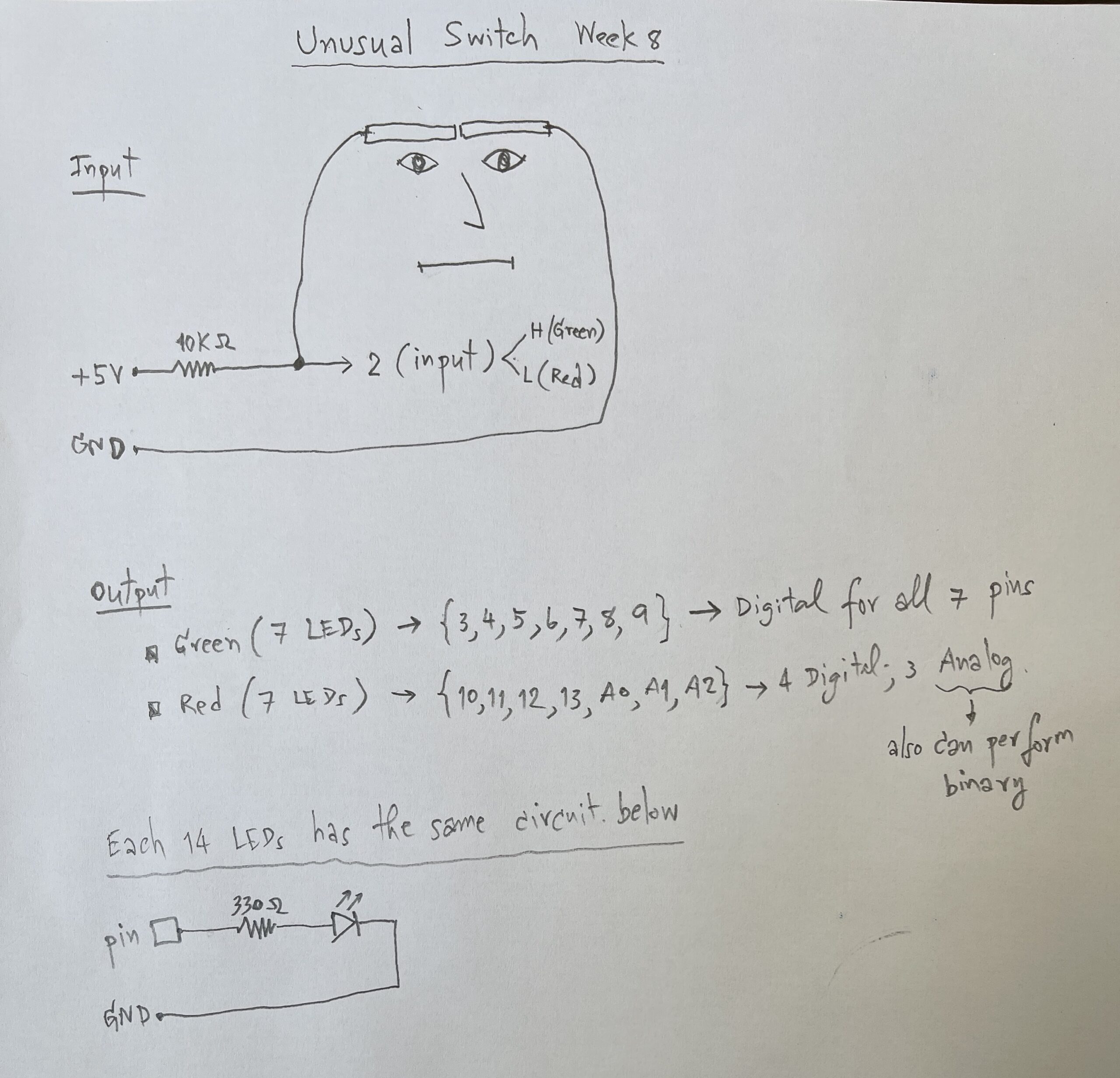
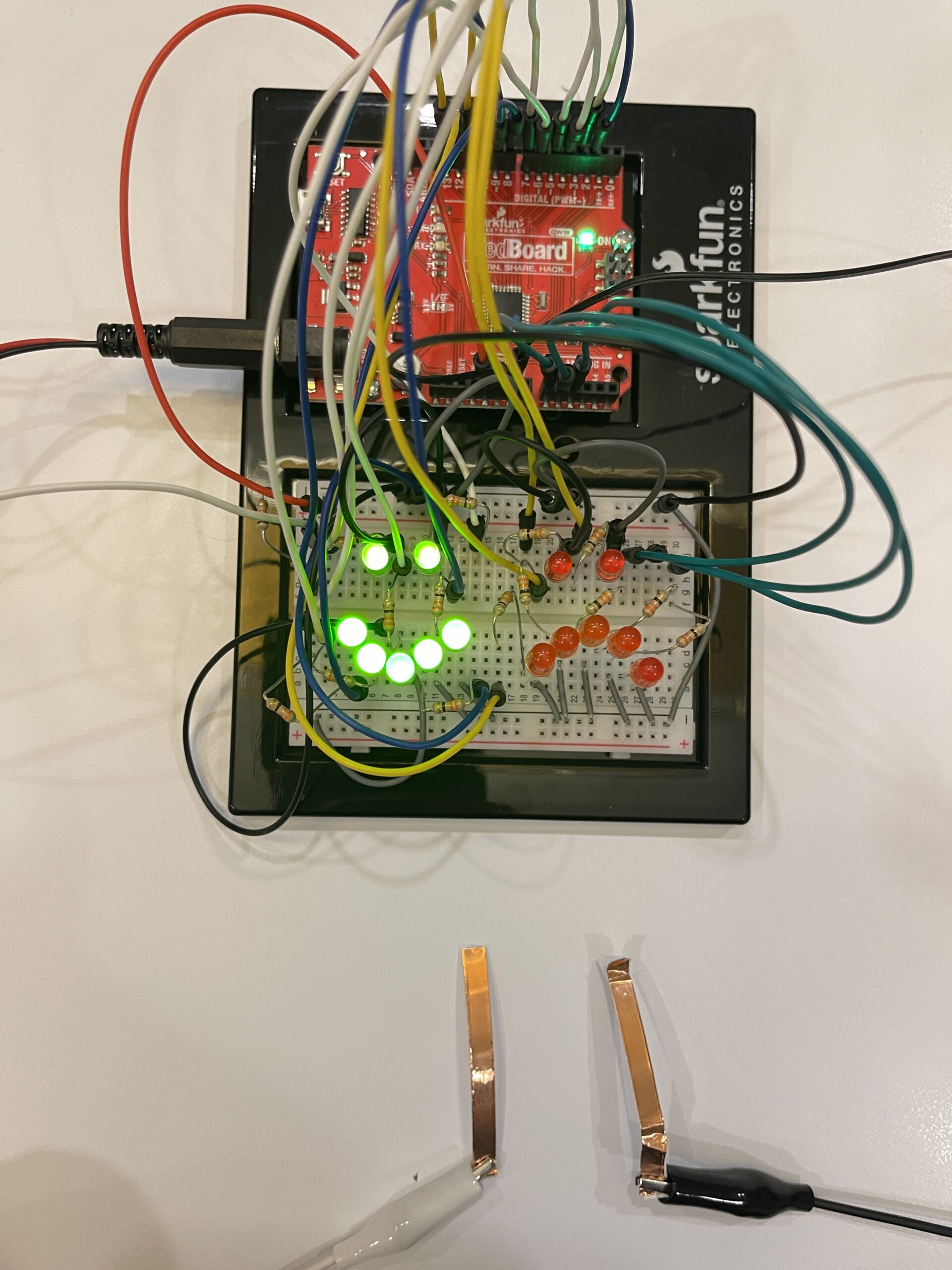
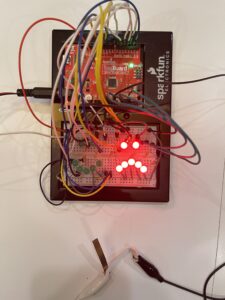
This project explores a hands-free switch using facial movement. Instead of using hands, I used eyebrow movement as an input. When I frown, the system detects it and turns on a sad red face. When I relax my face, it switches to a happy green face.
How it works:
The system uses a digital input to detect whether the switch is ON or OFF. This input is controlled by copper tapes to contact triggered by eyebrow movement.
If the input is HIGH, the green LEDs (happy face) turn on.
If the input is LOW, the red LEDs (sad face) turn on
Handwritten Sketch Diagram:
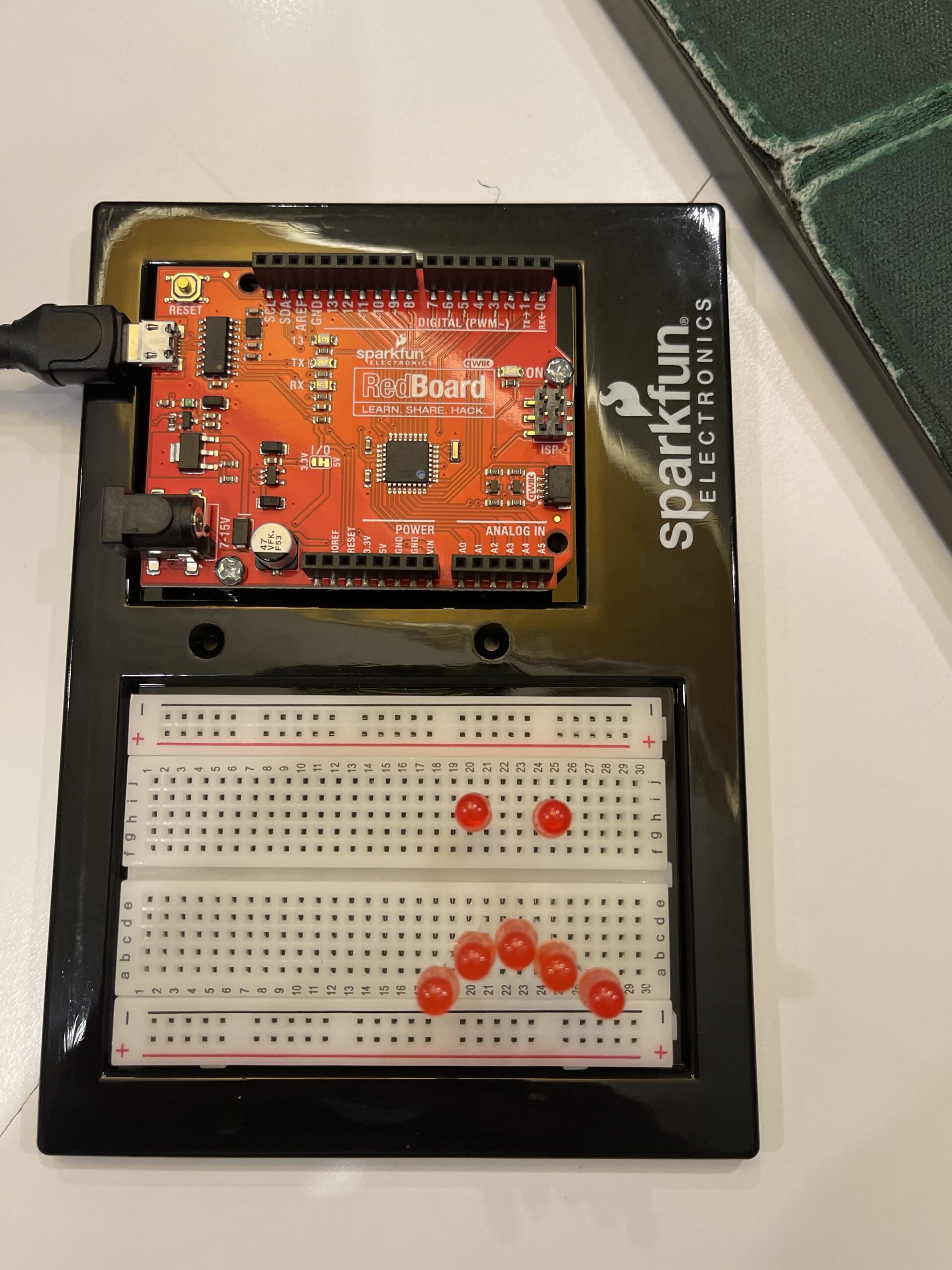
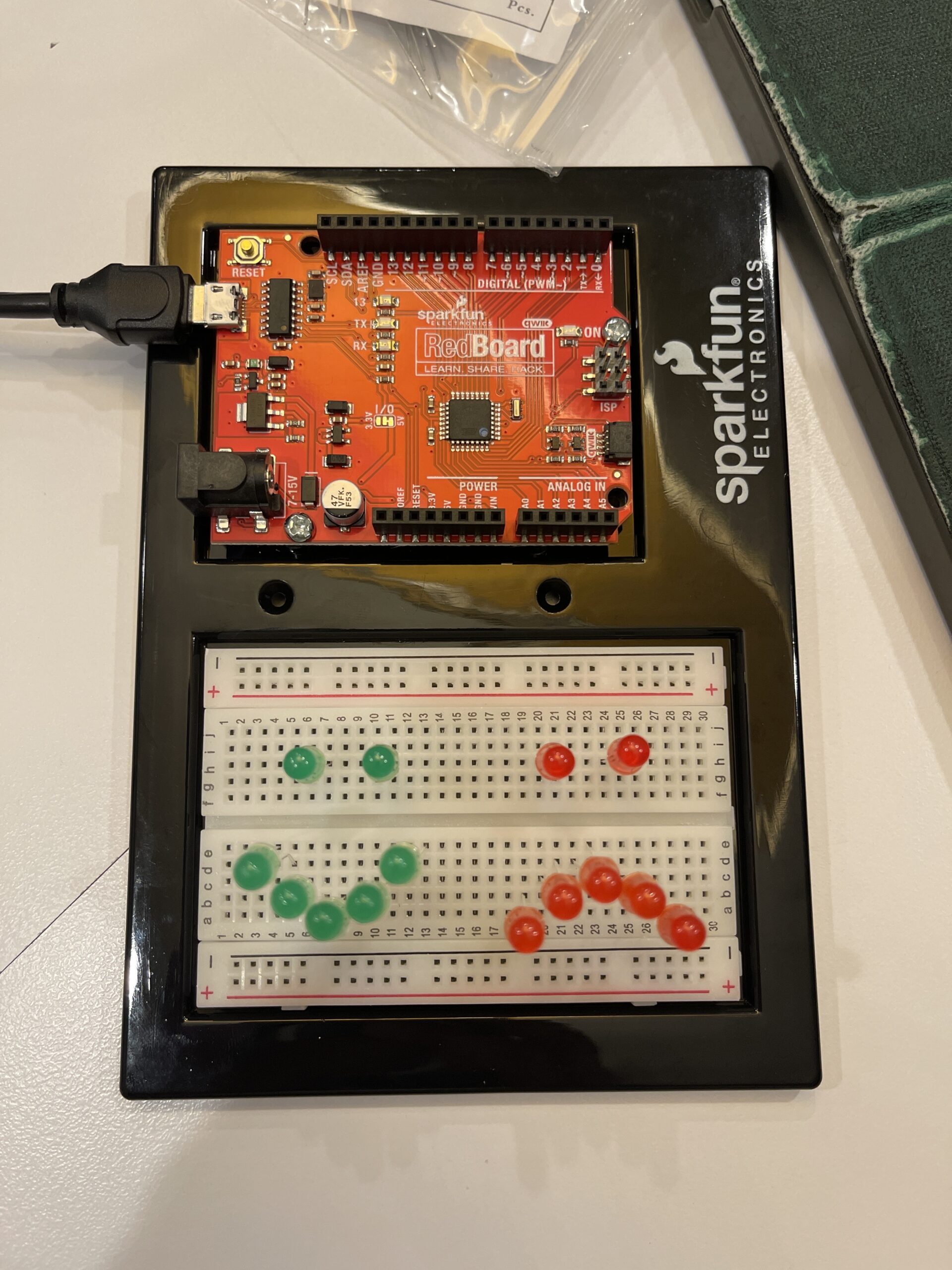
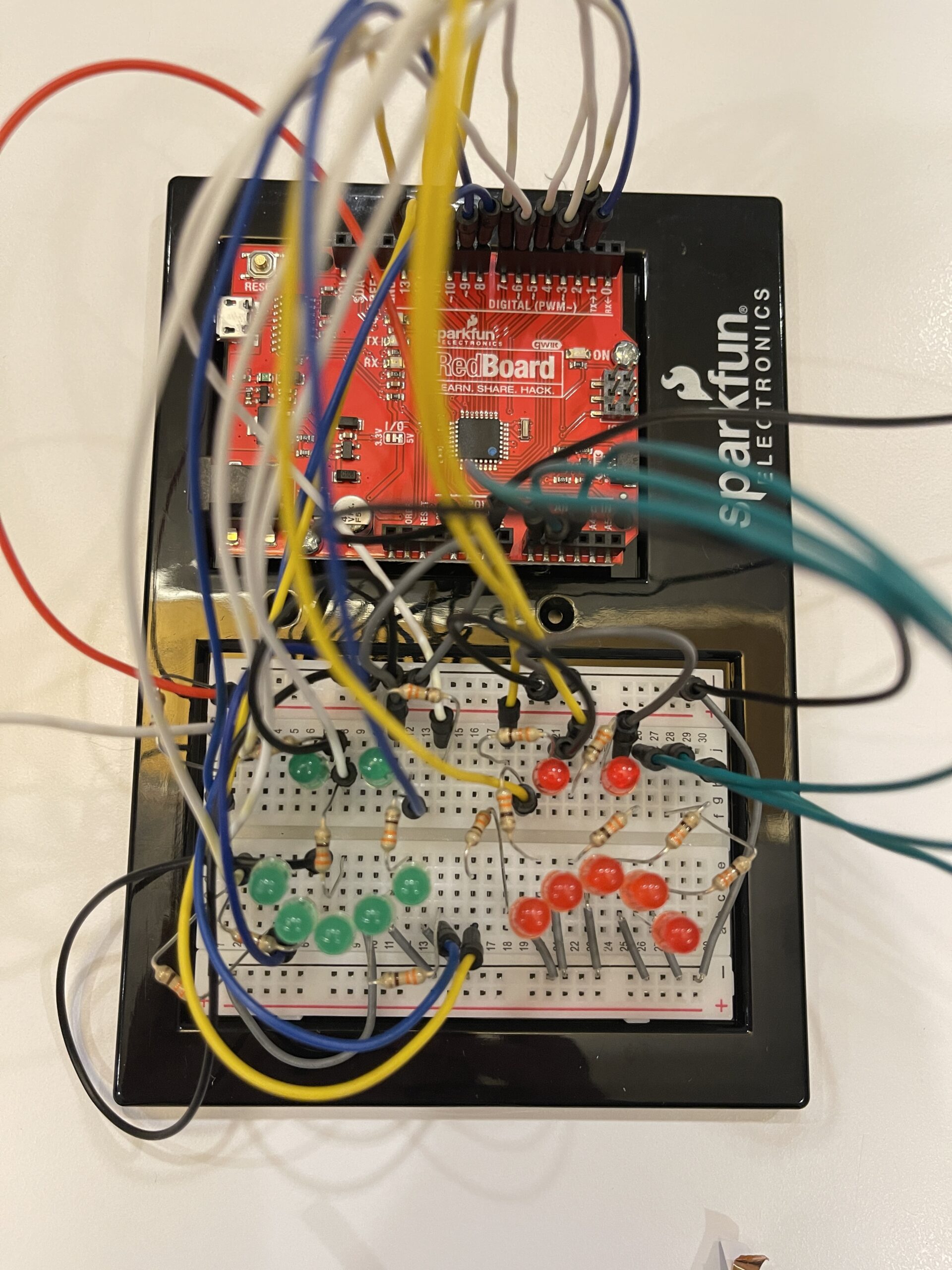
Circuit:
https://youtu.be/OVTbmxnJp2E?si=spcco5jThT1CARs4
Each LED is connected to a digital pin with a 330Ω resistor to limit current.
Red LEDs and green LEDs are connected to separate pins so they can be controlled independently.
⸻
Code that I proud of:
if(state == HIGH){
  // Normal face → Green LED lip
  for(int i=0;i<7;i++){
    digitalWrite(greenPins[i], HIGH);
    digitalWrite(redPins[i], LOW);
  }
} else {
  // Angry face → Red LED lip
  for(int i=0;i<7;i++){
    digitalWrite(greenPins[i], LOW);
    digitalWrite(redPins[i], HIGH);
  }
}
Problem encountered:
Initially, I tried connecting multiple LEDs to one pin, but I learned from Professor Aya’s lecture that Arduino pins have current limits. I solved this by using multiple pins and resistors.
Reflection:
This project helped me understand how digital input works and how the human body can be used as an interface. It also taught me polarity and about current limitations and proper LED connections. I found it interesting that something as simple as facial movement can be turned into an interactive system.