Overall Concept
links:
https://editor.p5js.org/mss9452/sketches/OTs6tFggnA
https://editor.p5js.org/mss9452/full/OTs6tFggnA
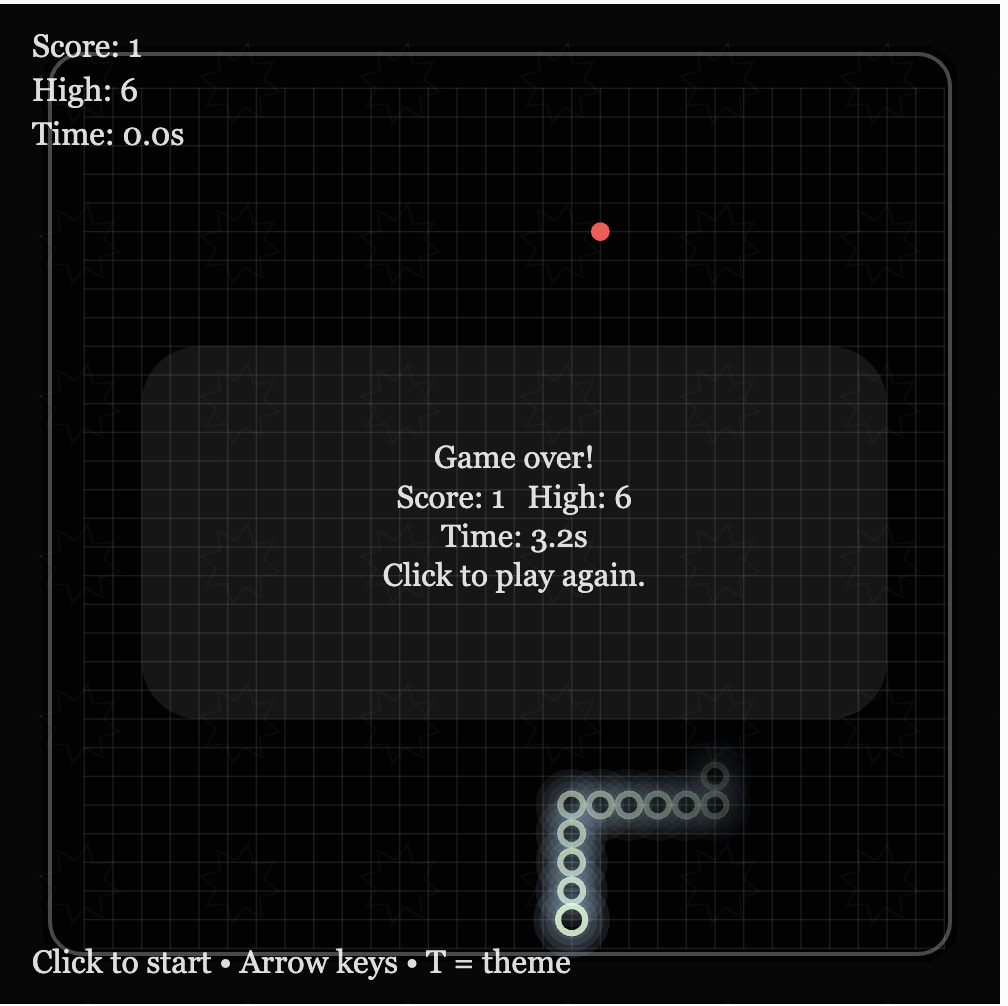
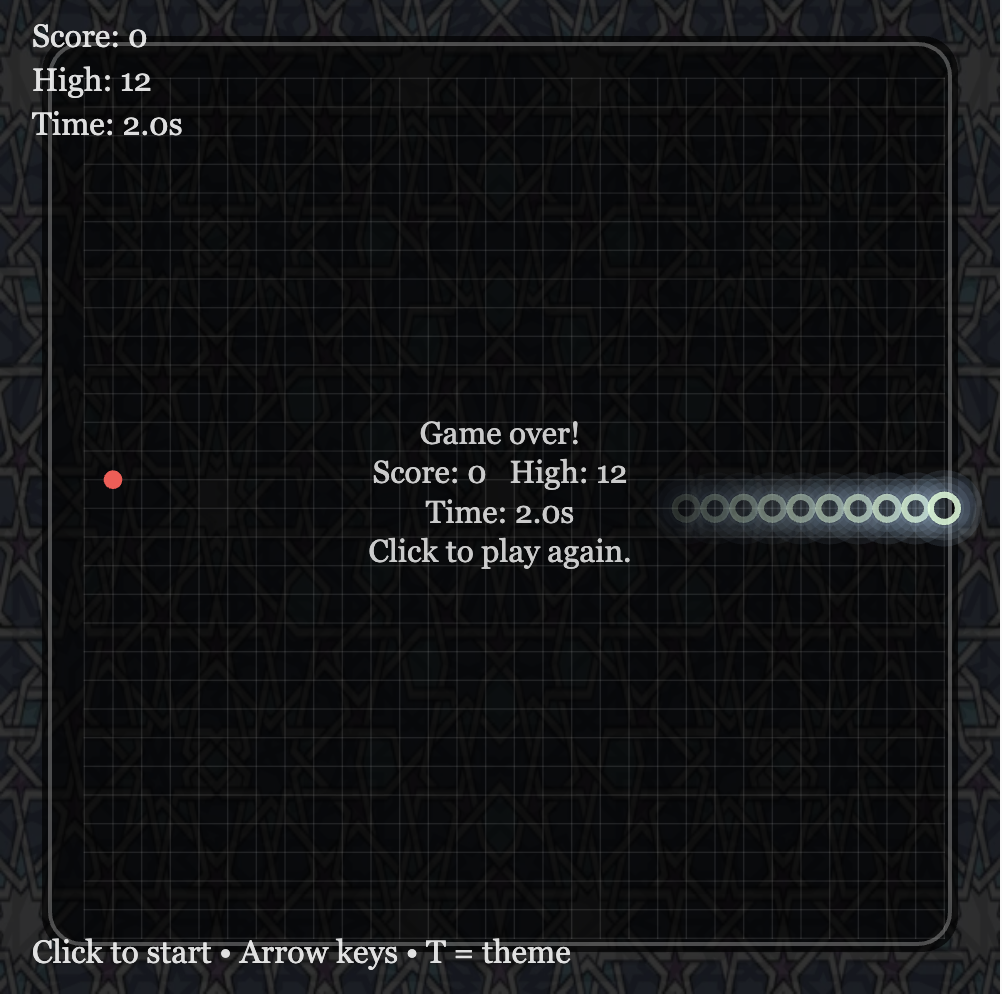
For my project, I redesigned the classic Snake game, with more focus on the atmosphere and visual experience rather than just the gameplay. For the design I added geometric patterns for the background with music playing as well. The game also changes themes by pressing the t button to either light or dark. Instead of the usual blocky snake I made it with a glowing circular shape to represent light movement through an environment.
I wanted the experience to feel somewhere between calm and intense. The background slowly shifts between geometric patterns, creating subtle motion without distracting from the game itself. At the same time, the gameplay remains simple and familiar, allowing the user to focus on both playing and experiencing the visuals. Overall, my goal was to take a very well-known game and transform it into something more immersive while still keeping it intuitive.
How the Project Works / What I’m Proud Of
The game is built using p5.js and uses object-oriented programming to organize the main elements. I created separate classes for the Snake and the Fruit, which made the code easier to manage and extend. The snake moves across a grid system, updating its position each frame, while collision detection checks for walls, self-collision, and fruit collection. When the snake eats the fruit, it grows, the score increases, and a sound effect plays to give feedback to the player.
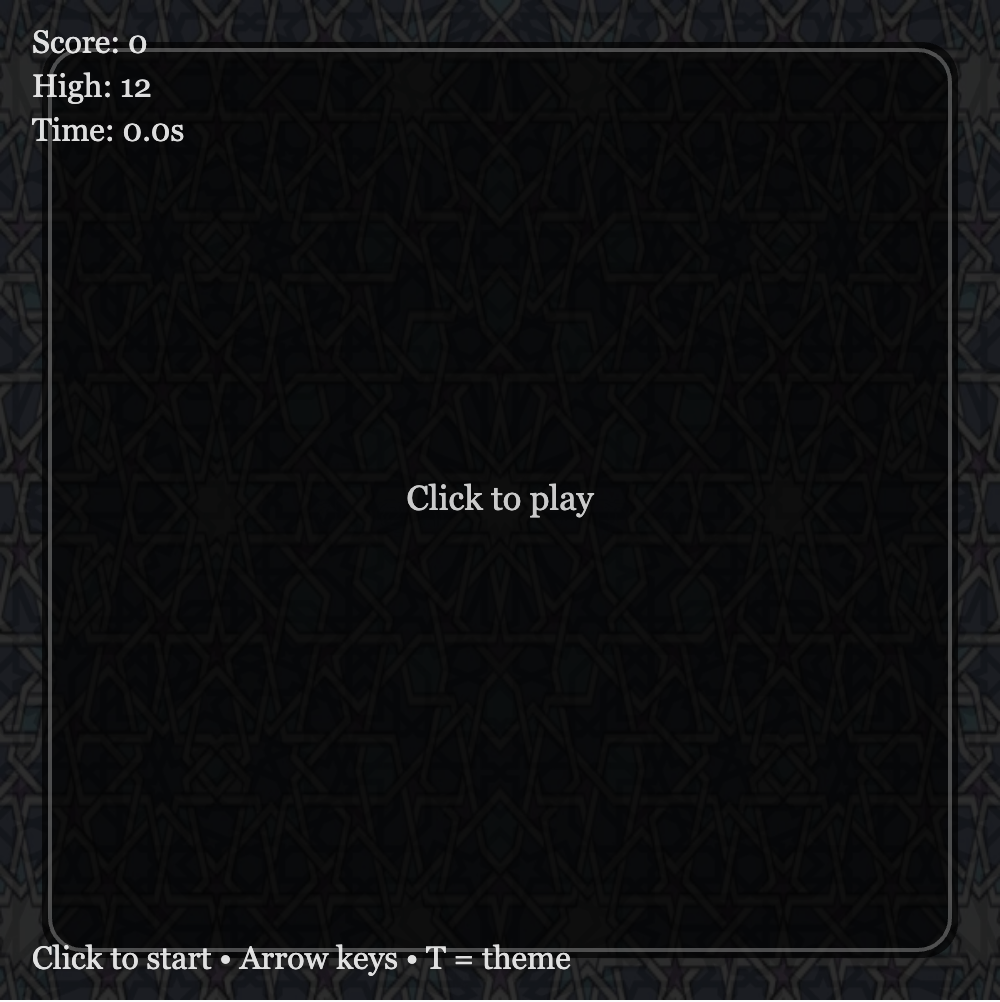
One part I am particularly proud of is the visual design. I replaced the traditional square snake with glowing circular segments that create a layered light effect. This connects back to my concept of light moving through darkness. I also added two background images that slowly fade into each other, which gives the game a more dynamic and atmospheric feel without interfering with gameplay. The dark/light mode toggle was another feature I liked, since it allows the user to switch between two different moods.
Another aspect I think works well is the overall structure of the program. I used a game state system (start, playing, and game over), which made it easier to control what is displayed at different times. I also added background music and sound effects, which made the game feel more complete and interactive rather than just a basic version of Snake.
Code Snippets
Fruit interaction + sound
if (snake.getHead().equals(fruit.position)) {
  score += 1;
  snake.grow();
  fruit.relocate();

  eatSound.play();
}
Snake movement
move() {
  this.segments.pop();

  let head = this.segments[0].copy();
  this.segments.unshift(head);
}
Areas for Improvement / Challenges
One of the biggest challenges I had to deal with was the interaction between the different parts of the program, especially when incorporating new features such as the use of sound, images, and different game states. There was also the time when some of the functions were not recognized, as well as the issue with the game over screen not displaying as desired. This was easily solved by organizing the code in such a way that the state system is utilized.
Another challenge I encountered was dealing with the images and the sound files with the p5.js library. There was some difficulty with the formats as well as ensuring that the sounds do not overlap. This made me think more critically about the use of the sounds.
If I had more time, I would definitely consider incorporating some new features such as the difficulty level as well as the level. This would definitely make the gameplay experience more interesting. In addition to this, I would consider further improving the looks as well as incorporating some interactive elements. While the atmosphere is good, there is still room for improvement with regard to the gameplay experience.