Week 4 – Reading Response – Kamila Dautkhan

1. Something that drives me crazy (not mentioned in the reading) and how it could be improved

One of the problems that drive me crazy is the touch screen controls in cars because many new cars have replaced physical buttons and knobs with a large screen for everything (like changing the AC or the radio). This is frustrating because you have to take your eyes off the road to look at the screen. You can’t feel where the button is like you could with a real knob.

I think the solution for this problem can be bringing back physical knobs for the most important things like volume and temperature. This uses what Norman calls “tactile feedback” so that you can feel the click of the knob and know exactly what you’re doing without looking away from the road.

  1. How can you apply some of the author’s principles of design to interactive media? 

On a website buttons should look like buttons (maybe with a shadow or a bright color). This provides the user a visual cue. When you click “Submit” on a form, the button should change color or a loading circle should appear. This lets you know the website actually giving you an instant response and is actually working. Also, I found natural layout principle very useful because now I know that controls  should be placed in a logical way. For example, I should put important buttons on the right side of the screen because that’s the direction we read and move forward. Moreover, Conceptual I would use icons that people already understand. A trash can icon for deleting files or a house icon for the home page helps users understand how the app works instantly because it is already familiar to them.


Week 4 Project – Kamila Dautkhan

My  concept:

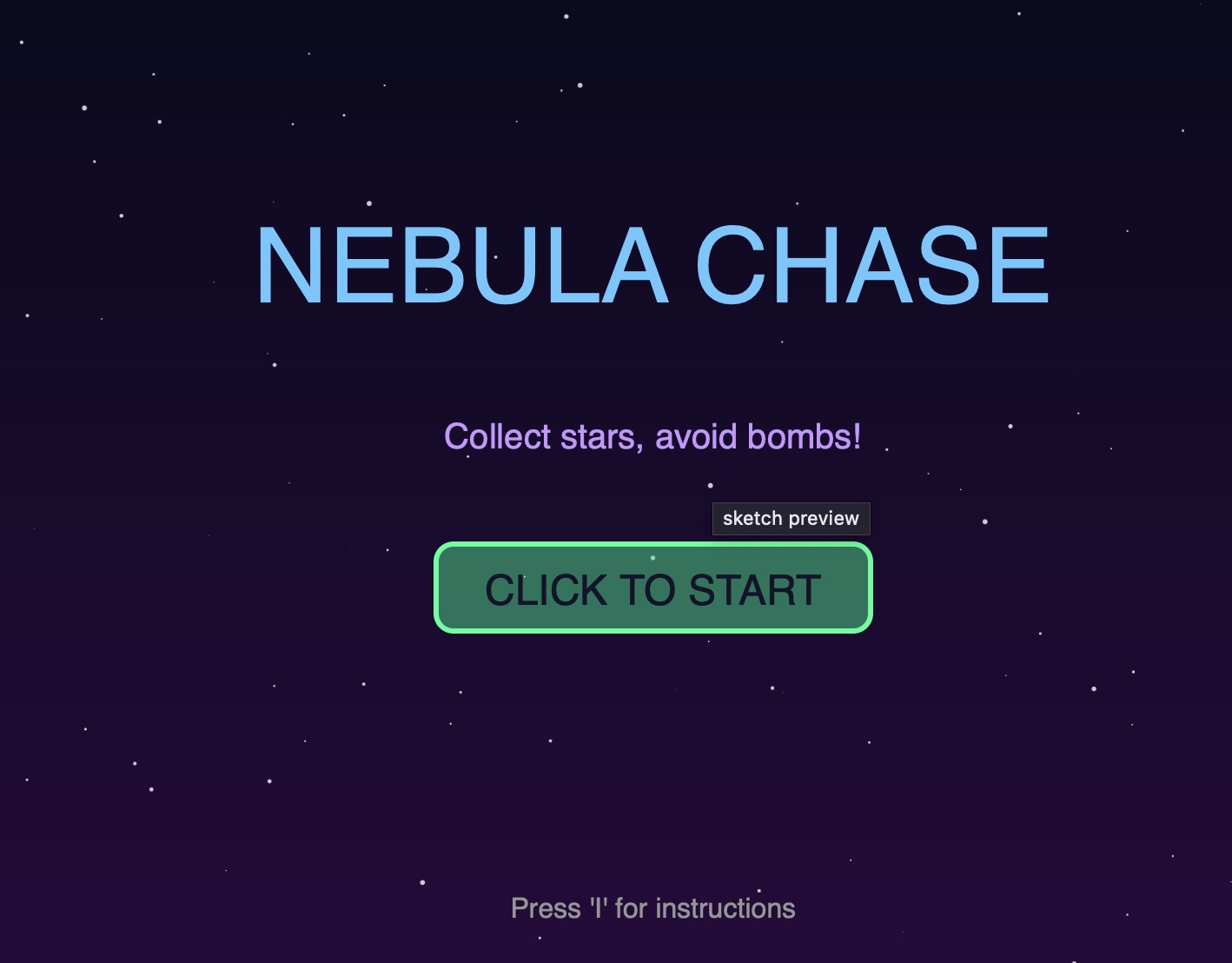
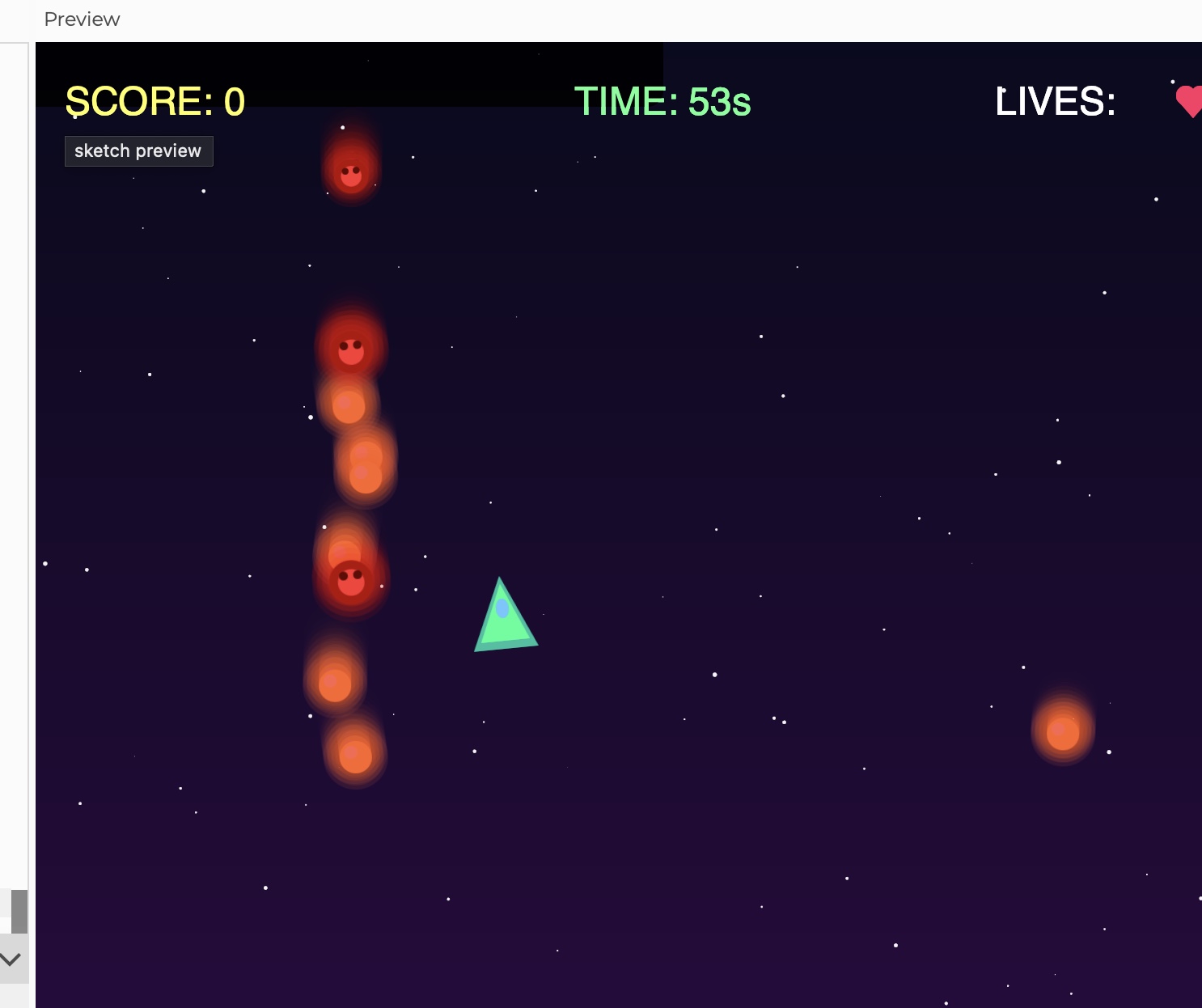
I’ve been messing around with this p5.js sketch that’s basically a visualization of data moving through a network. I call it a packet stream. You’ve got these static “nodes” acting like servers, and then these little “packets” that just zip around the screen. It’s supposed to look like some kind of live monitor for a server. I also made it interactive so you can basically click anywhere to put a new packet into the mix, and if you hover your mouse near one it literally creates a yellow line like you’re intercepting it.

A highlight of some code that you’re particularly proud of:

I am really proud of this code because it isn’t just a simple hover effect, it actually uses a distance check to create a connection.

let d = dist(mouseX, mouseY, dataPackets[i].pos.x, dataPackets[i].pos.y);
if (d < 50) {
dataPackets[i].highlight();
}


How this was made:

I wanted the packets to move around naturally, but the math for the speed and direction was very hard to understand for me. I also couldn’t figure out how to stop them from disappearing into the edges of the screen before bouncing back. So I used AI to help me build the Packet class, specifically to get the physics right so they bounce off the walls smooth.

edges() {
if (this.pos.x > width – this.size/2 || this.pos.x < this.size/2) {
this.vel.x *= -1;
}
if (this.pos.y > height – this.size/2 || this.pos.y < this.size/2) {
this.vel.y *= -1;
}
}

Reflection and ideas for future work or improvements:

I am really proud of this work, however, to make it even more interactive I would make the packets actually travel between Node_1 and Node_2 instead of just floating aimlessly.

Week 3 – Reading Response – Kamila Dautkhan

After reading this, I realized how important immediate and meaningful feedback is. Because a strong interactive system is not just one to a user’s input but one that feels like there’s an actual back and forth interaction between the user and the system. When the user takes an action the system has to respond right away so that it makes it clear what caused that response. I think that really gives a user a sense of control instead of confusion that might sometimes appear. Another concept that’s really important is agency because strong interactivity happens when users think that their choices actually matter. For example, if the system always reacts in the same repetitive way no matter what user inputs, it can feel very boring. Interactions become more engaging when different inputs lead to different outcomes and users can get the freedom to explore them and experiment. 

Now when I look at my own p5 works, I realize that the level could definitely be improved. As for now a lot of the interaction are basically rely on simple key presses. In my future work I’d like to use things like mouse movement, speed or direction to make visuals more dynamic and engaging. That’d definitely make my works feel more responsive to the user’s actions.  I’m also interested in trying state-based interactions, where the sketch remembers what the user did before and changes gradually instead of instantly resetting. Another thing I want to try is adding constraints or small goals, so the user feels like they’re interacting with a system rather than just watching an effect on the screen. Overall, my goal is for future p5 sketches to feel less like technical demonstrations and more like interactive experiences where the user’s actions shape the output.

Week 3 – Kamila Dautkhan

Concept 

Overall, I wanted to create something that’s between technical and visual. I was inspired by simple motion studies and minimalist generative art, where small variations in movement and size can create an interesting composition. I didn’t really want the artwork to feel chaotic or overly complex. Instead, I wanted to focus on clarity, repetition and subtle variation. My main idea was to treat each block as its own “entity.” When you look at it you can see that all the blocks follow the same basic rules but they move slightly differently since I wanted to create something chaotic rather than static.

Highlight of the Code

I’m especially proud of this part because it is how the blocks are created and stored using a class and an array:

blocks.push(new Block(random(width), random(height)));

I am proud of it because it represents the core idea of the project. It basically generates multiple objects from the same structure while still allowing each one to behave differently.

Reflection

This project helped me better understand how code structure directly affects the visual outcome. I learned that even very simple rules can produce very interesting results if they are applied consistently. I also became more confident using classes and arrays because it felt quite confusing at first but using them actually made the code much easier to manage.

If I were to continue developing this sketch, I would like to experiment with interaction like having the blocks respond to the mouse or to each other. I’m also very interested in exploring color systems more and maybe using gradients in my future works!


Week 2 – Reading Reflection – Kamila Dautkhan

This video really put into words something I’ve been figuring out with my own work. It’s not “randomness” itself that I find interesting, but what happens when you give a system a little bit of freedom to play with the code itself. I really like when my work starts with something simple and then escalates into something complex and interesting ! Also, I really liked the idea of the artist as a gardener, not a painter.

At the same time, the video’s question about “true randomness” and convergence really caught my attention. If you let systems run long enough, they tend to eventually form some sort of patterns. And it is exactly the kind of thing I enjoy the most: you start very broadly and then some kind of order appears.  And that is exactly what I want to see in my own generative pieces. I don’t want pure static, and I don’t want something completely predictable. I want that middle ground where you can still recognize my own aesthetic in the codes I wrote. This video helped me realize that I’m not just making art with controlled chaos, I’m actually designing a system’s tendencies and then letting the computer show me just how far they can be pushed.


Week 2 – Generative Artwork – Kamila Dautkhan

Concept:

let a = 0;
let b = 0;
let c = -1;
var z = 0;
var cef = 45;

function setup() {
  createCanvas(1000, 1000);
  background(200);
}

function draw() {
  
  translate(width/2, height/2);
  rotate(b);
  
  for(let i=0; i < 500; i++){
    
    let x = b*sin(i*300 + c -(a*23));
    let y = 100*a*cos(i*100 + b * c);
    
    let xx = 15*PI*cos((cef+30)*i+z);
    let yy = (45+z%10)*PI*tan((cef-30)*i+z);
    
    stroke(0);
    point(x,y);
    point(xx,yy);
 
  
}
  
  a++;
  b+=0.1;
  c-=5;
  z+=0.01;
  if(1) {
    //cefInc = -cefInc;
  }
  if(cef > 7200) {
    cefInc = -cefInc;
  }
}


I personally really appreciate minimalist artworks that is why I created this generative art piece. For me, this piece is about how much mood and tension you can create with almost no visual information at all, and how something that looks quiet and minimal on the surface can still feel alive and constantly shifting underneath. I just wanted to force the focus onto rhythm, contrast, and empty space. I did not use any colors other than black and white to create a sense of sophistication. Also, I think if I added other colors it might be distracting for the audience. It’s meant to be looked at slowly. The longer you stare, the more small patterns and tensions appear between the shapes. 

Code I am particularly proud of:

  let xx = 15*PI*cos((cef+30)*i+z);

  let yy = (45+z%10)*PI*tan((cef-30)*i+z);

I am especially proud of this little detail: z % 10 because it introduces a subtle pulse in the y‑movement, so the motion doesn’t feel flat or robotic. It’s a small trick, but it adds character


Reflection:

This generative piece that I made showed me how much I can get out of very little. With just a few evolving variables and some trigonometric functions, I ended up with two overlapping systems of points: one smoother and orbital, the other more unstable and spiky. Their interaction creates a black and white field that feels both structured and slightly out of control, which is exactly the mood I was thinking of. For the future improvements, I would like to make it more interactive for the audience by letting the mouse directly influence the main parameters in my system. For example, the horizontal mouse position could control cef, slowly changing the structure of the tan based pattern, while the vertical position could affect a or z, changing the scale. 


Assignment 1 – Kamila

link

function setup() {
  rectMode(CENTER);
  angleMode(DEGREES);

  createCanvas(600, 700);
}

function draw() {
  background(255);

  //   hair
  fill(61, 13, 6);
  rect(300, 400, 600, 800, 200);

  //   neck
  noStroke();
  fill(209, 166, 146);
  rect(300, 500, 200, 200);

  //   head
  stroke(33, 6, 4);
  strokeWeight(3);
  fill(209, 166, 146);
  ellipse(300, 300, 360, 450);

  //  nose
  noStroke();
  fill(219, 199, 186, 87);
  triangle(350, 360, 300, 270, 250, 360);

  //   eyes
  noStroke();

  fill(254);
  ellipse(220, 240, 90, 70);

  fill(254);
  ellipse(370, 240, 90, 70);

  fill(97, 48, 16);
  ellipse(220, 230, 35, 40);

  fill(97, 48, 16);
  ellipse(370, 230, 35, 40);

  //   ears

    noFill();
    stroke(209, 166, 146);
    strokeWeight(12);
    arc(120, 300, 70, 80, 30, 14, CHORD);

    stroke(209, 166, 146);
    strokeWeight(12);
    arc(480, 300, 70, 80, 30, 14, CHORD);

  // airpods

  fill(5, 0, 0);
  rect(100, 300, 100, 170, 20);

  fill(5, 0, 0);
  rect(500, 300, 100, 170, 20);

  fill(145, 17, 173);
  rect(100, 200, 60, 200, 5, 5, 100, 100);

  fill(145, 17, 173);
  rect(500, 200, 60, 200, 5, 5, 100, 100);

  fill(145, 17, 173);
  stroke(145, 17, 173);
  strokeWeight(50);
  curve(73, 120, 500, 120, 274, 1, 50, 50, 50, 100, 10, 100);
  fill(145, 17, 173);
  stroke(145, 17, 173);
  strokeWeight(50);
  curve(10, 120, 96, 106, 274, 1, 50, 50, 50, 100, 10, 100);

  //  lips
  noStroke();

  stroke(130, 12, 12);
  strokeWeight(7);
  fill(145, 39, 39);
  arc(305, 410, 150, 100, 0, 180, CHORD);

  //   brows
  noStroke();
  fill(64, 17, 14);
  rect(215, 180, 80, 10, 50);

  fill(64, 17, 14);
  rect(365, 180, 80, 10, 50);
}

For this project, I created a self-portrait of mine.  My goal was to use only basic shapes (rectangles, ellipses, triangles, and arcs) to represent my facial features and a few signature details: my hair, bold lipstick, and big headphones.

The part I’m most proud of is the headphone area. I used rectangles for the ear pieces and thick curves for the band to suggest a 3D shape using only 2D primitives:

// airpods fill(5, 0, 0); rect(100, 300, 100, 170, 20); fill(5, 0, 0); rect(500, 300, 100, 170, 20); fill(145, 17, 173); rect(100, 200, 60, 200, 5, 5, 100, 100); fill(145, 17, 173); rect(500, 200, 60, 200, 5, 5, 100, 100); fill(145, 17, 173); stroke(145, 17, 173); strokeWeight(50); curve(73, 120, 500, 120, 274, 1, 50, 50, 50, 100, 10, 100); fill(145, 17, 173); stroke(145, 17, 173); strokeWeight(50); curve(10, 120, 96, 106, 274, 1, 50, 50, 50, 100, 10, 100); The reason I chose this specific chunk of code is because it turned out to be exactly the way I wanted it to look like. The rectangles stack together to feel like ear cups and stems. The thickcurve()lines work as the headband, wrapping over the hair. Reusing the same purple color for all the headphone parts makes it look like one connected object even though it’s made of separate shapes.

I started by setting up the canvas and using rectMode(CENTER) so positioning the neck and hair was easier. I built the face using an ellipse for the head and a rectangle for the neck. I added features (eyes, nose, lips, brows) with ellipses, a triangle, an arc, and rectangles. The hair is a large rounded rectangle in the background. For the AirPods, I experimented with curve() and thick strokeWeight to make a band that feels like it wraps over the head. I didn’t use any image files, textures, or external assets, just p5.js drawing functions.

Breaking everything down into simple shapes helped me understand coordinate systems and layering in p5.js. Also, using consistent color palettes made the portrait feel more cohesive. I would make the sketch more interactive next time. For example: eyes following the mouse, or changing lip color with a key press.