Week 8 – Reading Reflection

Her Code Got Humans on the Moon:

Margaret Hamilton’s story impressed me with how much dedication and focus one person can bring to their work. She did not see programming as a small or temporary job, she treated it as something worth building a whole discipline around. At a time when few people even understood what software was, she worked with a sense of seriousness and care that helped define the entire field. I found it admirable that she led a team in such a demanding environment, while also constantly pushing for precision and reliability in every line of code. It must have taken even more determination to do this in a male-dominated field, where her ideas were often questioned or overlooked. Yet she proved that talent and persistence can speak louder than bias.

The moment that stayed with me most was when people told her, “That would never happen.” She had warned about a potential error that others dismissed as impossible, but it did happen during the Apollo 11 mission. Because of her preparation, the software knew how to handle it, and the astronauts landed safely. This part made me reflect on how important it is to think beyond what seems likely or convenient. Her ability to imagine every possible mistake shows not only intelligence but humility, the awareness that humans and systems can fail, and that good work anticipates that. Hamilton showed that real achievement does not come from recognition, but from persistence and attention to detail. Even when others doubted her, she stayed focused on what she believed was right. That quiet confidence and responsibility are qualities I hope to develop in my own work.

Emotions & Design: Attractive things work better

This reading made me think deeply about how design affects both our emotions and our behavior. One of the main ideas is that attractive things work better because they make people feel happy and confident. The author explains that when we feel good, our minds become more open and creative, but when we are stressed, we tend to think narrowly and make mistakes. I found this especially interesting because it shows that emotions are not separate from thinking, they actually shape how we use and understand things. Another important idea the author discusses is that good design balances beauty and function. This made me reflect on how I interact with everyday objects. For example, I prefer using items that are both practical and attractive whether it’s a tea set, a notebook, or even my phone interface. When something looks nice, I automatically treat it with more care and feel more motivated to use it.

I also strongly connected with the author’s point about context and mood. He writes, “Design matters, but which design is preferable depends upon the occasion, the context, and above all, upon my mood.” This reminded me of how Kazakh families choose different tea sets depending on the situation. When it is just family, they use the simplest and fastest set. But when guests come, they always bring out the most beautiful one to show respect and hospitality. Another part that stood out to me was how the author connects pleasure with usability. He suggests that when something looks good, we are more tolerant of small problems. I realized this is true for me too, I do not mind if a pretty cup is a bit heavier or a stylish app takes a second longer to load, because its beauty gives me a pleasant feeling. I even change my tea sets every season, one for winter, spring, summer, and fall, because I enjoy drinking from something that matches the season’s atmosphere. The same goes for digital things: an attractive design makes me feel happier and more productive.

Week 8 – Unusual switch

Concept:

I designed a project inspired by one of my favorite arm exercises. The idea is to make the arm’s movement interact with light using an Arduino. I attached pieces of foil and wires on both sides of the arm at a specific distance. As the person bends their arm, the foil pieces move closer together. When the arm is fully bent, the foils touch and complete the circuit, causing both the yellow and blue LEDs to turn on. At the same time, the yellow LED starts blinking while the blue LED stays steadily lit. This setup transforms a simple arm exercise into an interactive experience. The lights provide visual feedback, it also makes the activity more engaging and helps represent effort and motion in a creative, easy-to-understand way.

Coding:

Arduino file on Github

int ledBlue = 8;      // Blue LED pin
int ledYellow = 4;    // Yellow LED pin
int foilSwitch = 2;   // Foil switch pin

void setup() {
  pinMode(ledBlue, OUTPUT);
  pinMode(ledYellow, OUTPUT);
  digitalWrite(foilSwitch, HIGH);
 
}

void loop() {
  int switchState = digitalRead(foilSwitch); // read foil switch

  if (switchState == LOW) {  // foils touching
    digitalWrite(ledBlue, HIGH);
    digitalWrite(ledYellow, HIGH);
    delay(500);                    // on for 500ms
    digitalWrite(ledYellow, LOW);
    delay(500);
    digitalWrite(ledBlue, LOW);
    digitalWrite(ledYellow, LOW);
  }
}

I defined three integers: ledBlue for the blue LED on pin 8, ledYellow for the yellow LED on pin 4, and foilSwitch for the foil sensor on pin 2. Then, in the setup part, I set the LEDs as outputs and used the internal pull-up resistor for the foil switch so it can detect when the foils touch each other. In the loop, I made the Arduino constantly read the state of the foil switch. When the foils touch, the circuit closes, and both LEDs turn on, the blue LED stays on, while the yellow LED blinks every half second. When the foils are not touching, both LEDs stay off.

Setup:

Photo SetupDemonstration Video

Reflection:

This project taught me how simple electronics can respond to physical movement and turn a regular arm exercise into an interactive activity. I learned how to use an Arduino to read input from a foil switch and control LEDs, as well as the difference between input and output pins and how HIGH and LOW signals work with a pull-up resistor. For future improvements, I could also try different colors or numbers of LEDs to show progress in a clearer way. Another improvement is to make the device more comfortable to wear on the arm, so it can be used easily during exercises. I could also practice adjusting the code to make the lights respond faster and more smoothly to the arm movement.

Midterm Project – Chic & Click

Concept:

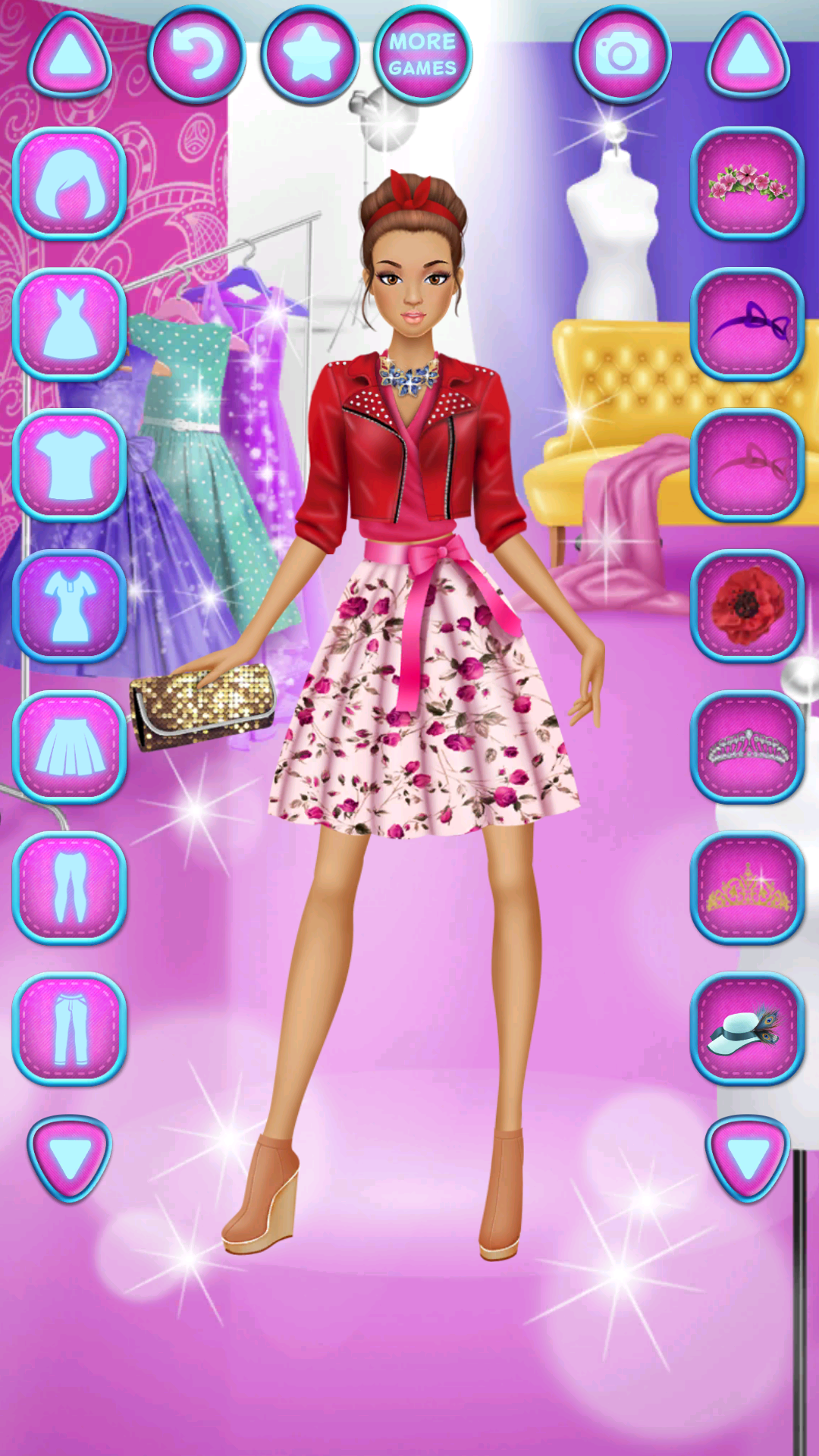
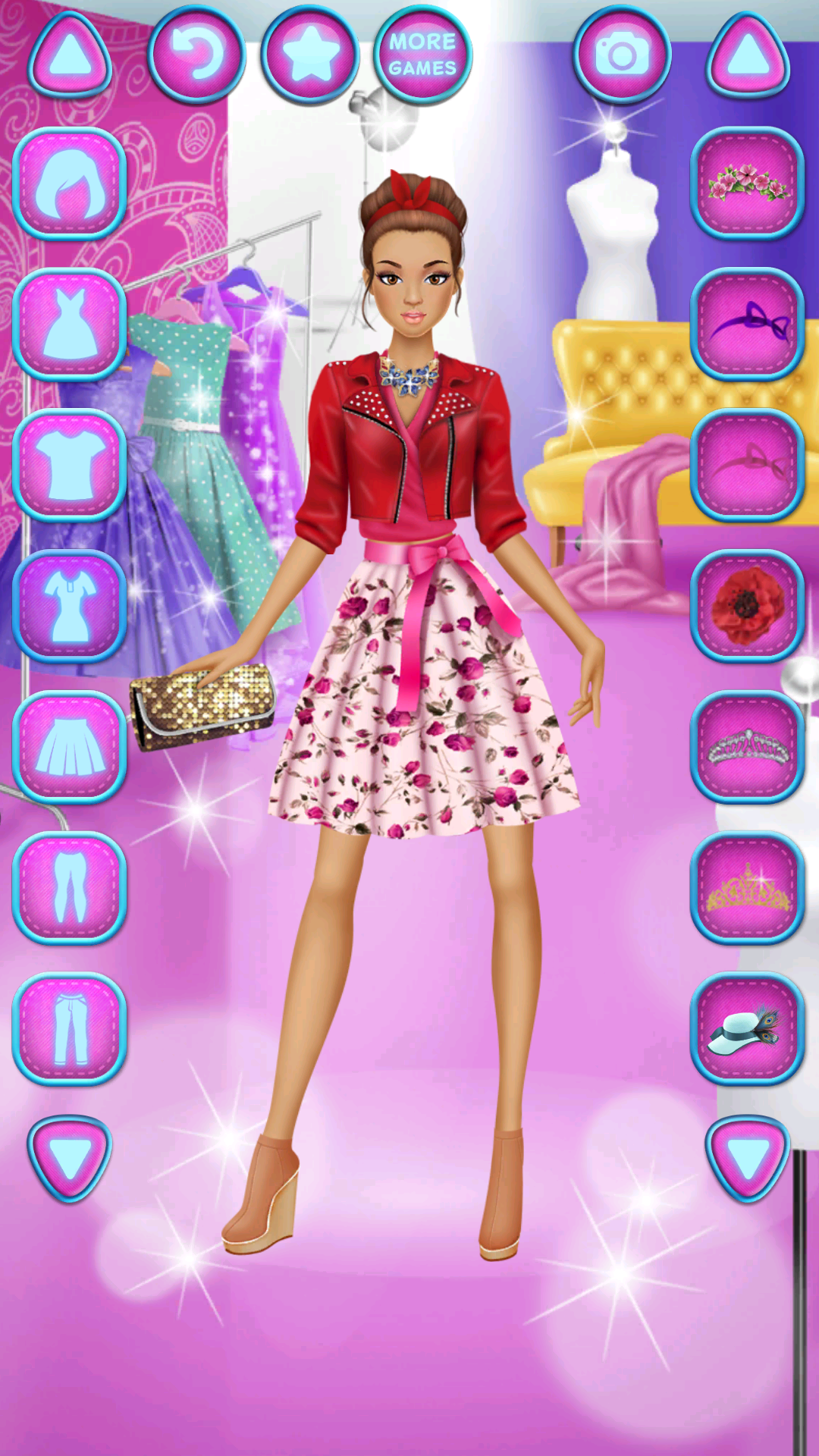
Chic & Click is an interactive dress-up game where players create stylish outfits by mixing and matching hats, tops, and skirts on a mannequin. The project is inspired by the dressing games I loved playing as a child, which sparked my interest in fashion and interactivity. Before building the game, I researched similar games and gathered references to refine the concept of changing outfits, making sure that each clothing piece fits properly and looks visually appealing (I attached the inspiration image below). The mission of the game is to provide a fun and creative experience that allows players to explore their personal style. Interactivity is at the core of the game: players click on the hat, top, or skirt areas to cycle through clothing options, accompanied by audio feedback and visual effects like neon glows and a camera flash when taking a photo of their final outfit. 

Inspiration from the dressing game:

Sketch:

Link to the sketch: https://editor.p5js.org/Aizhan/sketches/h5QYwQTMS

Key Elements of the Game:

Starting Page:
The game begins with a clean and minimalist start page designed to be visually pleasant, using pastel and calm colors throughout the game. On this page, players see the game cover and instructions, along with a “Start” button. When pressed, it transitions to the main playing page. The background image was designed using a ChatGPT image generator, while the button is created using shapes and text. The game can also be played in full-screen mode by pressing the “F” key, providing a bigger and more immersive experience.

Playing Page:
On the playing page, players can interact with the mannequin to change outfits. The clothing items—hats, tops, and skirts/pants were designed in Canva, with five options for each category, giving a total of 15 different clothing pieces. When a player clicks on a clothing area, they can go through the different options, and after the fifth item, it loops back to the first. The clothes come in various colors and styles, and each click plays a game click sound, making the game more engaging and interactive.

Result Page:
After clicking the “Finish” button, the chosen outfit is displayed on a result page with a photo studio background. A fun gaming song starts playing as the page appears, creating a celebratory mood. This page includes a “Take a Photo” button,  which triggers a camera sound, a visual flash effect, and automatically downloads the screenshot to the user’s computer as “MyOutfit.png.” This allows players to save and share their styled outfits. The second button of the page is “Finish”, and as the users press the button, they move on to the next page.

Restart Page:
The restart page thanks the player for playing and provides a “Restart” button. The background image remains consistent with the aesthetic of the game, maintaining the calm pastel theme, and allows players to start a new round of outfit creation easily.

Code snippet and parts I am proud of:

I am proud of how I implemented the camera effect and photo feature. The flash effect combined with the screenshot download feels polished and gives the game a fun feeling To be honest, this was a last-minute addition, as I initially only had music and the background. The p5 references and tutorials really helped me bring it to life.

// Camera Effect
function drawCameraEffect() {
  let elapsed = millis() - flashStartTime;
  if (elapsed < 500) { // flash lasts 0.5 seconds
    fill(255, 255, 255, 150);
    rect(0, 0, width, height); // semi-transparent overlay
    image(cameraImage, width / 2 - 450, height / 2 - 400, 900, 750); // display camera overlay
  } else if (showFlash) { // save screenshot after flash ends
    saveCanvas(cnv, "MyOutfit", "png");
    showFlash = false;
  }

I am also proud of how I handled the clothing interactivity. Using arrays and a simple .next() function to cycle through hats, tops, and skirts kept the code clean and easy to manage, while keeping the gameplay smooth and responsive.

// Clothing class 
class Clothing {
  constructor(images, offsetX, offsetY) {
    this.images = images;       // array of clothing images
    this.offsetX = offsetX;     // array of X offsets for each image
    this.offsetY = offsetY;     // array of Y offsets for each image
    this.current = 0;           // index of the currently displayed clothing
    this.show = false;          // whether to display this clothing
  }

  // Loops back to the first item after the last one
  next() {
    this.current = (this.current + 1) % this.images.length;
  }

  // Display the current clothing item on the canvas
  display(x, y, w, h, extraOffsetY = 0) {
    if (this.show) { // only draw if show is true
      let img = this.images[this.current];
      let aspect = img.width / img.height;       // maintain aspect ratio
      let targetW = w;
      let targetH = targetW / aspect;
      let offsetX = this.offsetX[this.current] || 0; // use offset for proper alignment
      let offsetY = this.offsetY[this.current] || 0;
      image(img, x + offsetX, y + offsetY + extraOffsetY, targetW, targetH);
    }
  }
}

I was also inspired by other students’ work to add neon hover effects on the buttons, which were fun to code and added polish without making the program more complicated.

function applyNeonEffect(btn) {
  let x = btn.x, y = btn.y, w = btn.width, h = btn.height;
  
  // Check if mouse is over the button
  if (mouseX > x - 20 && mouseX < x + w + 20 && mouseY > y - 20 && mouseY < y + h + 20) {
    // Apply neon glow effect
    btn.style("box-shadow", "0 0 10px #fff, 0 0 20px #fff, 0 0 30px #fff, 0 0 50px #fff");
  } else {
    // Remove glow when mouse is not over
    btn.style("box-shadow", "none");
  }
}

Problems/Future Improvements:

One of the most difficult parts of this project was getting the clothes to fit correctly on the mannequin. Each clothing image had a different size and shape, so I spent several hours trying to align them properly. At first, it was tricky because using the same coordinates for every clothing item caused them to look off. I solved this by creating offset arrays for X and Y positions for each clothing item. For example, topOffsetsX, topOffsetsY, skirtOffsetsX, skirtOffsetsY, and hatOffsetsY allowed me to manually adjust the position of each item so it would sit correctly on the mannequin.

Regarding future improvements, I would focus on a few key areas. One of them would be adding more clothing options and categories, like shoes, accessories, or jackets, would give the game more variety and customization. I could also implement a drag-and-drop feature so users can position clothes more freely instead of just clicking to cycle through them. Overall, this project was a great way for me to combine coding and design. I learned how to manage interactive elements, solve alignment issues, and create a smooth user experience.  It also improved my problem-solving skills, especially when dealing with image alignment and user interactions. This midterm game gave me a better understanding of how design and programming can come together to create an engaging user experience.

Midterm Progress

Concept:

I was inspired by the dressing game that I liked to play when I was a child, I attached the image below. In my version, players can click on a character’s shirt, pants, and shoes to change their colors and create different outfits. The game is simple and interactive, allowing players to explore many combinations and experiment with different styles. It has a start screen to begin the game, a dressing area where the character is displayed with a calm background, and an end screen with a restart option so the game can be played again. I wanted to recreate the fun and creativity I experienced as a child, while keeping the game easy to use and visually pleasing. I wanted to capture joy of trying new looks and making choices in a playful and colorful way.

Inspiration:

Design and User Interactive:

The game has a simple and playful design, using soft and pleasant colors to create a friendly atmosphere. Most of the visuals are based on images that I created myself and uploaded into the project. Currently, the character is represented with basic shapes that change color when the user clicks on them, giving a simple interactive experience. In the future, I plan to replace the shapes with a full mannequin, where each part of her clothing will change whenever clicked. I will also create and upload a full set of clothing images into the p5 sketch, allowing for a more detailed and visually appealing dress-up experience.

The game itself is highly interactive, allowing players to click directly on the character’s shirt, pants, and shoes to change colors. Buttons like PLAY, FINISH, and RESTART respond to clicks to move between game states. This interactivity makes the game engaging, as players can experiment with different outfit combinations and immediately see the results on the character.

function mouseClicked() {
  if (gameState === "start" && playButton.clicked(mouseX, mouseY)) {
    playButton.action();
  } 
  else if (gameState === "playing") {
    // Change clothes when clicking on body parts
    if (mouseX > width / 2 - 50 && mouseX < width / 2 + 50 && mouseY > 300 && mouseY < 400) {
      currentPants = (currentPants + 1) % pantsColors.length; // Change pants
    }
    else if (mouseX > width / 2 - 50 && mouseX < width / 2 + 50 && mouseY > 150 && mouseY < 300) {
      currentShirt = (currentShirt + 1) % shirtColors.length; // Change shirt
    }
    else if (mouseX > width / 2 - 50 && mouseX < width / 2 + 50 && mouseY > 400 && mouseY < 500) {
      currentShoes = (currentShoes + 1) % shoesColors.length; // Change shoes
    }

Sketch:

The most frightening part and what I did to reduce this risk 

One of the most challenging parts was managing the game states start screen, playing screen, and end screen, because each screen had different buttons and interactions. It was difficult to make sure the right buttons showed at the right time and that clicking them went to the correct screen.

I solved this by creating a Button class to handle all clickable buttons in the same way and by using separate functions to draw each screen. This kept the code organized and made it easy to add or change buttons later. I also made sure the mouseClicked() function only responded to buttons for the current screen. As a result, the screens change smoothly, the game feels easy to use, and the interactions are clear for the player.

Reflection and Future Improvements:

So far, I really like the concept of my project and I’m excited to experiment and see the final result. For future improvements, I plan to replace the simple shapes with detailed images of the clothes, making the character and outfits more visually appealing. I also want to add sound effects that play when the user clicks on each clothing item to make the game more interactive. Additionally, I would like the character to have a speech bubble with text whenever the user clicks on her. These features will make the game more dynamic, engaging, and fun for players.

Week 5 – Reading Reflection

Reading Levin’s essay really changed how I think about what it means for a computer to “see.” One of the most striking points was that, unlike humans, a computer has no built-in way to understand what it is looking at. Levin writes that video is “just a big, dumb array of numbers”,  which really stood out to me, people automatically recognize faces, objects, and events, but a computer has to be taught step by step what to look for. This helped me appreciate how much of computer vision is really about extracting meaning from raw data rather than simply displaying images.

I also found it interesting that helping the computer “see” is as much about the physical environment as it is about the code. Levin mentions that careful control of lighting and contrast, even using infrared light or retroreflective materials, can make the difference between a system that works and one that fails. That made me realize that when we design with computer vision, we are not just writing software, but we are shaping the entire stage so the camera has the best chance to succeed.

Finally, the discussion about surveillance made me think about the double-edged nature of computer vision in art. Works like Standards and Double Standards or Sorting Daemon use tracking not just for interaction but to make us feel observed, even judged.  I then reflected on how computer vision can be playful but also unsettling  and how artists can deliberately use that feeling of being watched to make a political or emotional point. It reminded me that computer vision is not neutral, it carries cultural and ethical weight, which is part of what makes it powerful in interactive art.

Assignment 4 – Generative text output

Concept

For this project, I wanted to challenge myself and experiment with generative text output. I thought it would be interesting to create a program that builds short messages by mixing different pieces of text together. I wrote sentence templates with placeholders and then filled those placeholders with random words from lists of activities, places, events, and more. This approach makes every message different, even though they all follow a similar style. Each click shows a new message, so the text keeps changing and never feels the same. After eight messages, the conversation refreshes and starts again, so it feels like a brand-new chat every time. I also made the layout look like a chat screen, with colored message bubbles and a date at the top, so it feels like you are reading a conversation.

Highlight of the code I am proud of

The part I am most proud of is making the messages switch sides and look like a real chat conversation. As a beginner, figuring out how to alternate the chat bubbles between the left and right side was tricky, but using nextMessageIndex %2 to alternate sides worked perfectly.

// Interaction: add new message when mouse is pressed

function mousePressed() {
  if (nextMessageIndex === 0) {
    messages = [];  // clear canvas after 8 messages
  }
  let side;
  if (nextMessageIndex%2==0){ // Alternate sides
    side = 'left';
  } 
  else{
    side= 'right';
  }
  messages.push({
    text: generateMessage(),
    side: side
  });

  nextMessageIndex+=1;
  if (nextMessageIndex >= 8) { // Reset counter after 8 messages
    nextMessageIndex = 0; 
  }
}

Another thing I am proud of is the way I handled text wrapping. At first, I didn’t know how to make long messages fit inside the bubbles, but I learned how to split the text into words and build lines that stay within the bubble’s width. It made the conversation look clean and easy to read.

// Text wrapping into lines

let words = m.text.split(" ");  // Split message into words
let lines = [];
let tempLine = "";
for (let w of words) {
  
   // Check if adding word exceeds bubble width
  if (textWidth(tempLine + w + " ") < bubbleMaxWidth - 20) { 
    tempLine += w + " ";  // Add word to current line
  } else {
    lines.push(tempLine); // Save current line
    tempLine = w + " ";  // Start new line with current word
  }
}
lines.push(tempLine); // Add last line

Sketch

Click the mouse to add a new message

Reflection

While making this project, I wanted to experiment with generative text output and see how random combinations of words could create a conversation. I am proud of how the messages alternate between left and right, making it feel like a real chat, and how the text wrapping keeps the messages neat inside the bubbles. For the improvements, I would like to add more templates and word lists to make the conversations even more interesting, maybe even including images in the chat bubbles. Also, one of the improvements would be adding a typing animation to make it feel more like a real conversation, and make it mobile-friendly so it works on smaller screens.

Week 4 – Reading Reflection

In The Design of Everyday Things, Norman highlights the importance of feedback and conceptual models in making technology understandable. What struck me is his insistence that people should not have to “fight” with design in order to use it. If a product requires trial and error to figure out its basic functions, then the design has already failed. This perspective made me think about how often digital interfaces ignore human expectations and force us to adapt to them, instead of the other way around.

Something that really draws me crazy is poorly designed spaces, and while reading, I thought of examples from our campus. The automatic doors at building entrances are heavy and only open one way, which makes it difficult to get in, especially when carrying books or bags. In large study rooms, the motion-sensitive lights often turn off unexpectedly because the sensors are placed in strange spots, leaving people sitting in the dark until the lights turn back on. These everyday problems perfectly show what the author means: poor design is everywhere, and it affects our daily life in ways we often do not even notice. It makes simple tasks harder and reminds us how much thoughtful design matters.

For me, applying Norman’s principles to interactive media means designing in a way that anticipates misunderstandings before they happen. People should not feel embarrassed or incompetent because of poor interface decisions. I want to create digital experiences where the actions are transparent, the feedback is immediate, and the user feels in control. When design gets this right, it not only avoids frustration but also builds trust between people and technology.

Week 3 – Reading Reflection

Reading Chris Crawford’s chapter “What Exactly Is Interactivity?” made me rethink what I usually call “interactive.” Especially, now as I am taking 3 IM classes, and we often see the artworks and come to the term interactive, I have started to understand how truly important it is. After the reading, I realized that I often label something as interactive just because I can click or move something and it changes, but Crawford’s explanation made me see that real interactivity is much deeper than that. I really liked his comparison to conversation, it made sense that true interactivity should feel like a back-and-forth exchange where both sides “listen, think, and speak.” This idea made me reflect on my own p5 sketches and notice that, while they respond to user input, they do not necessarily feel like a conversation. They just react without much “thinking” or meaningful change based on the user’s action.

Speaking of 5p, the reading challenged me to think about how I can make my work more engaging and meaningful. I felt motivated to experiment more with giving my sketches some kind of “memory” or adaptive behavior so that the experience feels less mechanical and more like a dialogue. For me, a strongly interactive system is one where the user’s input actually matters and shapes the outcome in noticeable, sometimes unexpected ways. It should feel like the system is “paying attention” and changing its behavior based on what I do, rather than just executing a simple trigger. I think strong interaction also invites me to explore, experiment, and maybe even get surprised by the result.

After the reading, I had some ideas of how I can improve my interactivity of  p5 sketches. I could add elements that respond over time or evolve depending on how much and how often I interact. For example, instead of bubbles just appearing when I click (assignment 3 – OPP), I could make them “learn” from my clicks, maybe clustering in areas where I click often or changing colors based on patterns of interaction. I could also make my sketches remember past actions so that the experience feels continuous rather than resetting each time. I think, after this steps, it would move my work closer to what Crawford calls a real conversation between user and system.

Assignment 3 – Object-Oriented Programming

Concept

When I started thinking about how I wanted to use Object-Oriented Programming (OOP) in my project, I imagined an underwater world. I wanted to make something calm and relaxing, so I created a digital aquarium. In this scene, bubbles float gently to the surface, colorful fish swim across the canvas, and seaweed sways back and forth at the bottom of the ocean.

Each time the sketch runs, the scene looks slightly different. The bubbles start at random positions and have different sizes and speeds. The fish are given random colors and swim in different directions, and even the seaweed moves with slightly different timing. This randomness makes the project feel alive,  it never looks exactly the same twice.

I also wanted the viewer to feel like they could interact with the piece. When you click anywhere on the canvas, new bubbles appear, as if you are adding more air into the water. I think this small interaction gives the viewer the feeling that they are part of the underwater world, and they can keep changing it over time

Code I am proud of

Since this was one of my first tries using OOP, I am proud of how I used classes and arrays to keep my code neat and reusable. Instead of writing separate code for every single bubble, fish, or piece of seaweed, I made classes for each one with their own properties and methods. Then I stored all the objects in arrays and used a simple loop to update and display them. It made my code much easier to read and change, if I want to add more bubbles or fish, I just push a new object into the array and everything works automatically.

function displayBubbles() {
  for (let b of bubbleArray) {
    b.update();
    b.show();
  }
}

Also, there was some difficulties, for example, all the bubbles were moving in perfectly straight lines, which looked too mechanical. To make them look more natural, I added a sin() wave offset and a slight random angular speed so they gently drift side to side as they rise

update() {
    // Move upward and slight sideways wiggle
    this.y -= this.speed;
    this.x += sin(this.angle) * 0.5;
    this.angle += this.angleSpeed;

    // reset bubble when it leaves canvas
    if (this.y < -this.size) {
      this.y = height + this.size;
      this.x = random(width);
    }
  }

Sketch:

Click the mouse to add more bubbles

Reflection

I am proud of how this project demonstrates the use of Object-Oriented Programming (OOP), arrays, and dynamic interactivity to create a visually engaging underwater scene. I was able to organize the code cleanly, avoid repetition, and make it scalable, while arrays allowed for easy iteration and animation

Yet, I think for the future development, I could increase interactivity by having fish respond to the mouse or implement bubble popping effects, introduce more dynamic visuals such as a gradient background, diverse sea creatures, and multi-layered seaweed for depth, and incorporate physics-based movement or sound interaction to create a more immersive experience. Overall,  for me this project combines programming, aesthetics, and interactivity that explores potential of generative digital art.

Week 2 – Reading Reflection

Creative Reading:

Watching Casey Reas’ lecture changed how I think about randomness in my work. I have always enjoyed unpredictability in art, but I tended to treat it as something that just happens rather than something I could plan. Reas’ talk showed me that even small doses of chance can generate patterns that feel intentional, making uncertainty a tool rather than a problem. For example, I want to experiment with algorithms where randomness sparks new ideas without fully determining the final outcome. The idea that the computer can function both as a precise tool and a way to explore controlled unpredictability is particularly meaningful when creating interactive pieces, where audience interactions can lead to unexpected results.

One part of the presentation that stood out to me was Gerhard Richter’s quote, which both Reas and I found inspiring:

“Above all, it’s never blind chance: it’s a chance that is always planned, but also always surprising. And I need it in order to carry on, in order to eradicate my mistakes, to destroy what I’ve worked out wrong, to introduce something different and disruptive. I’m often astonished to find how much better chance is than I am.”

After hearing this quote, it made me realize that chance can improve work in ways I cannot fully plan. For me, the right balance between control and randomness depends on the goals of each project. I have found it works best when I maintain enough structure to communicate meaning while leaving space for unexpected outcomes. By setting boundaries for unpredictability, I can create work that is both deliberate and dynamic, allowing the process and the audience to reveal new directions I might not have anticipated. This perspective encourages me to trust my process more and experiment with confidence, letting systems explore themselves.