
My Concept:
When I first started thinking about this assignment based on what we did in class, I came up with simple ideas such as a balloon pop, but I felt like I wanted something more interesting and interactive. I got inspired when I was sitting outside at night and watching the stars above, which gave me the idea to recreate that image using code and add animation by making the stars move. Throughout the process, I came up with more ideas, such as adding a glow so they appear as “shining stars,” and turning the piece into something interactive by allowing users to connect the stars together. This way, users can create their own drawings by forming constellations and remove the lines using their keyboard. In the end, I created a constellation-inspired artwork of shining stars that float around a midnight-sky background, where the stars connect through the mouse and the connections are fully controlled by the user, allowing them to create different drawings or patterns.
Inspiration:
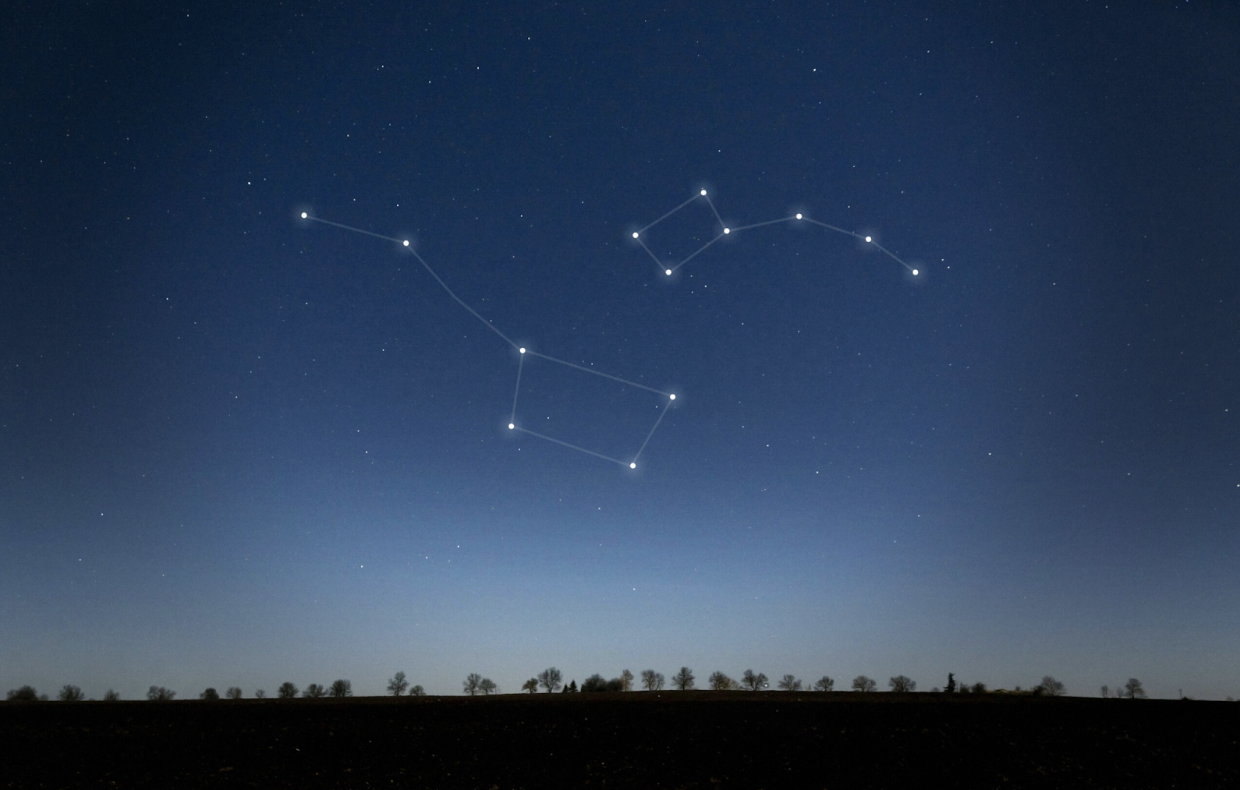
Embedded Sketch:
A Code I’m proud of:
In this assignment, I explored the code more deeply, and I’m proud of most of my work. However, a particular part I’m especially proud of is the mouse interaction I added. When I first implemented it, I couldn’t make it fully controlled by the user. Instead, when clicking on a star, it would randomly select another star to connect to, and eventually all the lines would connect to the same one. After looking at the references and experimenting with the code, I was able to use the if and else statements, along with the null value to reset the selection, which allowed the user to freely choose which stars to connect.
//Interactions in the Sketch

//Loop to find first star
//When the mouse is pressed on a star
function mousePressed() {
  if (!chosenStar) {
    for (let star of stars) {
      if (dist(mouseX, mouseY, star.x, star.y) < 6) {
        //Select it as the first star and stop loop
        chosenStar = star;
        break;
      }
    }
  }
  //When first star is found, loop to find the second star
  else {
    //Check that its a different star
    for (let star of stars)
      if (dist(mouseX, mouseY, star.x, star.y) < 6 && star !== chosenStar) {
        //Create a line that connects the two stars and store it in the connections array
        connections.push(new Connection(chosenStar, star));
        //Reset so user can choose new stars
        chosenStar = null;
        break;
      }
  }
}
Another part of the code I’m proud of is the temporary line that appears when selecting stars before finalizing the connection. At first, the line simply appeared, but I wanted it to clearly show where the connection was going. After researching and following tutorials, I was able to add this feature using an if statement along with mouseX and mouse Y, making the interaction clearer and more natural for the user.
//Allow a temporary line to be created when selecting a star and moving to select the second one, controlled by mouse
  if (chosenStar) {
    stroke("white");
    strokeWeight(0.2);
    line(chosenStar.x, chosenStar.y, mouseX, mouseY);
    noStroke();
  }
Reflection and ideas for future work or improvements:
Overall, I feel satisfied with the outcome of this assignment. I tried new things and experimented much more with effects such as the glow and breathing animations for the stars. I also added more interactivity for the first time and learned many new things throughout the process. I really enjoyed seeing the idea I had in mind actually work the way I wanted it to. However, there is always room for improvement, and I feel like these are just my first steps. For future work, I would love to add more details to the aesthetics of the piece and possibly introduce even more interactivity. Since the theme is stars, I could add elements such as flying rockets, shooting stars, or even a moon that moves or reacts when something specific happens.
References:
I met with a peer tutor, Mariam Alkhoori, who taught me how to create the glowing, floating stars as a starting point for this project.
I used the p5.js reference page (https://p5js.org/reference/) to ensure I was using the functions correctly. Some of the specific references I used include:
https://p5js.org/reference/p5/line/
https://p5js.org/reference/p5/mousePressed/
https://p5js.org/reference/p5/sin/
I used the Happy Coding tutorial on array functions to better understand how to use arrays and remove elements using pop() (https://happycoding.io/tutorials/p5js/array-functions#pop)
I used ChatGPT to help navigate and understand bugs in my code when it did not work. When working with the Star class, I sometimes mixed up how object properties are referenced. I mistakenly used ‘star.x’ inside the class instead of ‘this.x’, which caused errors because ‘star.x’ is not defined inside the class. This caused the sketch to not properly access or draw the stars. By reviewing the code with ChatGPT, I was able to identify how properties inside a class must be accessed, as we practiced in class. I applied the same logic when working with the connection class to ensure consistency across all classes and the main sketch.