Concept
For my midterm project I am creating an interactive experience called The Talli Maker. As I worked on the project, I realized that building three full mini games was too ambitious for a midterm since i was originally thinking of creating a storyline experience, so I refined my idea into something more focused, cultural, and achievable. Instead of multiple levels, the entire experience now centers around one meaningful interaction inspired by traditional Emirati talli. When the user opens the game, they meet Yedo on the home screen. She explains that she is working on a piece of talli and needs help choosing the correct colored threads. The player taps to begin. The setting takes place inside a traditional Emirati house, creating a warm and familiar atmosphere. Colorful talli beads and threads float or move gently around the screen, each one representing a different part of the pattern Yedo is trying to complete. I plan on incorporating randomness since that’s a code I enjoyed implementing.
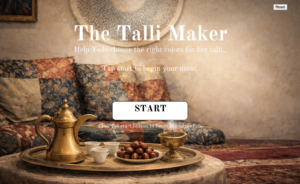
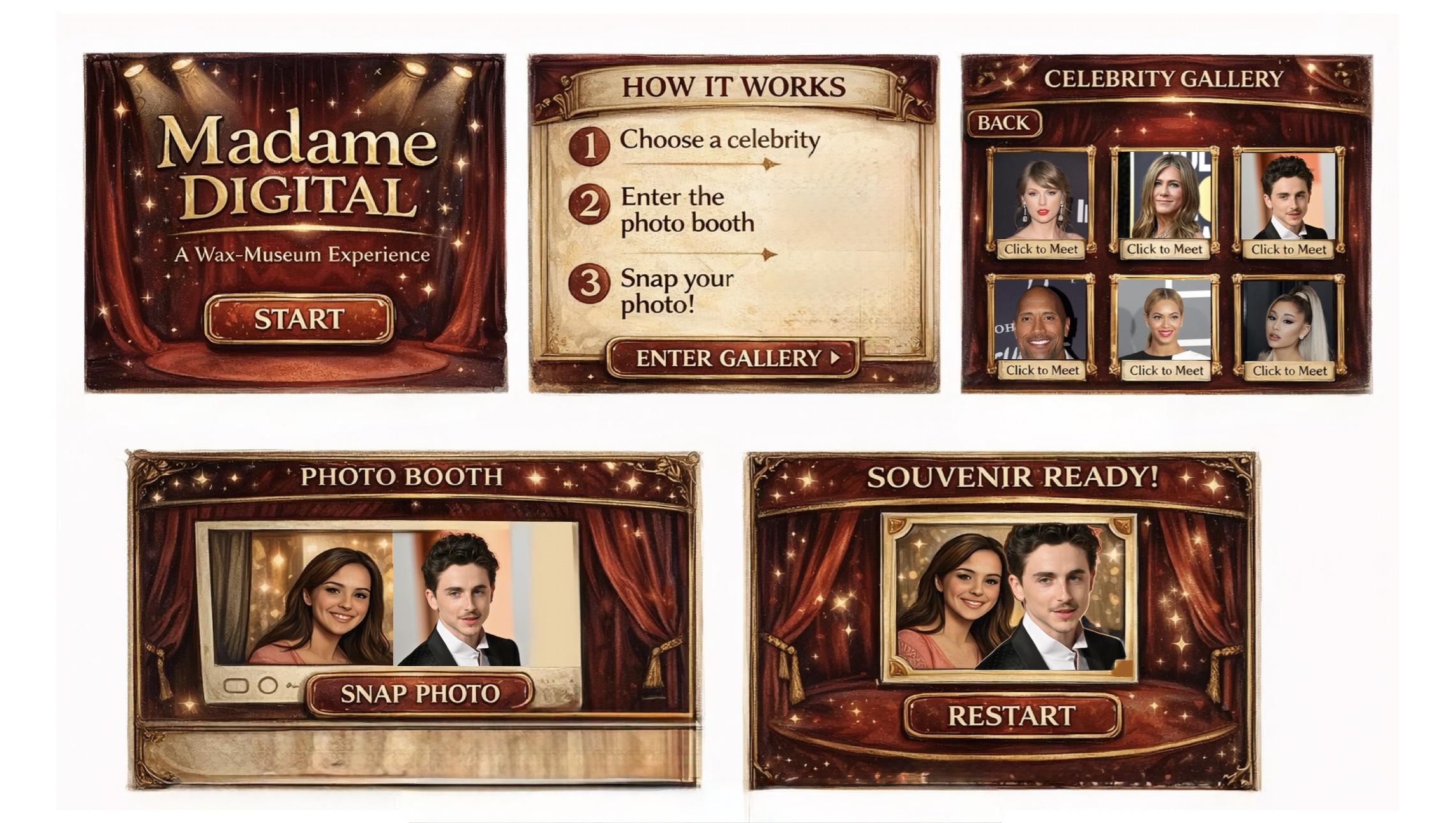
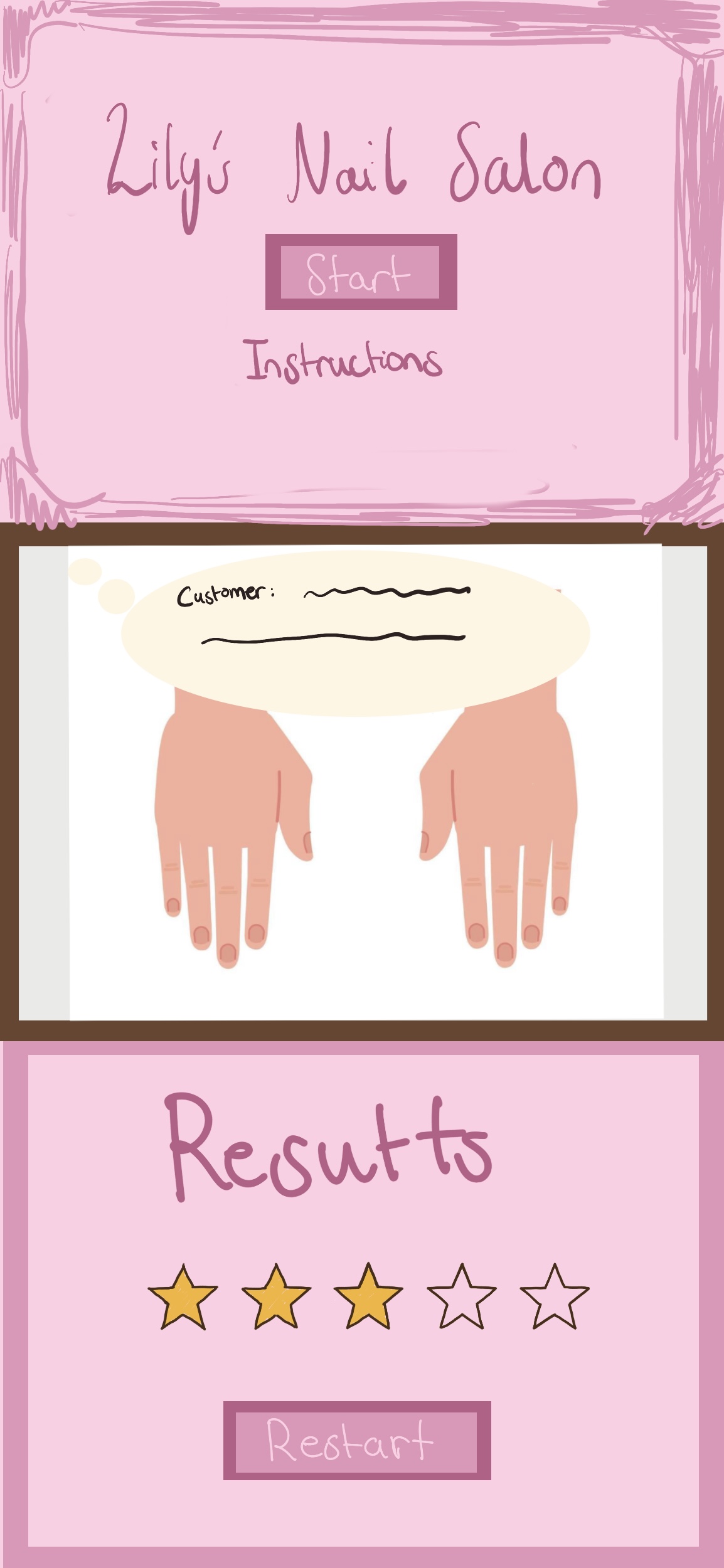
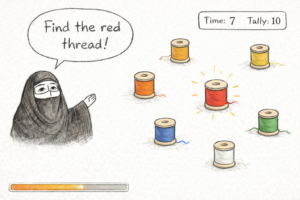 Generative ai helped me clear up the rough sketch this is a idea of how the game will look like but of course when actually played you will be able to see the randomness affect.
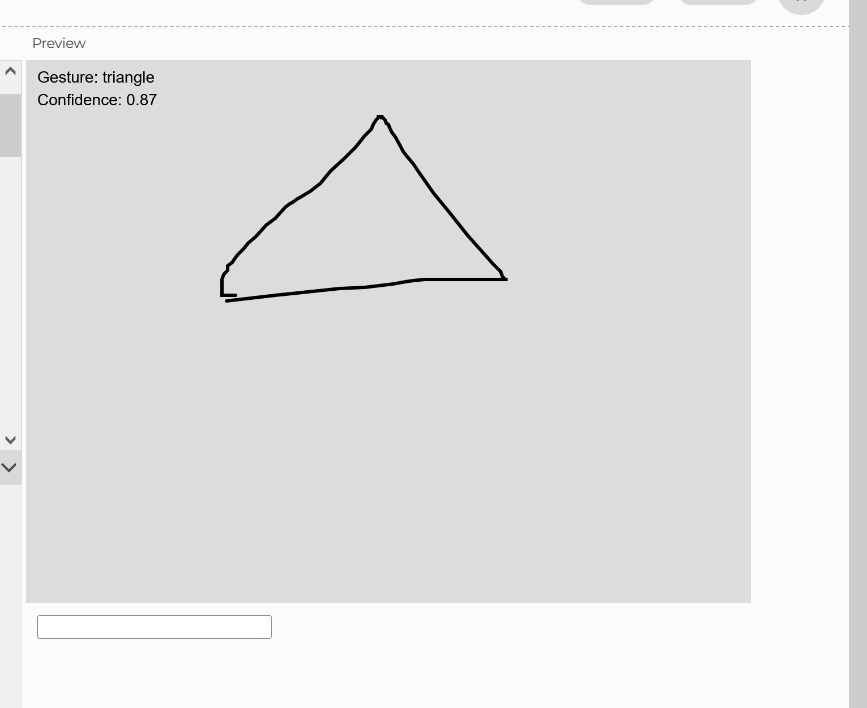
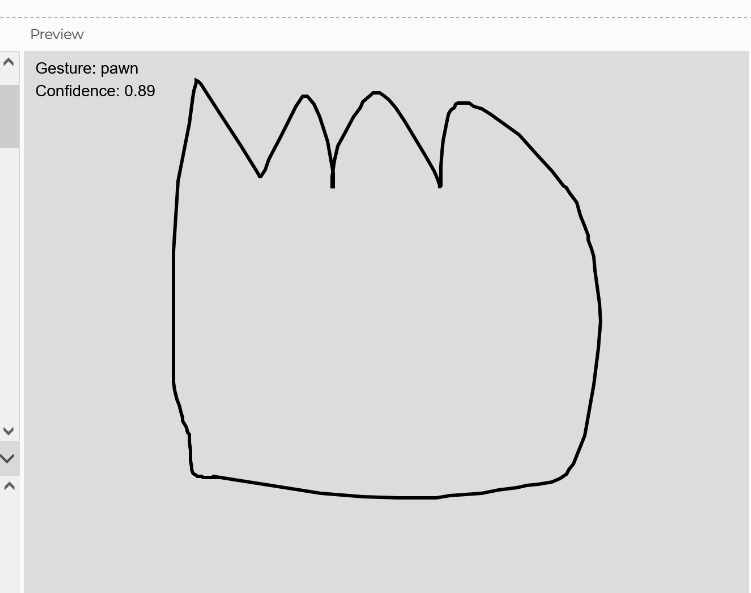
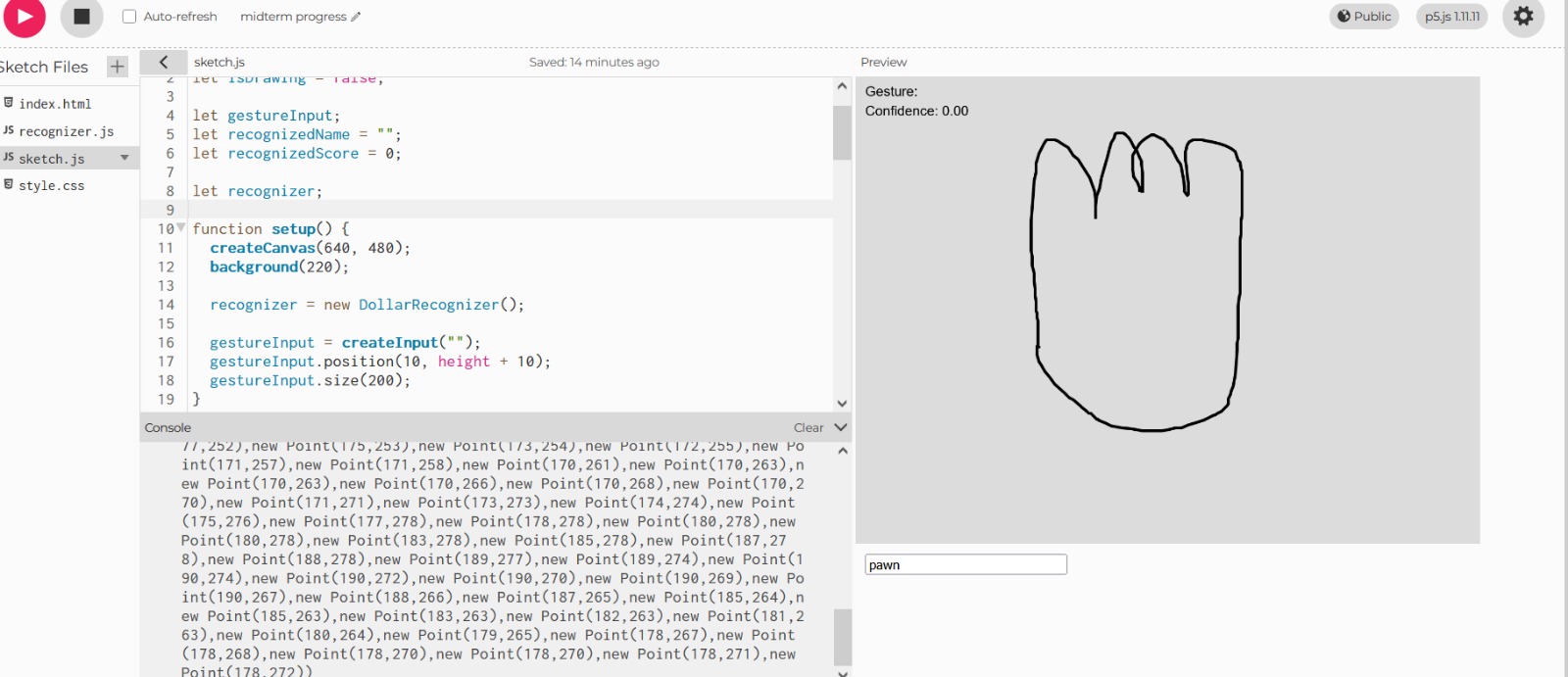
I also created the shape for the talli you can see it here:
https://editor.p5js.org/maa9946/sketches/KeancnIJE
Design and User Interaction:
To make the interaction original and reaction based, Yedo occasionally calls out a color she needs, such as “Find thered thread” and the player must react quickly and tap the correct bead before it disappears or moves away. Each round becomes slightly more challenging as the beads move faster or the colors change more frequently. This creates a playful rhythm that feels like a grandmother guiding a child through a traditional craft.
The experience is simple but meaningful. The user listens, observes, and reacts, helping Yedo complete her talli pattern one bead at a time. When enough correct beads are collected, Yedo thanks the player and shows the finished talli piece. The player can then restart the experience.
The user interaction design is clean and friendly. The game begins with a clear instruction screen where Yedo speaks directly to the player. The main interaction happens on a single screen, which keeps the experience focused and easy to follow. The player taps the correct bead based on Yedo’s instructions, and the game responds with animations, color changes, or small feedback effects. This structure allows the experience to feel complete without overwhelming the user.
My code design started with building the title screen and making sure the start button worked. I added a reset button so the user can restart the experience at any time. I loaded my fonts and images where Yedo speaks directly to the player. The main interaction happens on a single screen, which keeps the experience focused and easy to follow. The player taps the correct bead based on Yedo’s instructions, and the game responds with animations, color changes, or small feedback effects. This structure allows the experience to feel complete without overwhelming the user.
My next steps involve creating the bead objects, adding random movement, and implementing the color calling mechanic I will also add simple animations when the player taps the correct or incorrect bead. Using Object Oriented Programming will help keep the bead logic organized and easy to manage.
Most Challenging Part:
The most frightening part of my project was realizing that my original idea was too large for the time l had. worried about building multiple scenes, transitions, and mini games. So I decided to saty more focused on one cultural aspect: talli. For the talli code it would be the randomness and game like responsiveness affect an implementing more complex code like making sure my code is only run if its within the talli shape.
Risk Reduction:
To reduce this fear, simplified the concept and focused on one strong interaction instead of three weaker ones. This made the project feel more manageable and allowed me to put more attention into polish, responsiveness, and cultural detail. I also work on different p5js files for each step just to keep everything clean before I add it to the final version.
My next steps are to build the talli bead interaction, add the reaction-time color prompts, and create the final screen where Yedo shows the completed talli to avoid being overwhelmed by this at the end. Once the interaction works smoothly, I will add traditional Emirati music to make the experience feel warm and atmospheric. My goal is to create a small but meaningful interactive moment that feels personal, cultural, and complete.
Sources as of now:
Start button home page:
https://www.youtube.com/watch?v=HfvTNIe2IaQ
Fonts:
https://fonts.google.com/specimen/Old+Standard+TT?query=old
Reset button:
https://editor.p5js.org/mrquirk/sketches/_5Jdl1JKH
Shape bezier:
https://p5js.org/reference/p5/bezierVertex/