
Concept
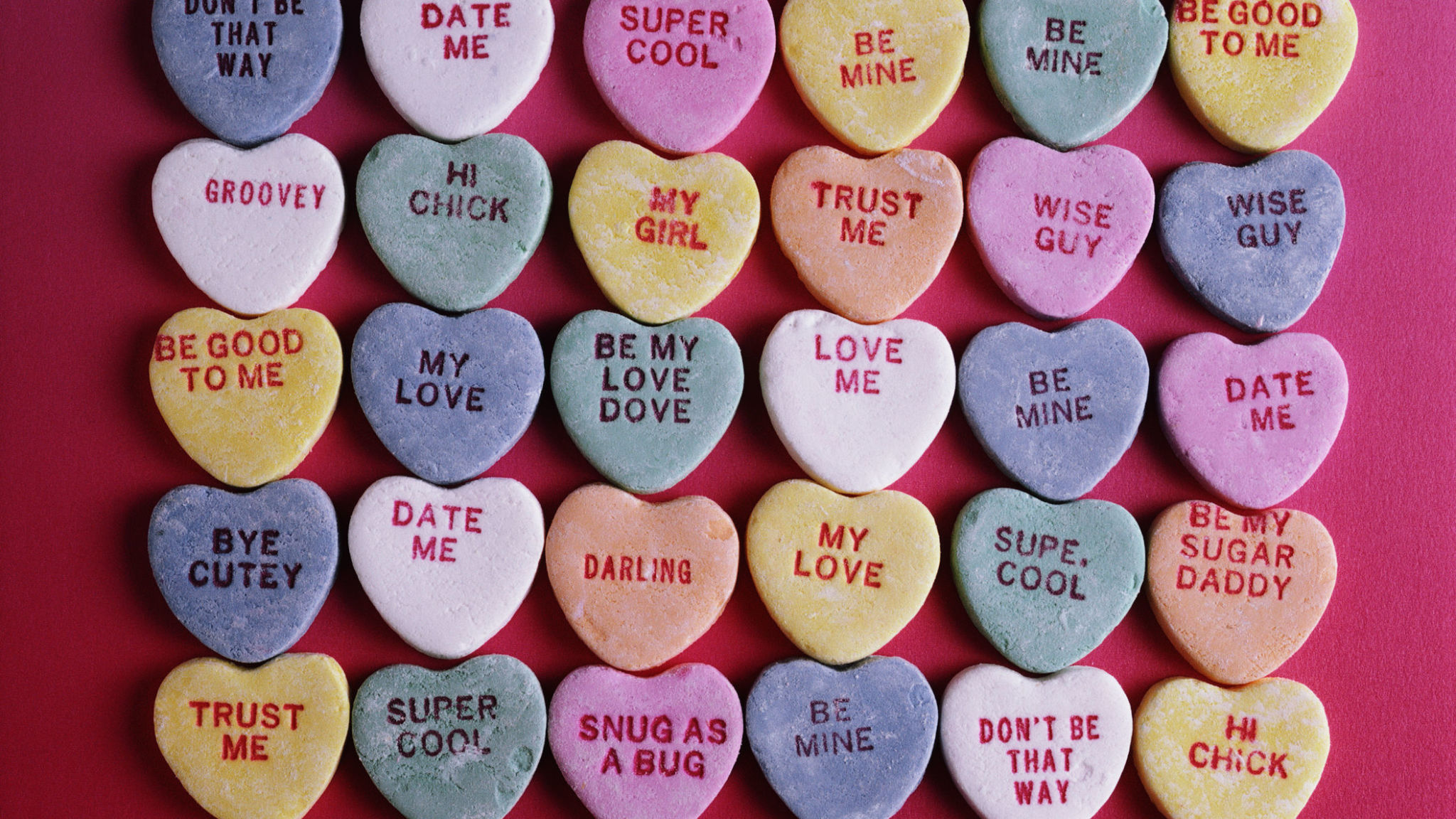
I was inspired by candy hearts (as seen below) during Valentine’s Day, which is coming up soon. I wanted to recreate the soft colors and heart shapes of the candy hearts while adding movement and interactivity. So, my final sketch has hearts float and bounce around the screen, and when you click, it changes colors (but still within the color palette I’ve chosen).
My Final Sketch!
Code that I’m Proud of
// hearts' colors selection
getRandomColor() {
  let colorChoice = int(random(4));

  if (colorChoice == 0) {
  return color(255, 200, 220);
} else if (colorChoice == 1) {
  return color(220, 200, 255);
} else if (colorChoice == 2) {
  return color(200, 230, 255);
} else {
  return color(200, 255, 220);
  }
}

changeColor() {
  this.col = this.getRandomColor();
}
I particularly liked how I structured the changeColor() method and the color selection system. I created dedicated method that randomly picks from my chosen pastel palette and learned how conditional statements work with color from Patt Vira’s tutorial on YouTube and w3schools’ Statement Reference page. Each time you click, all hearts get new random colors from this palette.
How this was made
I used Object-Oriented Programming with a Heart class in which, each heart object has properties like position, size, color, and movement. I also used an array called hearts[] to store and manage all the heart objects. In the setup() function, I create each heart with random positions and sizes using a for loop, then push them into the array. In the draw() function, I loop through the array to call move() and display() on each heart every frame, which creates the continuous animation. The move() function makes the hearts bounce around. It updates position by adding speed values to the coordinates. When a heart hits a canvas edge, the function reverses its direction by multiplying the speed by -1 and makes it bounce back. This keeps hearts moving continuously without leaving the screen. For the heart shape itself, I used a parametric equation I found from this YouTube tutorial. The equation uses sine and cosine functions to plot the mathematical curve of a heart shape.
Reflection and Future Improvements
I learned a lot about how objects and arrays work and for these elements, I honestly found YouTube tutorials, like The Coding Train and Patt Vira, more helpful than reference pages (though I still used them as a reference for this project), especially with getting used to OOP. Next time, I’d love to learn how to add text to the objects because for my project, the candy hearts I referenced has phrases on them (as seen above) that would’ve added a nice touch and more accuracy.
Nice choice of colors. I love that you picked an intentional palette!